Horizon Dashboard
Once OpenStack is installed, we can access the dashboard via the IP of the machine where OpenStack was installed. The component that provides this graphical interface is Horizon. This is just a basic general overview to bring familiarity with OpenStack.
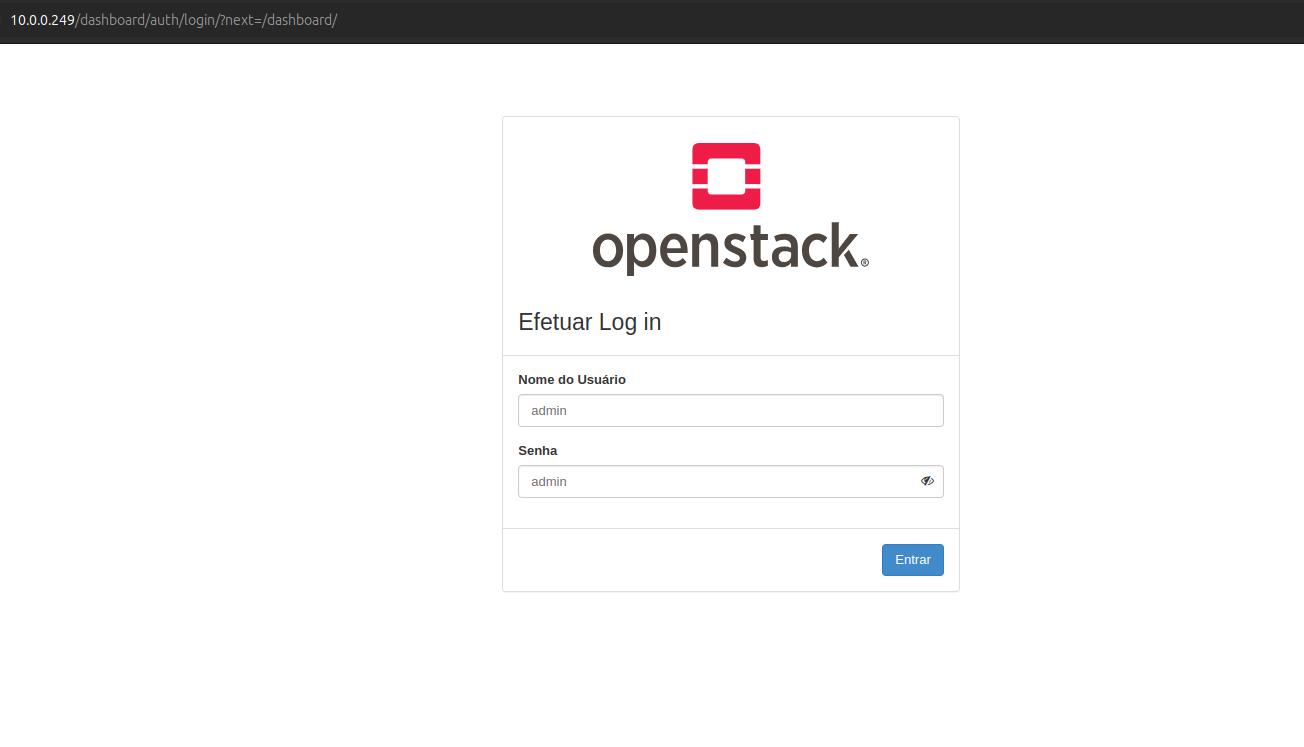
Check what the OpenStack machine's IP is and access it to see the initial interface.
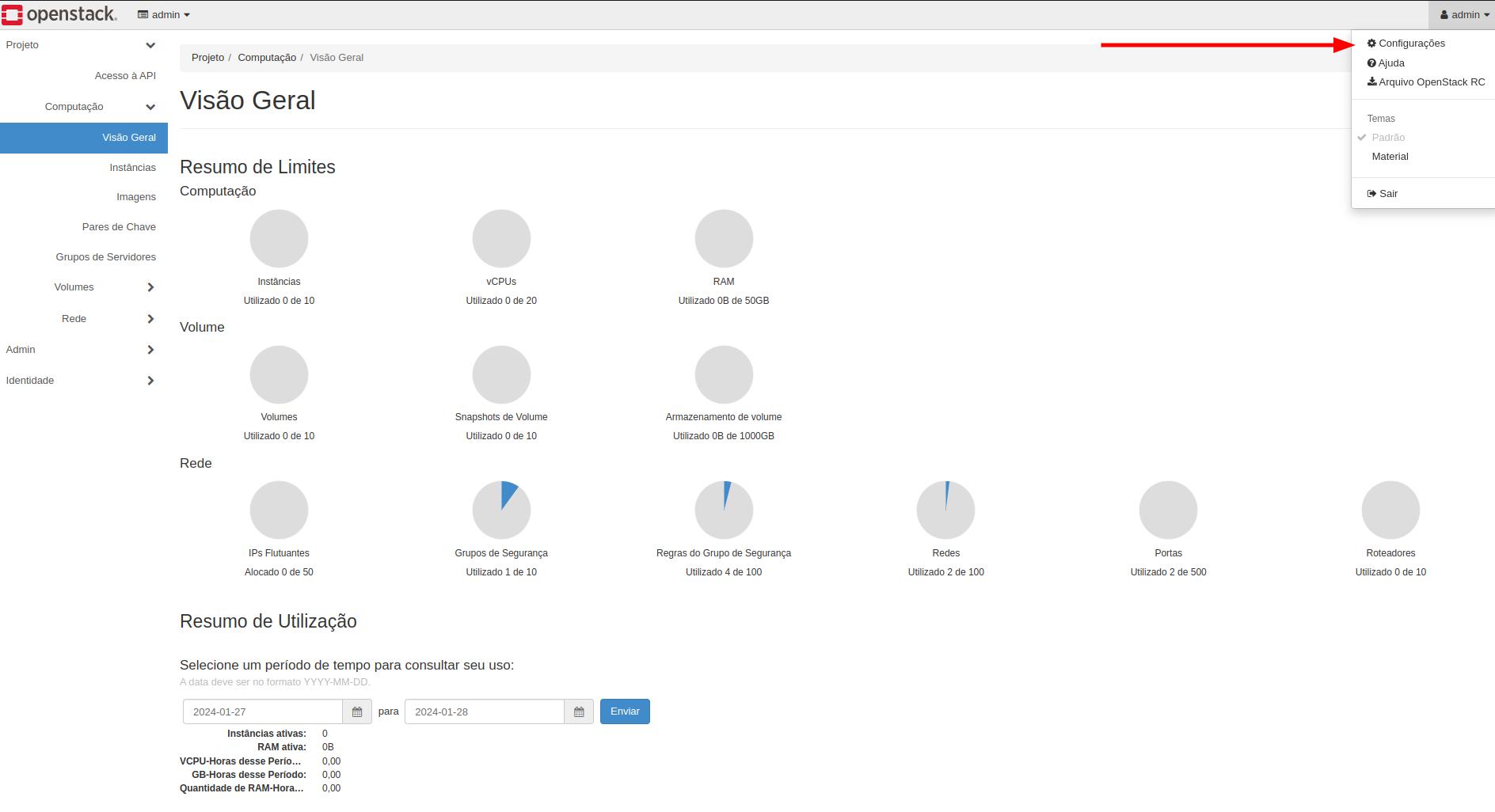
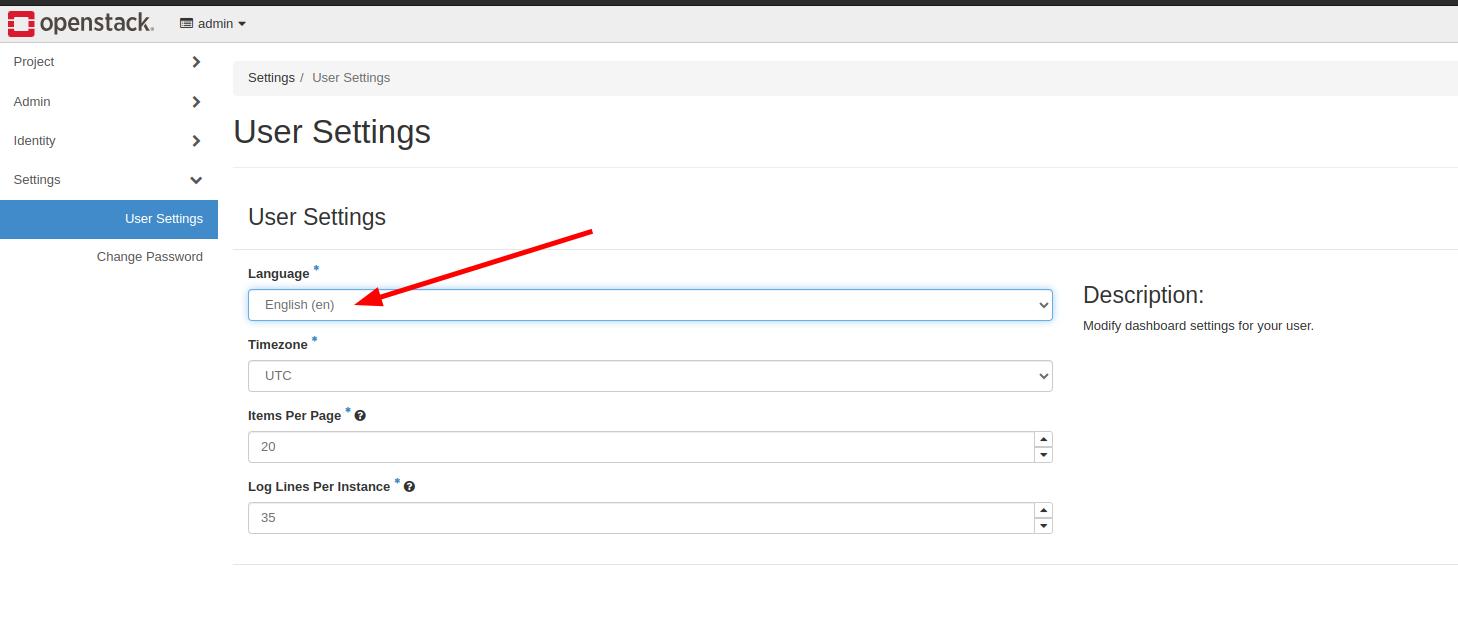
Upon logging in, everything will probably come in Portuguese, but you can change the language by going to user settings.
Starting with the explanations, the Identity part of the dashboard will have access to Keystone resources.
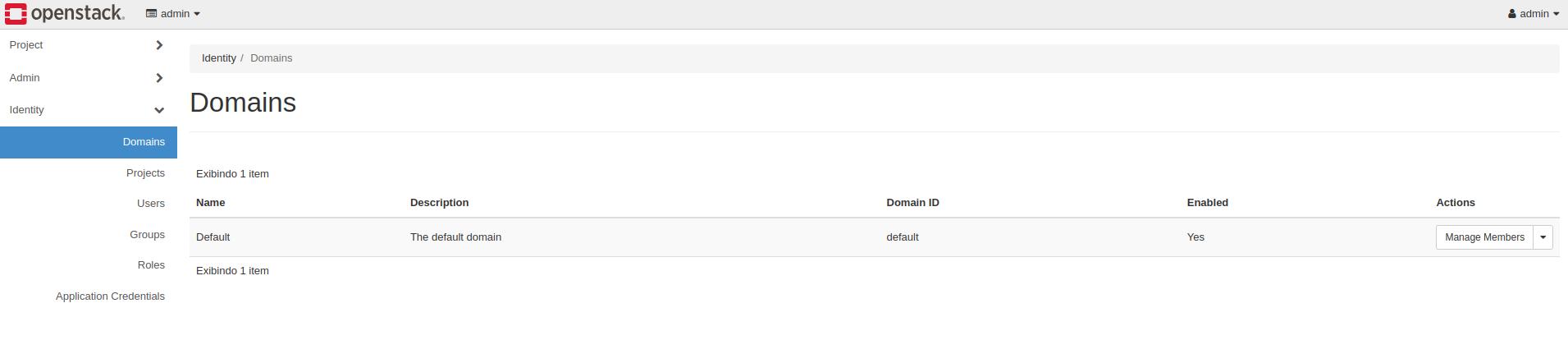
The domain is the highest level authentication part and within a domain you'll have users, projects, etc.
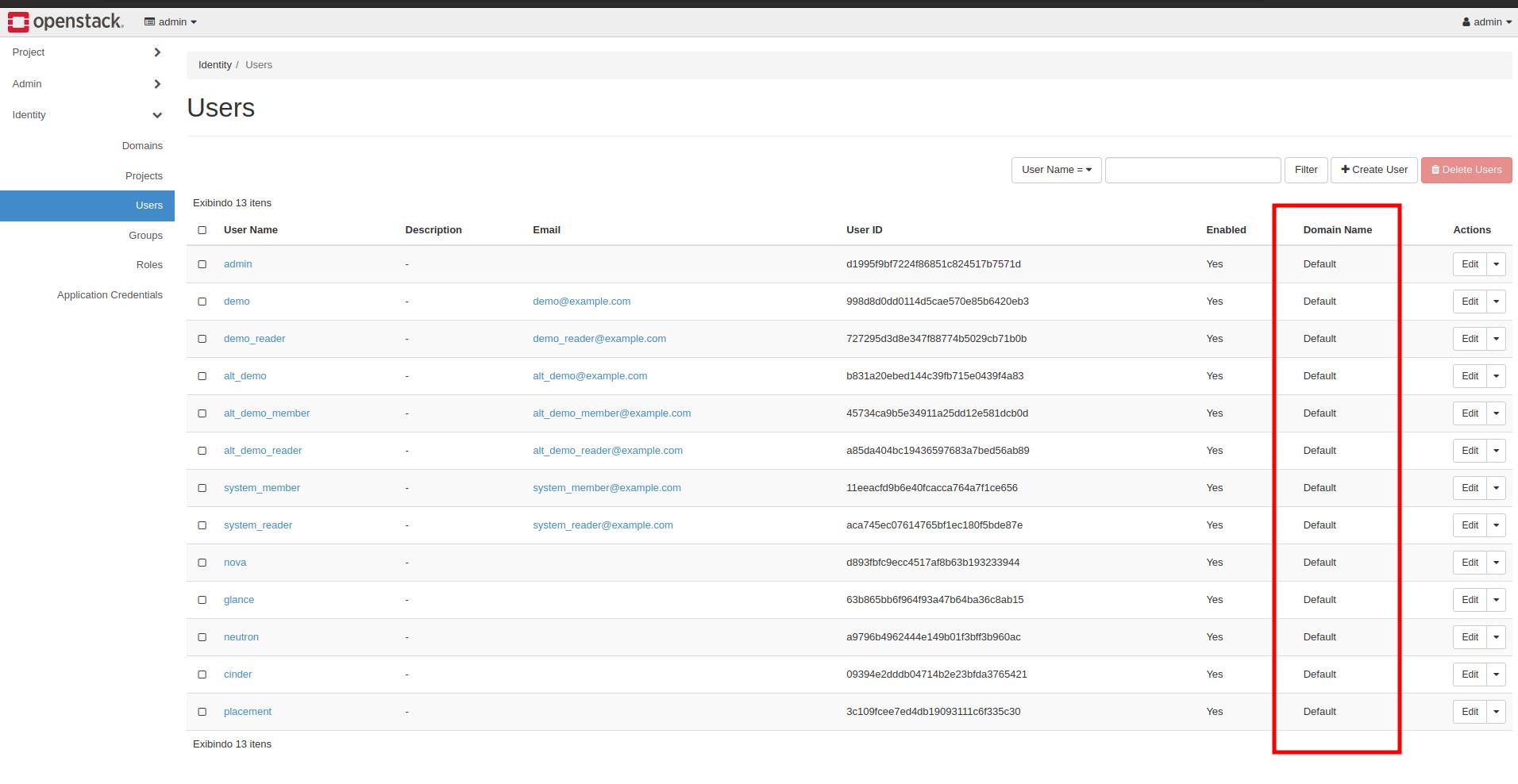
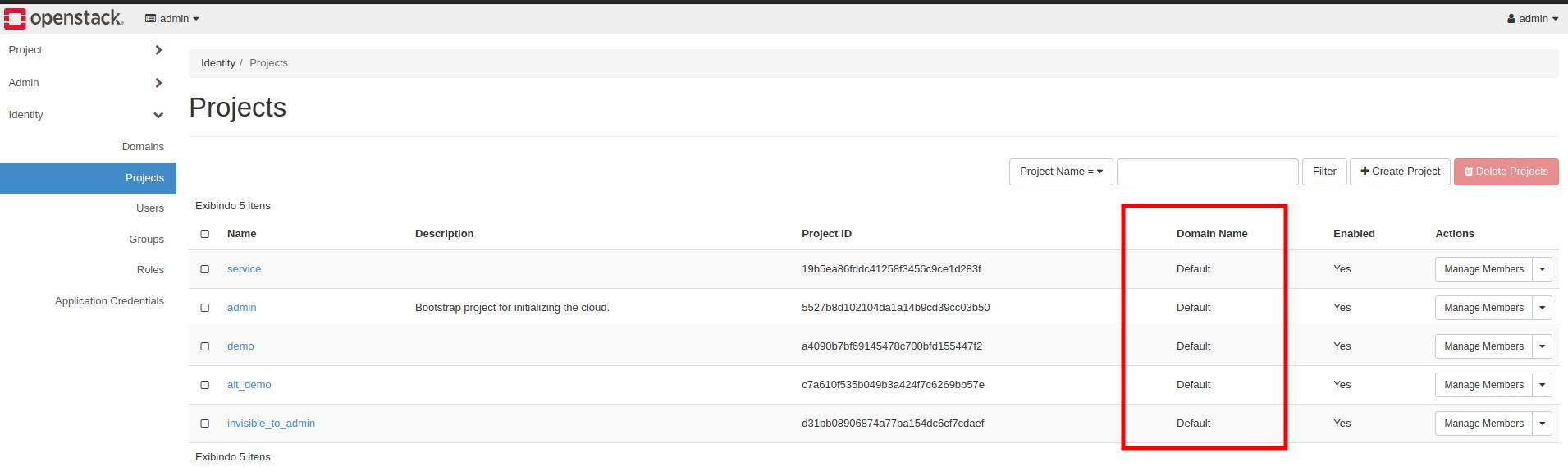
The domain, if we were to compare with AWS, is like organizations. If we had two different companies using the same OpenStack for some reason, we can separate users by domain, for example.
Projects are basically for you to isolate OpenStack resources, for example by company department, by development and production environment, etc. Each project has users who can interact with the project.
For example, the admin user has permission for the admin and demo projects, but what they create in the admin project will be in the admin project and the demo project won't have visibility to the created resources.
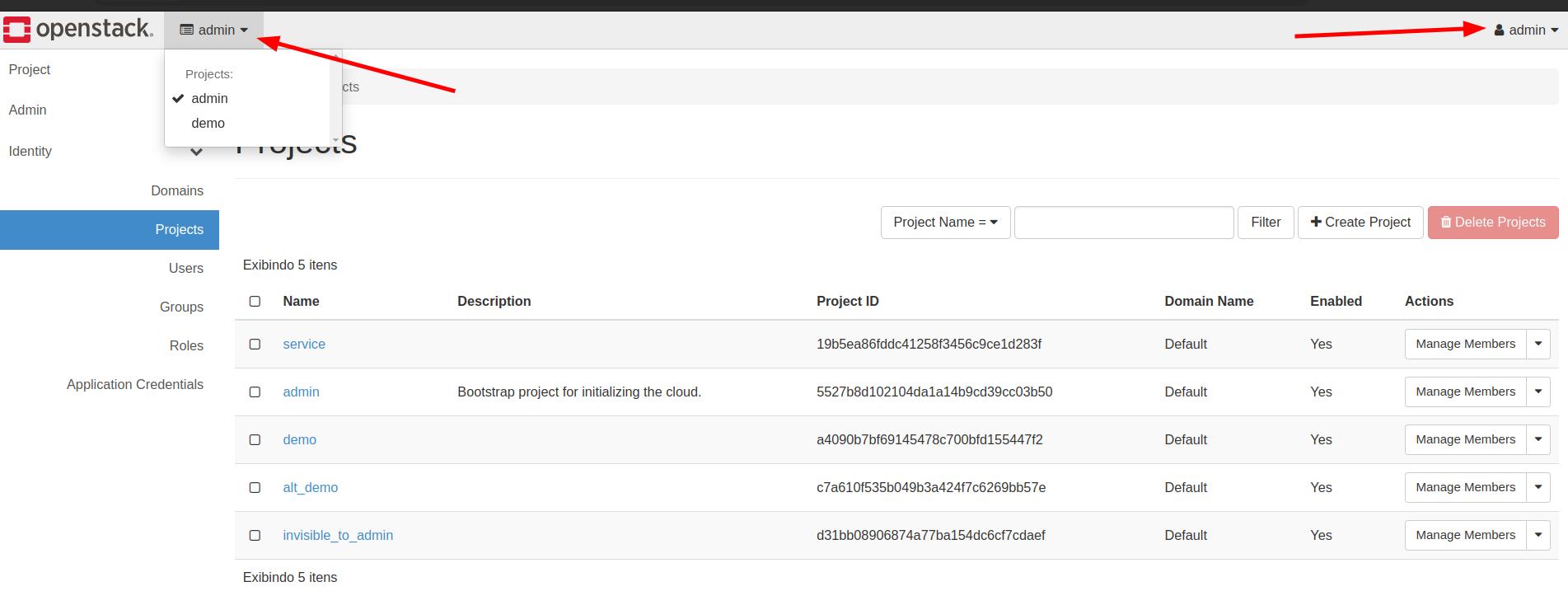
Groups will work to give specific permissions to all users who are in the same group at once.
Roles are precisely the permissions.
We can observe that we have projects and admin and both have some similar resources.
| project | admin |
|---|---|
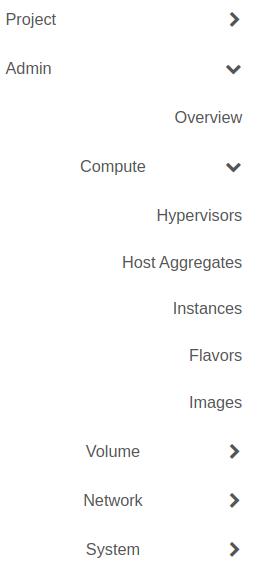 |
Resources created in admin are available to all projects. For example, we have flavors which are machine definitions that are only available in admin. Images, for example, can be specific to a project, but if they're created within admin they're available in all projects.
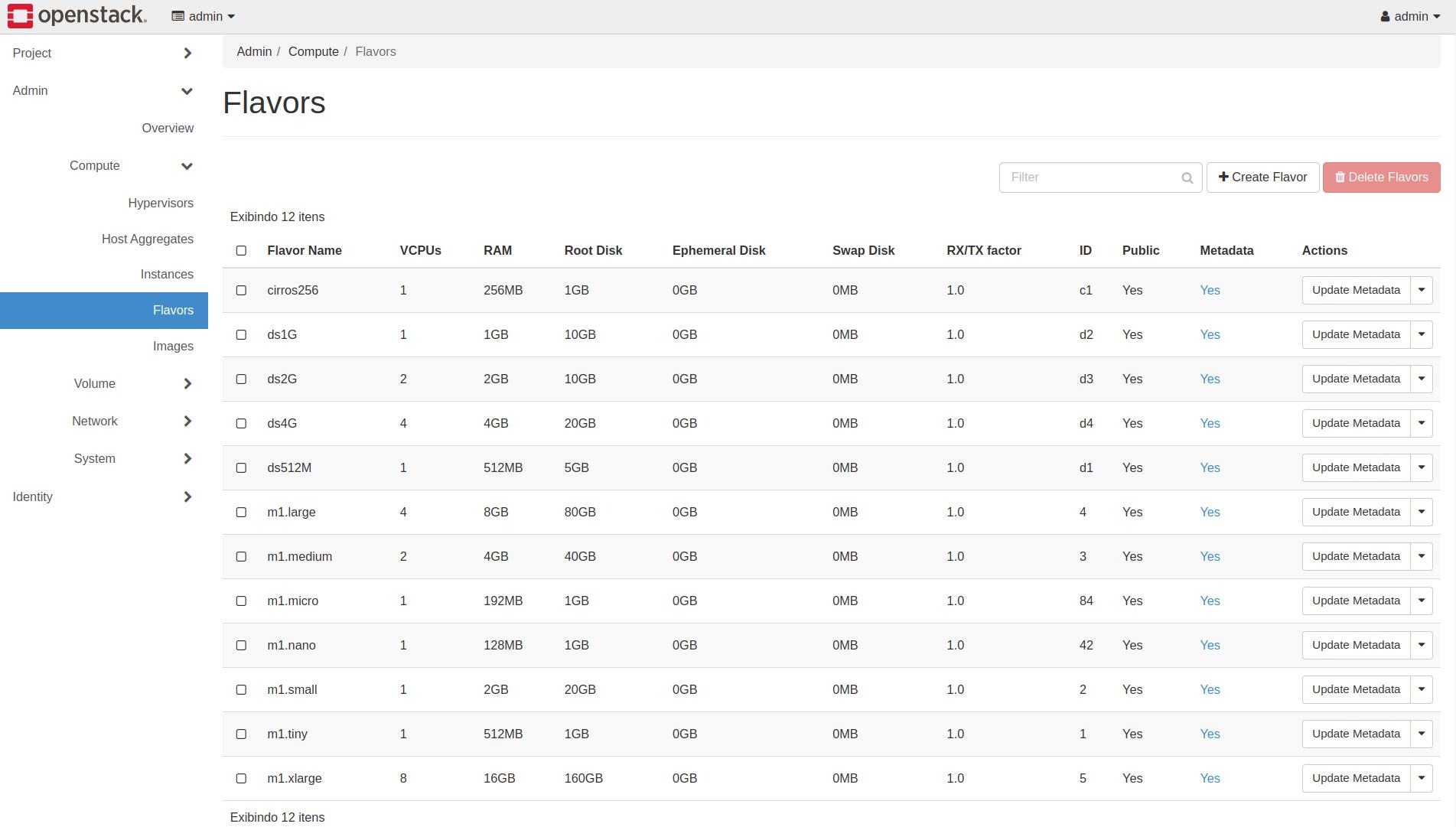
Here's a sample of what comes by default in DevStack, but we can create our own flavors which are specific hardware resource definitions when we're going to create our machines.
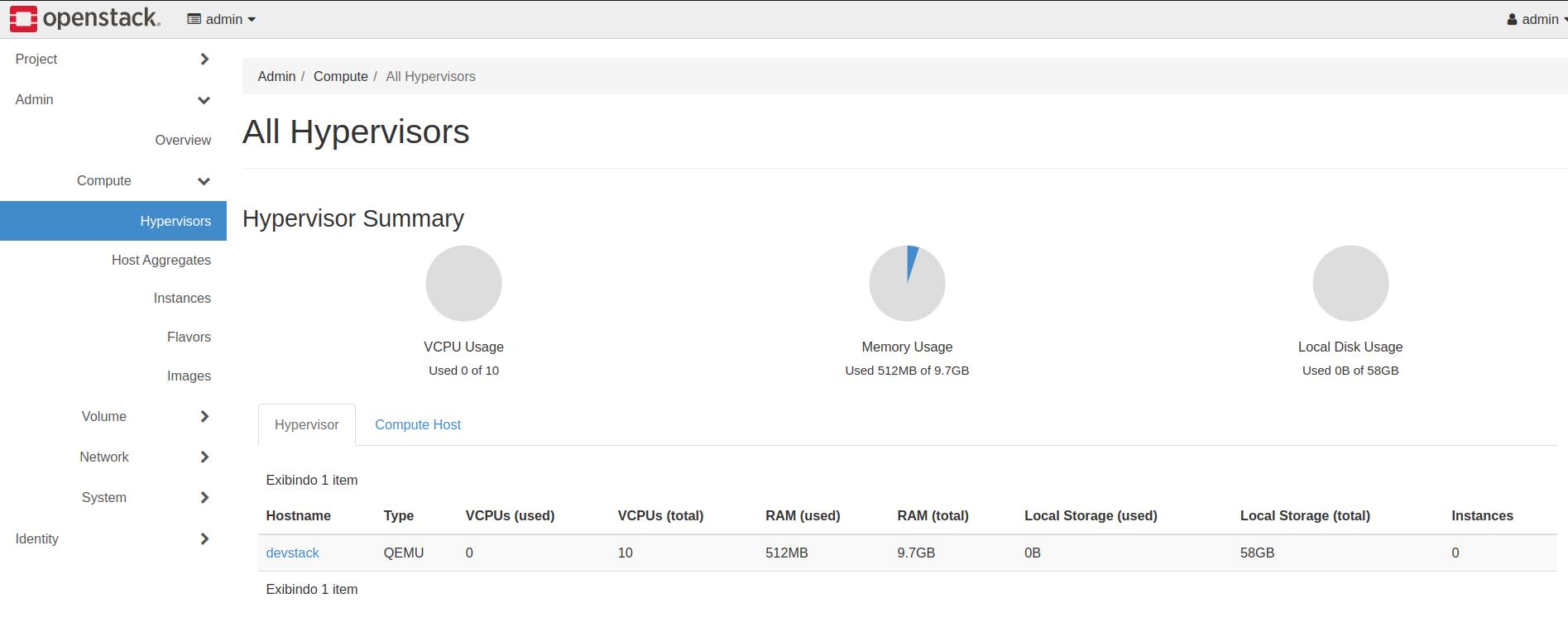
OpenStack can virtualize the machine in different ways. In the DevStack installation, for example, it has QEMU as the default virtualizer, but we could install others. This is already a function of the Nova component.
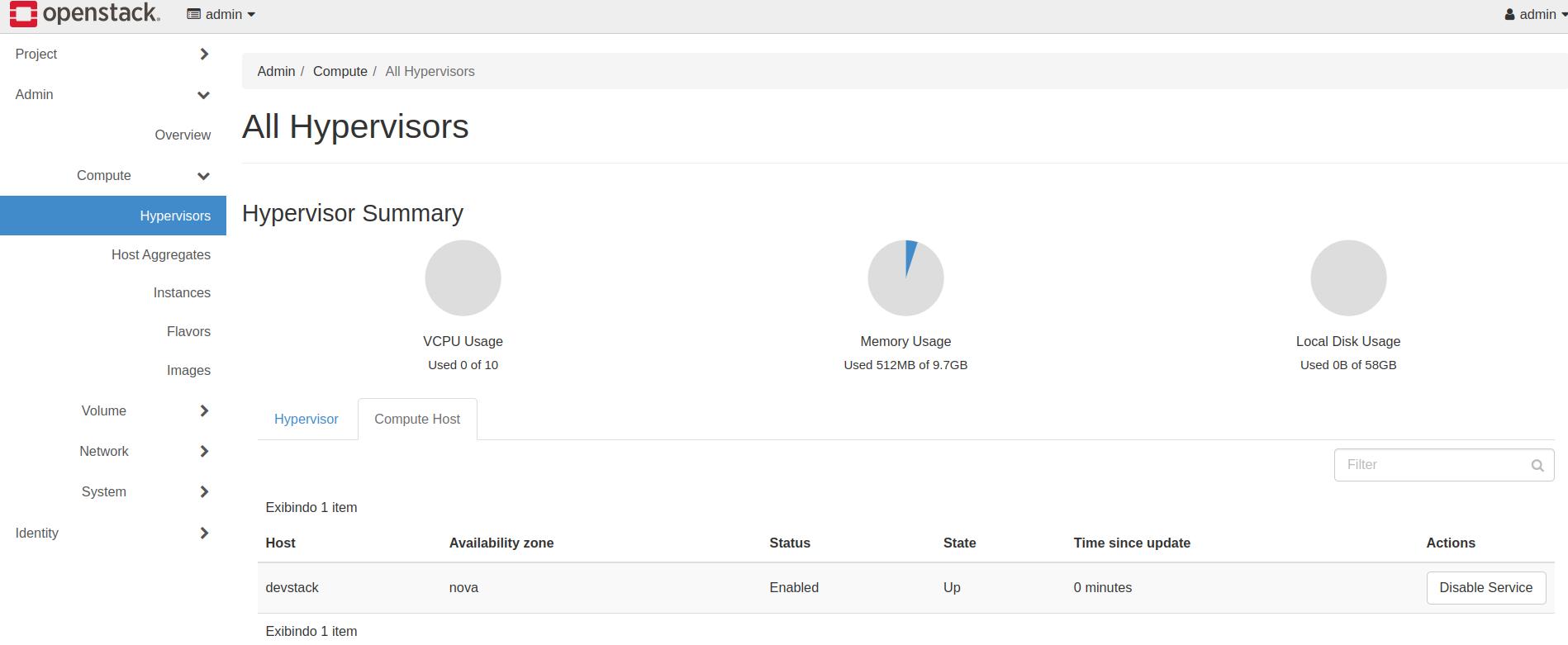
Host Aggregates are other hosts you could have with OpenStack, but it's still early to talk about this subject, as we would need a more advanced installation.
The volumes part of this dashboard is for the Cinder component. We can create a volume in both admin and project.
In network, we have the part referring to Neutron which is who takes care of the networking part. We'll see more about this later.
Other components that are installed would get their blocks within Horizon.
In the system part, we have some system information and quotas we could define.
In the projects tab, we can observe that we have some resources that aren't in admin because they're specific to each project, like security groups in networks and key pairs which are the SSH keys that will be placed inside the machines.