Ollama
Have you ever thought about using AI models inside containers? Even better, have you ever thought about running an AI model locally with a simple command?
In today's world, there are several AI models available, each with its own benefits. However, testing these models and checking their benefits can be a complicated process.
Ollama solves this problem. It's a local environment that allows you to run AI models easily, without needing to configure much. You can run the AI model as if it were a container, with a single command.
Ollama is not an AI model. It's a simplifier that makes the process of running AI models easier and more accessible.
Installation
Install according to your system at https://ollama.com/download.
On Linux, just run the command below. On Mac and Windows, just download and run, and a ollama CLI will be installed on the system.
curl -fsSL https://ollama.com/install.sh | sh
We know that AIs make good use of the graphics card, so performance will be much better if one is available.
Running an AI Model
Just to check
ollama -v
ollama version is 0.1.31

# This list shows the models that are available on the machine just like images for docker
ollama list
NAME    ID      SIZE    MODIFIED

ollama pull llama2ls
To check the available models see https://ollama.com/library.
We can pull these models to make them available without running.
# Meta model
ollama pull llama2
pulling manifest
pulling 8934d96d3f08... 100% ▕█████████████████████████████████████████████████████████████████████████████████████████████████████████▏ 3.8 GB
pulling 8c17c2ebb0ea... 100% ▕█████████████████████████████████████████████████████████████████████████████████████████████████████████▏ 7.0 KB
pulling 7c23fb36d801... 100% ▕█████████████████████████████████████████████████████████████████████████████████████████████████████████▏ 4.8 KB
pulling 2e0493f67d0c... 100% ▕█████████████████████████████████████████████████████████████████████████████████████████████████████████▏   59 B
pulling fa304d675061... 100% ▕█████████████████████████████████████████████████████████████████████████████████████████████████████████▏   91 B
pulling 42ba7f8a01dd... 100% ▕█████████████████████████████████████████████████████████████████████████████████████████████████████████▏  557 B
verifying sha256 digest
writing manifest
removing any unused layers
success

# Google model
ollama pull gemma

ollama list
NAME            ID              SIZE    MODIFIED
gemma:latest    a72c7f4d0a15    5.0 GB  2 minutes ago
llama2:latest   78e26419b446    3.8 GB  9 minutes ago
When putting a model to run we need to choose how many billion parameters it will use. In an AI model, the more parameters we use, the more memory we consume and the more intelligent the AI is.
On the llama2 page we have the following:
Memory requirements
7b models generally require at least 8GB of RAM
13b models generally require at least 16GB of RAM
70b models generally require at least 64GB of RAM
Let's launch the default. If you want the 13 billion parameter one, use the second command.
ollama run llama2

# To launch the 13b
ollama run llama2:13b
You will observe it has already started a chat. Before starting let's check some things
>>> /?
Available Commands:
  /set            Set session variables
  /show           Show model information
  /load <model>   Load a session or model
  /save <model>   Save your current session
  /bye            Exit
  /?, /help       Help for a command
  /? shortcuts    Help for keyboard shortcuts

Use """ to begin a multi-line message.

>>> /show info
Model details:
Family              llama
Parameter Size      13B
Quantization Level  Q4_0
I started a quick conversation to check what we have with 13b. From here on it's already a conversation. I didn't fix anything, I left it the way it happened...
Do you speak Portuguese?
Yes, I speak Portuguese! 😊 Where do you need me to help?
Create a manifest to deploy an nginx with a horizontal pod autoscaler
Sure! Here is an example manifest for deploying an Nginx with a Horizontal Pod Autoscaler:
apiVersion: apps/v1
kind: Deployment
metadata:
  name: nginx-deployment
spec:
  replicas: 3
  selector:
    matchLabels:
      app: nginx
  template:
    metadata:
      labels:
        app: nginx
    spec:
      containers:
      - name: nginx
        image: nginx:latest
        ports:
        - containerPort: 80
This manifest creates a deployment of three Nginx container replicas, selected by label "app: nginx". The container has the latest Nginx image and exposes port 80.
To add a Horizontal Pod Autoscaler, you can use the following manifest:
apiVersion: autoscaling/v2beta2
kind: HorizontalPodAutoscaler
metadata:
  name: nginx-hpa
spec:
  maxReplicas: 5
  minReplicas: 2
  scaleTargetRef:
    apiVersion: apps/v1
    kind: Deployment
    name: nginx-deployment
  targetCPUUtilizationPercentage: 50
This manifest creates a Horizontal Pod Autoscaler that monitors the Nginx deployment and scales up or down based on CPU utilization. The maxReplicas is set to 5, minReplicas to 2 and targetCPUUtilizationPercentage to 50%.
Remember that these are just examples and you will need to adapt them to your specific needs. Also, it's important to remember that the Horizontal Pod Autoscaler requires you to have a Kubernetes deployment to work correctly.
If we're going to use the horizontal pod autoscaler why do we need 3 replicas in the deployment?
Yes, you can use the Horizontal Pod Autoscaler to control the number of replicas of your deployment. In the previous example, the maxReplicas is set to 5, which means that the Horizontal Pod Autoscaler will scale up to 5 replicas if the CPU utilization is high enough.
If you want to ensure that there are always 3 replicas of the deployment running, you can set the minReplicas to 3, as shown below:
apiVersion: autoscaling/v2beta2
kind: HorizontalPodAutoscaler
metadata:
  name: nginx-hpa
spec:
  maxReplicas: 5
  minReplicas: 3
  scaleTargetRef:
    apiVersion: apps/v1
    kind: Deployment
    name: nginx-deployment
  targetCPUUtilizationPercentage: 50
Since the minReplicas is set to 3, the Horizontal Pod Autoscaler will ensure that there are always 3 replicas of the deployment running, regardless of CPU utilization.
Remember that the Horizontal Pod Autoscaler can still scale up or down if the CPU utilization is different from 50%, but it will ensure that there are always 3 replicas of the deployment running.
But you defined a deployment with 3 replicas. If the HPA will scale I don't need to define 3 replicas ... in the deployment
You're right! If you already has a deployment with 3 replicas, you don't need to define minReplicas in the Horizontal Pod Autoscaler. The Horizontal Pod Autoscaler will still be able to scale the deployment based on the CPU utilization, but it will not override the number of replicas defined in the deployment.
Here is an updated example of the Horizontal Pod Autoscaler configuration that does not define minReplicas:
apiVersion: autoscaling/v2beta2
kind: HorizontalPodAutoscaler
metadata:
  name: nginx-hpa
spec:
  maxReplicas: 5
  scaleTargetRef:
    apiVersion: apps/v1
    kind: Deployment
    name: nginx-deployment
  targetCPUUtilizationPercentage: 50
In this example, the Horizontal Pod Autoscaler will still scale the deployment based on the CPU utilization, but it will not override the number of replicas defined in the deployment.
Send a message (/? for help)
You can't compare ChatGPT 3.5 which uses 175 billion parameters or ChatGPT 4.5 which is in the trillions.
We've already seen that it works, but it would be much more interesting to have this available in a graphical interface. The openwebui project does this for us.
We need to set the OLLAMA_BASE_URL environment variable inside the container and have a volume for it to store the data. Let's put the container on the host network where ollama is serving on port 11434.
# If using Linux
docker run -d --network=host -v open-webui:/app/backend/data -e OLLAMA_BASE_URL=http://127.0.0.1:11434 --name open-webui --restart always ghcr.io/open-webui/open-webui:main

# If using Docker Desktop on Windows or Mac
docker run -d -p 3000:8080 --add-host=host.docker.internal:host-gateway -v open-webui:/app/backend/data --name open-webui --restart always ghcr.io/open-webui/open-webui:main
At localhost:8080 on Linux or localhost:3000 on Windows or Mac the interface will be serving.
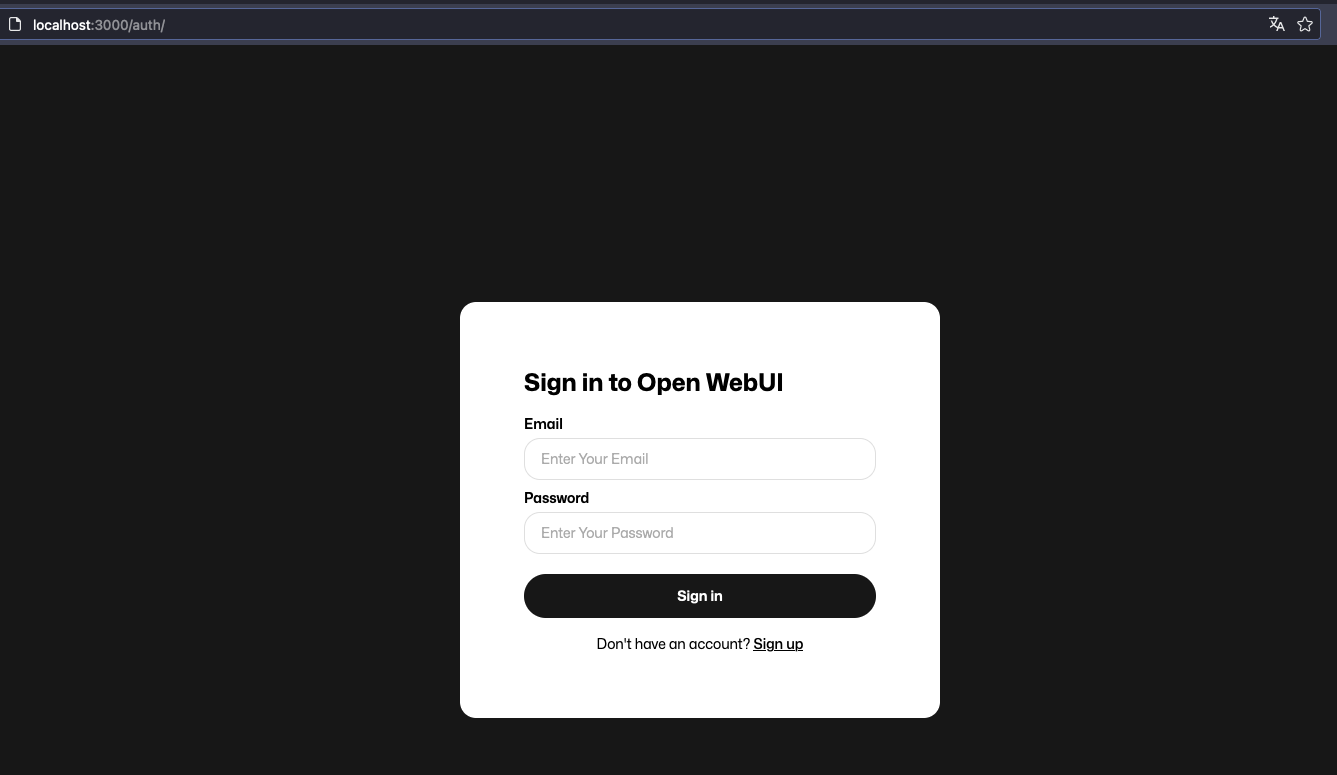
Do a Sign Up to create an account and then login.
Select one of the models you have in ollama and just start. Let's test Gemma now.
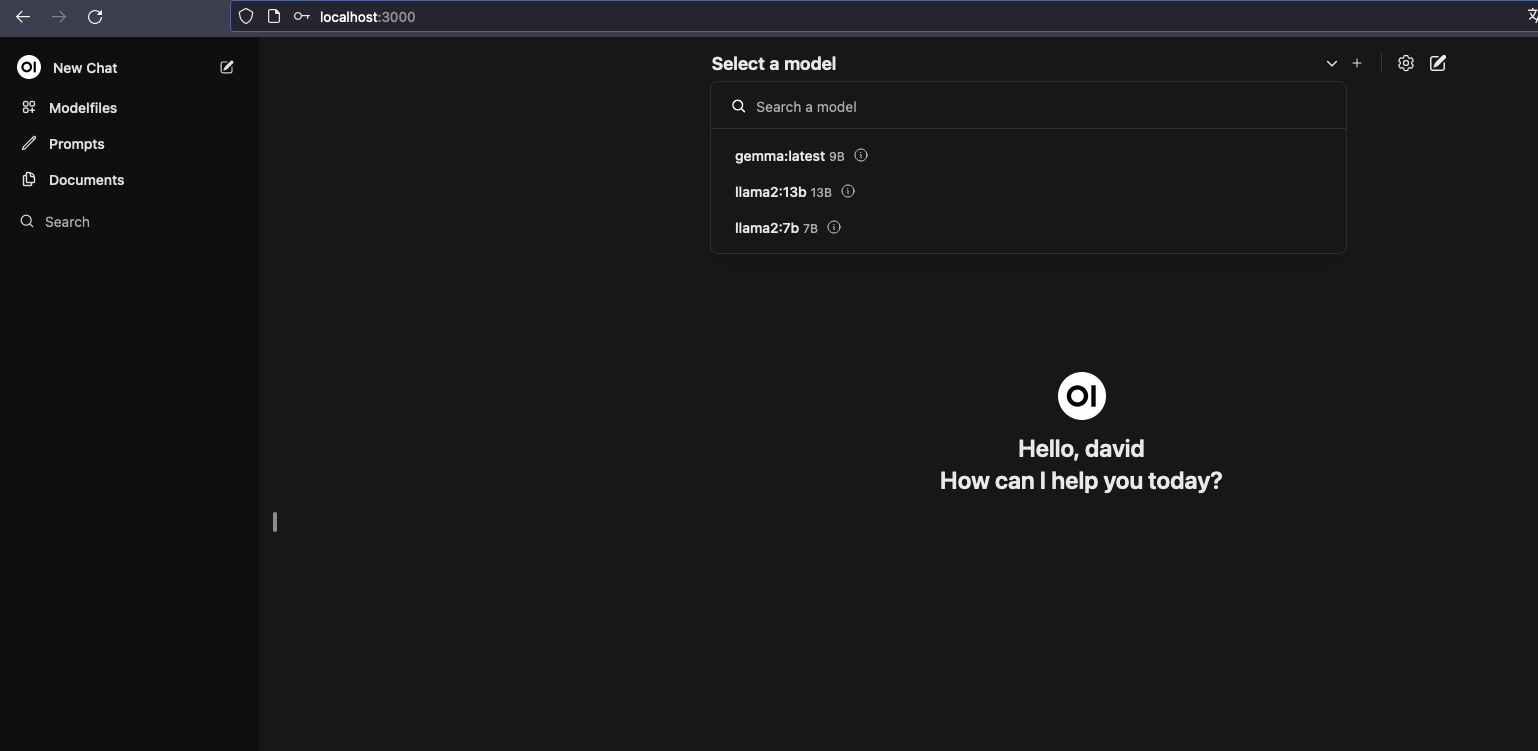
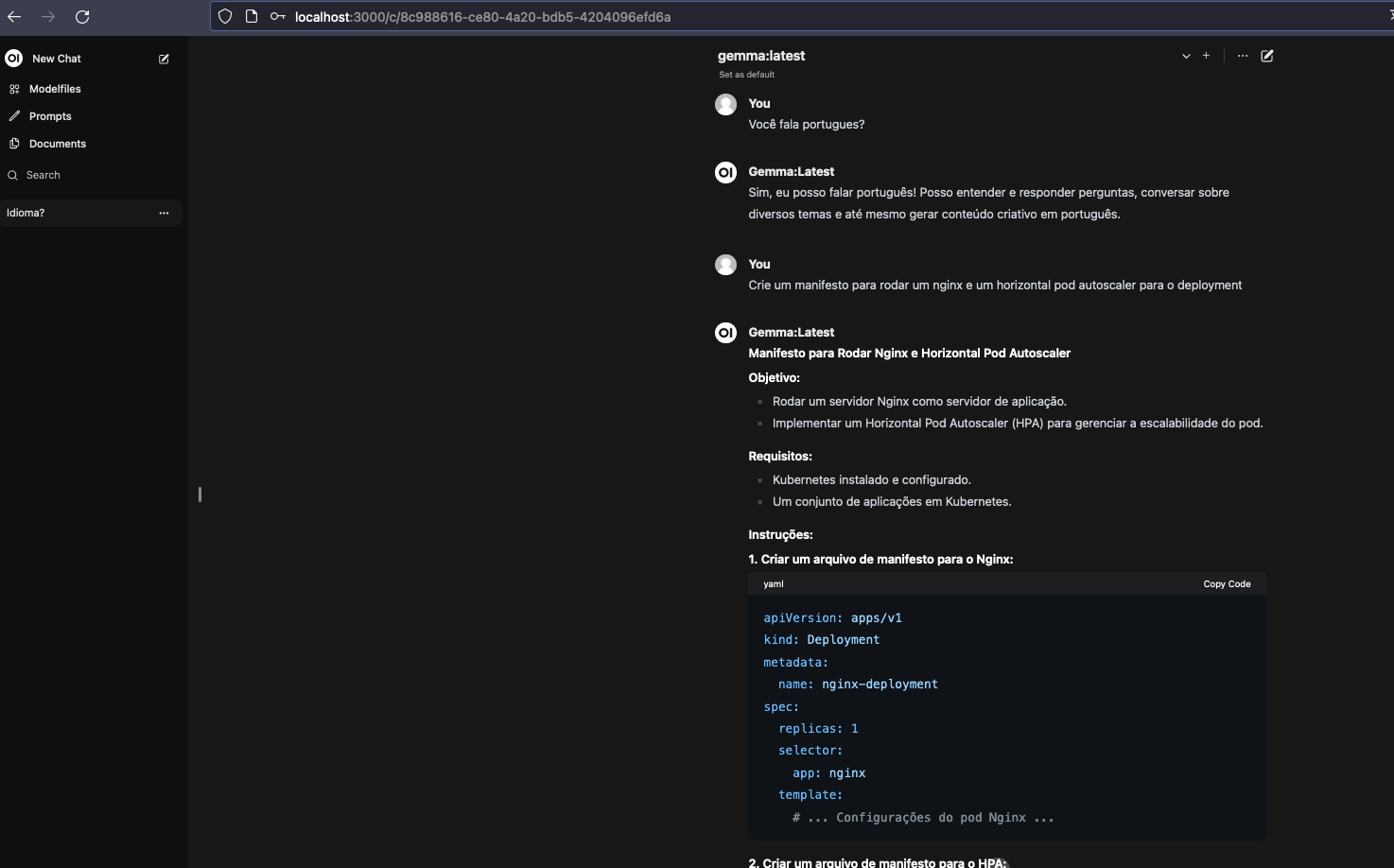
This way we can have our LLM AI without needing to expose any kind of sensitive data to any other intelligence. We can even use it as processing power for other tools.
To remove is the same as removing images.
ollama list
NAME            ID              SIZE    MODIFIED
gemma:latest    a72c7f4d0a15    5.0 GB  2 hours ago
llama2:13b      d475bf4c50bc    7.4 GB  2 hours ago
llama2:7b       78e26419b446    3.8 GB  2 hours ago
llama2:latest   78e26419b446    3.8 GB  2 hours ago

❯ ollama rm llama2:latest
deleted 'llama2:latest'

❯ ollama rm llama2:7b
deleted 'llama2:7b'

ollama list
NAME            ID              SIZE    MODIFIED
gemma:latest    a72c7f4d0a15    5.0 GB  3 hours ago
llama2:13b      d475bf4c50bc    7.4 GB  2 hours ago
To find more models visit https://huggingface.co/models.