HCP Packer Registry
HCP Registry is a registry for images generated by Packer. It works as a middle ground.
The HCP Packer registry stores metadata about your images, including when they were created, where the image exists in the cloud, and which (if any) git commit is associated with building your image. You can use the registry to track information about the images produced by your Packer, clearly designate which images are appropriate for test and production environments, and query the right golden images to use in Packer and Terraform configurations.
Diagram
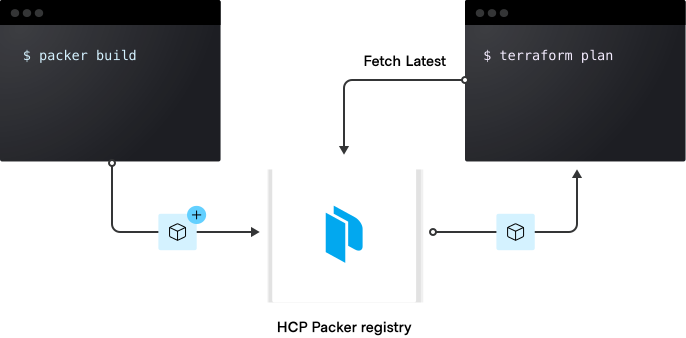
The presence of an hcp_packer_registry in the build block will enable HCP Packer mode.
Packer will send all builds within that build block to the remote registry if the appropriate HCP credentials are set (HCP_CLIENT_ID and HCP_CLIENT_SECRET). If no HCP credentials are set, Packer will fail the build and exit immediately even before executing the build.
To get the credentials, create an account on the HashiCorp portal
Create a repo
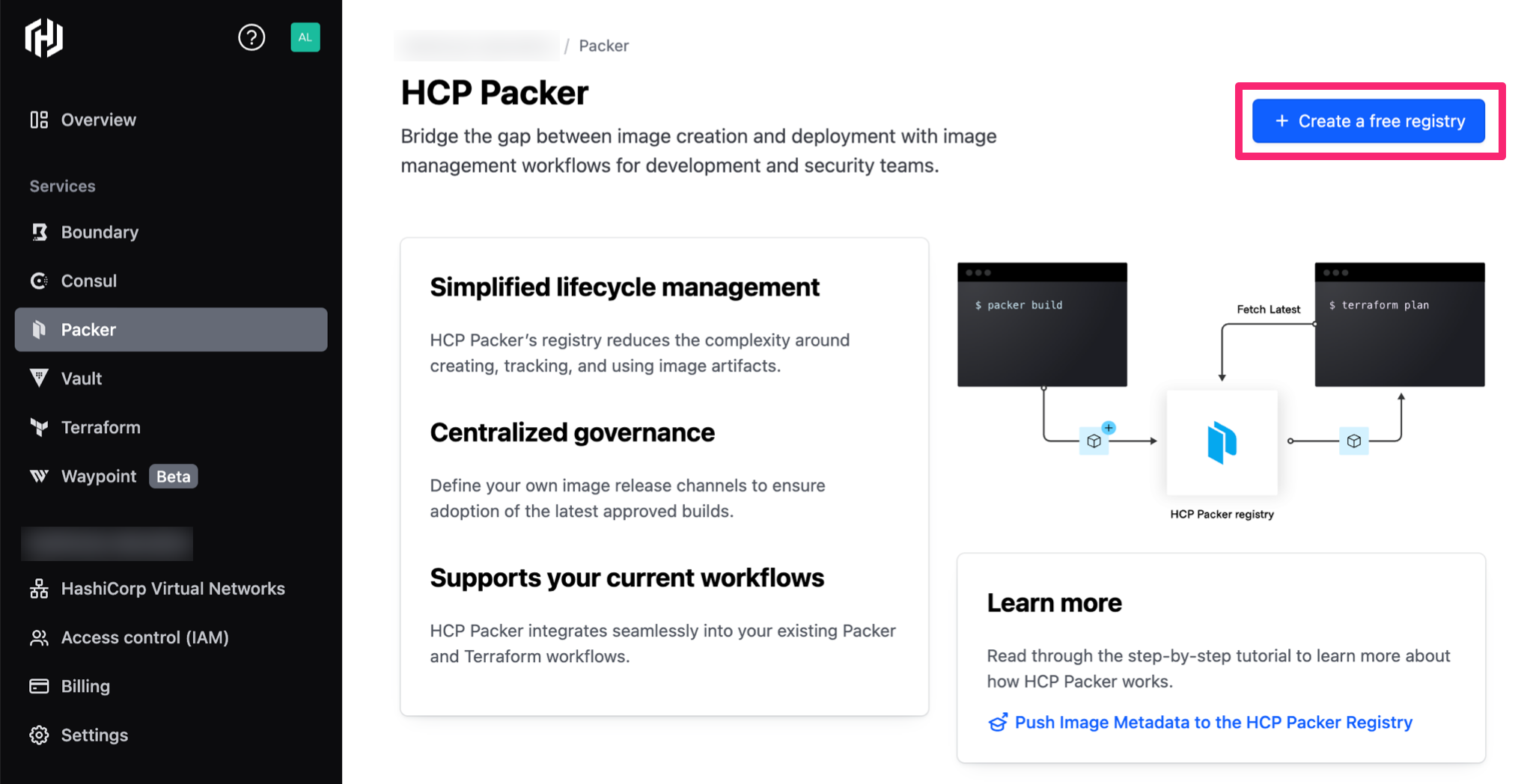
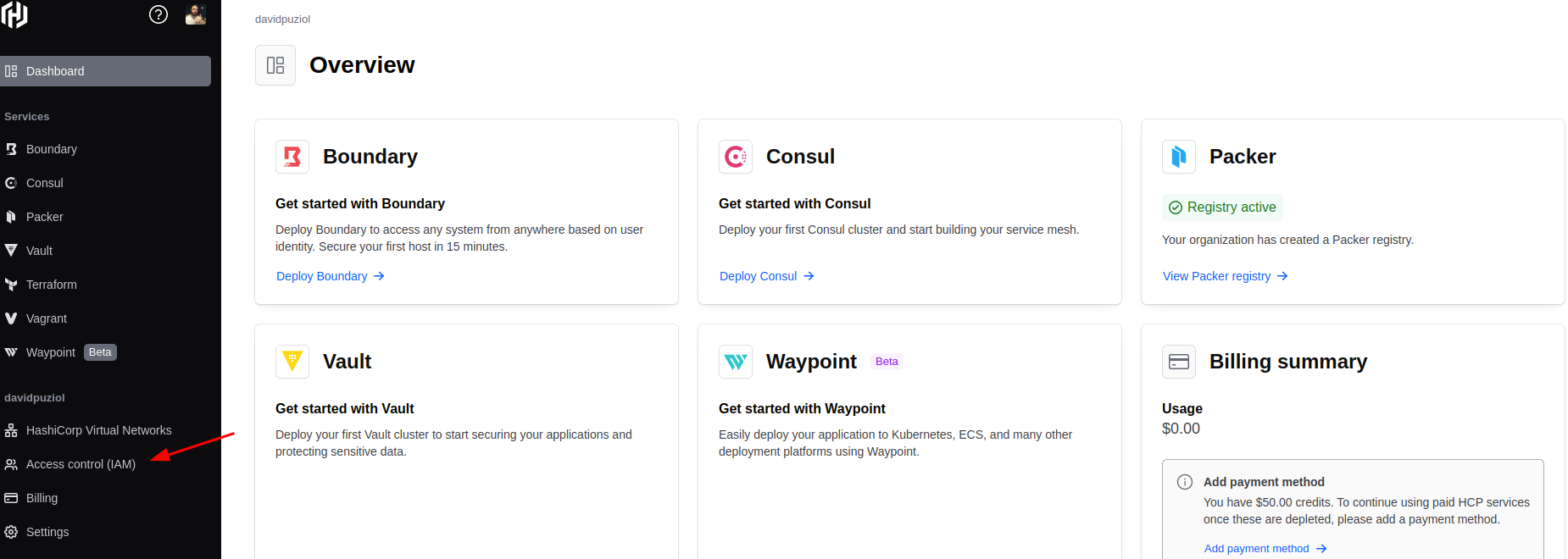

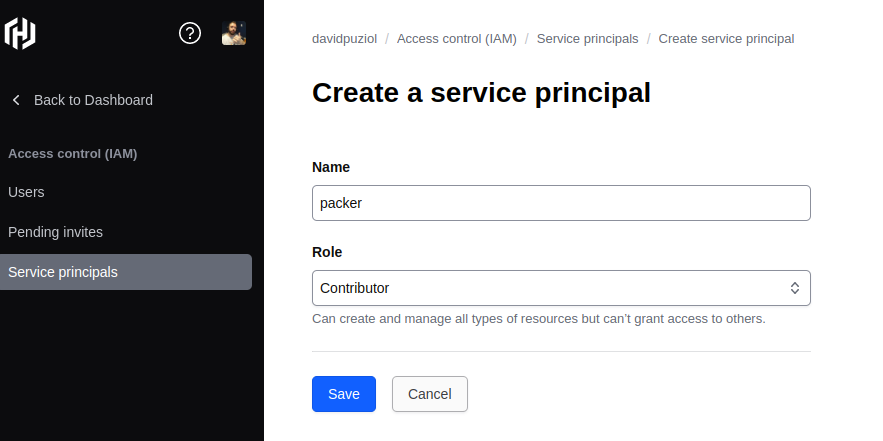
Export the variables in your shell (I recommend putting them inside .bashrc or .zshrc) and save them for future use.
export HCP_CLIENT_ID=xxxxxxxxxxx
export HCP_CLIENT_SECRET=xxxxxxxxxxxx
Inside the build block, for example, if declared
build {
  hcp_packer_registry {
    bucket_name = "teste"
    description = "Test description"
    bucket_labels = {
      "owner"          = "david"
      "os"             = "centos",
      "ubuntu-version" = "Centos 7",
    }

    build_labels = {
      "build-time"   = timestamp()
      "build-source" = basename(path.cwd)
    }
  }
}