Exam
Certified Kubernetes Administrator (CKA) provides assurance that CKAs have the skills, knowledge, and competency to perform the responsibilities of Kubernetes administrators. This certification is for Kubernetes administrators, cloud administrators, and other IT professionals who manage Kubernetes instances. The certificate is valid for 3 years.
Tip! The exam costs on average 300 dollars, but it is possible during Black Friday and end-of-year periods to get discounts between 35% and 50%
What is covered in the exam?
Storage (10%):
- Understand storage classes, persistent volumes
- Understand volume mode, access modes and reclaim policies for volumes
- Understand persistent volume claims primitive
- Know how to configure applications with persistent storage
Troubleshooting (30%):
- Evaluate cluster and node logs
- Understand how to monitor applications
- Manage container stdout and stderr logs
- Troubleshoot application failures
- Troubleshoot cluster component failures
- Troubleshoot networking
Workloads & Scheduling (15%):
- Understand deployments and how to perform rolling updates and rollbacks
- Use ConfigMaps and Secrets to configure applications
- Know how to scale applications
- The primitives used to create robust and self-healing application deployments
- Understand how resource limits can affect pod scheduling
- Awareness of manifest management and common templating tools
Cluster Architecture, Installation & Configuration (25%):
- Manage role-based access control (RBAC)
- Use Kubeadm to install a basic cluster
- Manage a highly available Kubernetes cluster
- Provision underlying infrastructure to deploy a Kubernetes cluster
- Perform a version upgrade on a Kubernetes cluster using Kubeadm
- Implement etcd backup and restore
Services & Networking (20%):
- Understand host networking configuration on cluster nodes
- Understand pod-to-pod connectivity
- Understand ClusterIP, NodePort, LoadBalancer service types and endpoints
- Know how to use Ingress controllers and resources
- Know how to configure and use CoreDNS
- Choose an appropriate container network interface plugin
Retake Policy
A second attempt is possible if the candidate fails the first time. If you don't pass either attempt, a new purchase will allow a new retake.
Rescheduling or Cancellation Policy
If you need to reschedule or cancel, it must be done 24 hours in advance, otherwise it is considered a TOTAL failure without the right to retake.
About the Exam
- Online and monitored by a proctor in real-time
- Fully hands-on
- Not a multiple-choice exam
2 Hours- Requesting a pause via the pause function does not stop the timer
- Results within 24 hours via email
About the Exam Environment
- The location must be quiet, private and well-lit. It cannot be in public spaces
- Cannot have a window behind the candidate
- Cannot have bright lights behind the candidate
- Only the candidate can be in the room
- The desk must be clean and free of notes and electronics
Code of Conduct
- The candidate cannot communicate with anyone other than the proctor during the exam
- Cannot read questions aloud
- Cannot leave the webcam view and desk unless the proctor allows
- Cannot eat during the exam and can only drink clear liquids. The bottle and cup used to contain the liquid must be transparent and without labels
- Cannot use headphones or any electronic device on the body or head unless clinically necessary. Therefore, headphones will not be allowed
- Do not make repetitive and excessive noise. If there is construction near your home, take the exam in another environment
- Cannot cover mouth or face
- Cannot write any information on paper or any electronic device. Only on the console screen
- Do not have inappropriate or questionable behavior
Allowed Tools
A VM will be provided for the exam and within this VM we can use:
- Command line usage
- Review documents installed by the Linux distribution, i.e. /usr/share/*
- Use packages that are part of the distribution
- Access to documentation pages using the VM's own browser. Allowed pages including subdomains are:
- The search tool from https://kubernetes.io/docs/ can be used but only access subdomains of the links above
I recommend using only the command line for everything throughout the course
System Requirements
https://docs.linuxfoundation.org/tc-docs/certification/tips-cka-and-ckad
To check if your environment is suitable to run the test, go to https://syscheck.bridge.psiexams.com/
Using the latest version of Chrome is recommended. One extra monitor can be used and 1080p resolution is recommended to support the ExamUI.
Reliable internet connection:
- Disable services that consume a lot of bandwidth
- Streaming
- Video calls
- Torrents and downloads
- Disable firewalls and VPNs
- Use a network cable if possible
You cannot use a virtual machine to take the exam even if the compatibility check shows no problems.
Working webcam and microphone. The webcam must be movable to show the environment to the proctor.
No other applications or browser windows can be running during the exam.
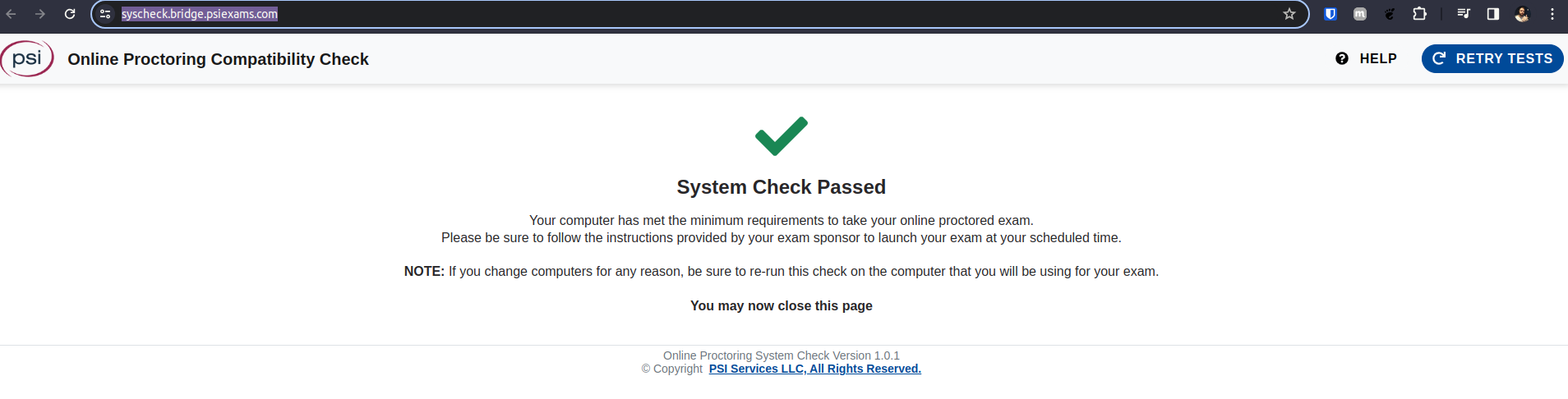
Check the requirements at https://helpdesk.psionline.com/hc/en-gb/articles/4409608794260-PSI-Bridge-Platform-System-Requirements
Questions?
- Can I enable kubectl auto-complete?
How to Study?
The material used as a basis was the Mumshad Mannambeth course on UDEMY, which is very good by the way.