Project
A project in Harbor contains all the repositories of an application.
Images cannot be pushed to Harbor without an existing project.
Role-Based Access Control (RBAC) is applied to projects, so only users with the appropriate roles can perform certain operations.
When creating a project, you can define its quotas and whether the project will be private or public. If you don't want to set quotas, use -1, which is already the default value.
- Public: Any user can pull images from this project.
- Private: Only users who are project members can pull images and push if they have permission.
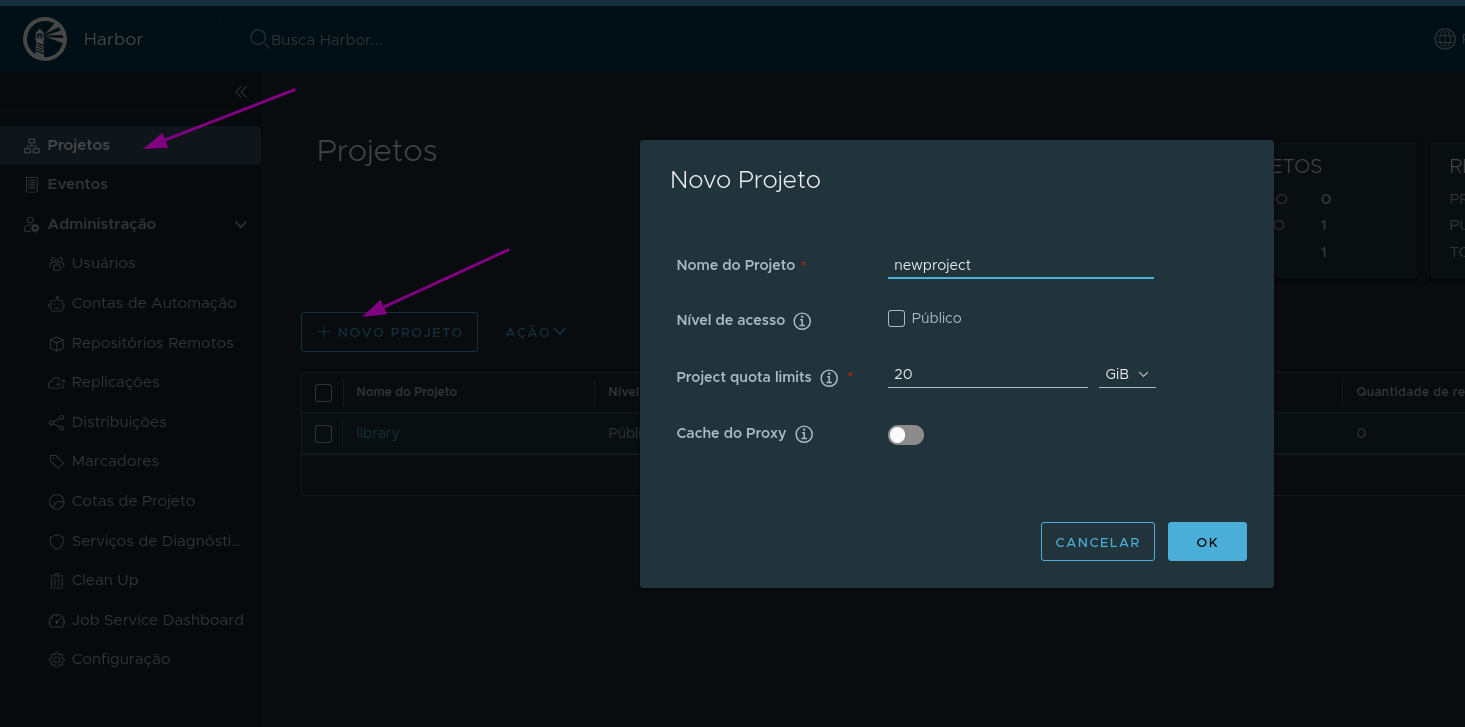
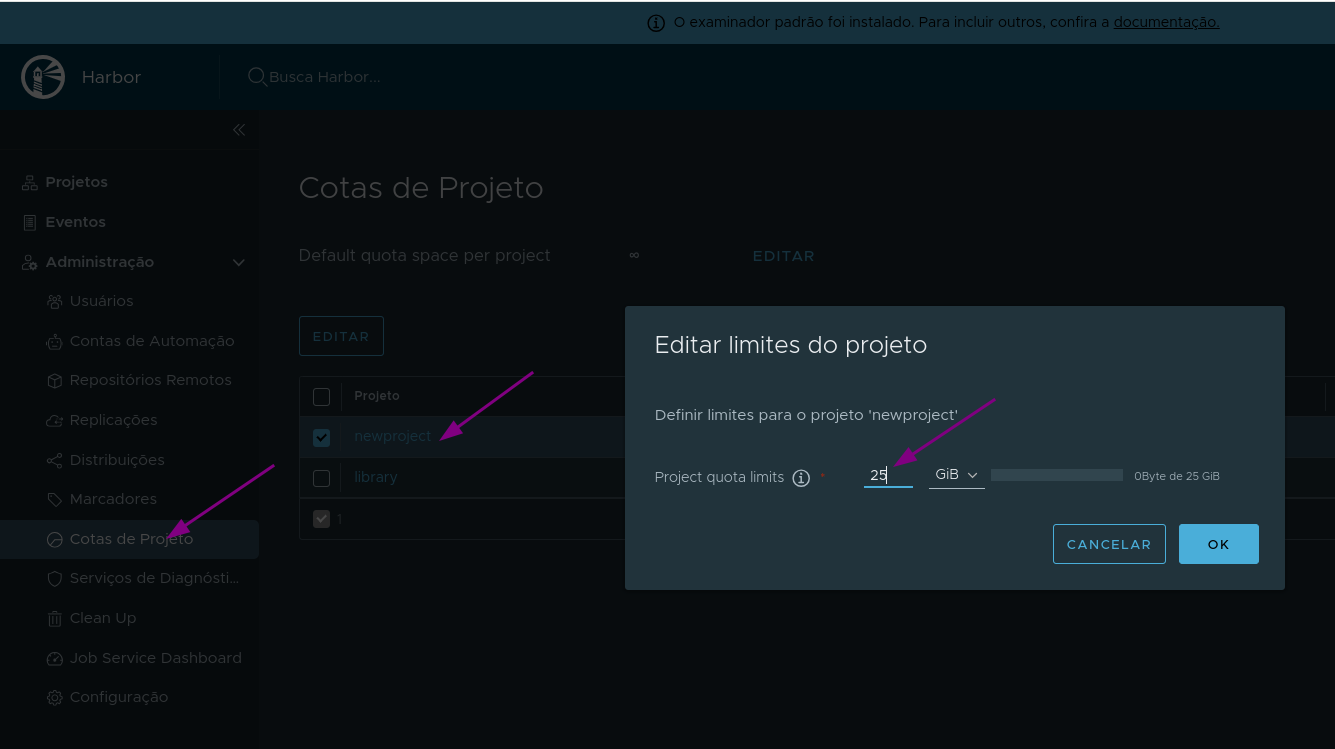
If necessary, the Harbor administrator can adjust quotas later.
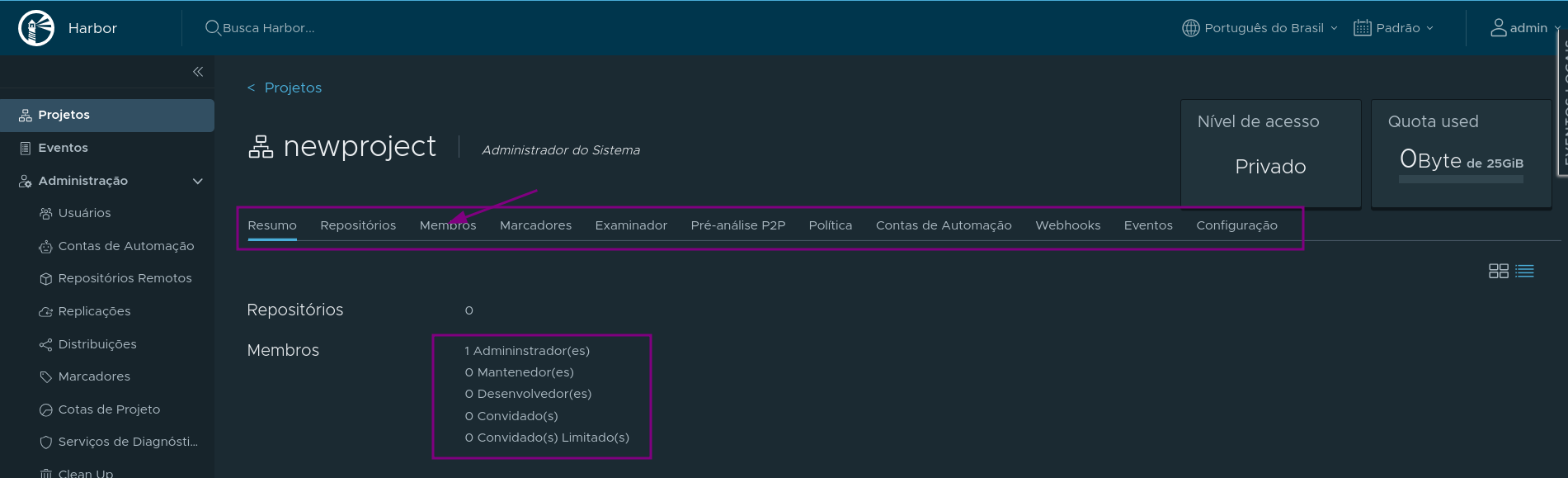
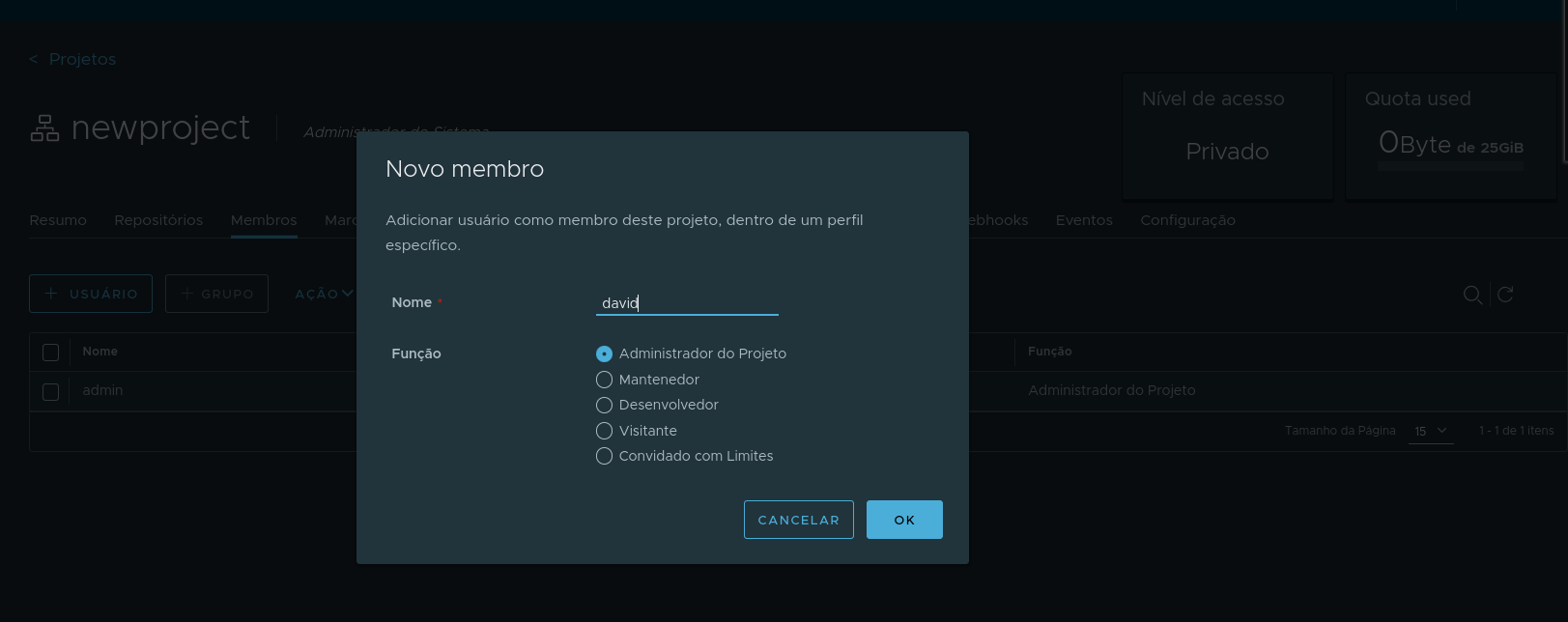
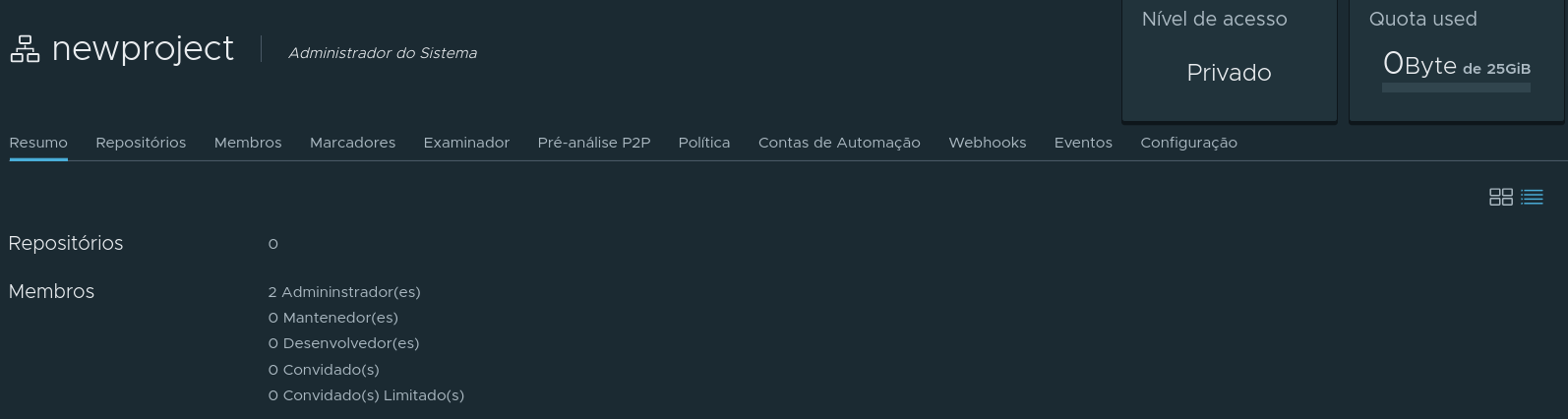
Since we used the Harbor administrator to create a project, let's add a member as project administrator.
The user david already exists and was created previously, but is not yet in any project.

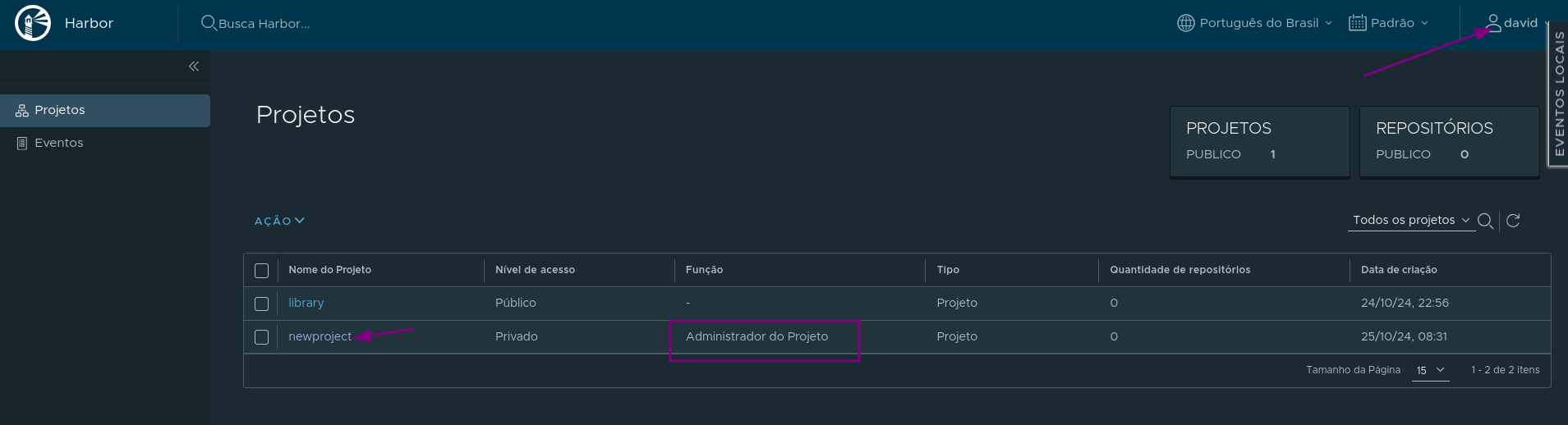
From now on, we will log in as user david and see what access we have.
Images are made up of layers. Within the same project, there is layer reuse to reduce disk space, but it is not reused globally. For example, if we use an Alpine image as a base in projectX and projectY, this image will exist twice, as they are in different projects.
Repositories
A project has repositories. Repositories are created automatically according to the path during image push.
For example, if we push the images below, we will have 2 repositories: reponamex and reponamey.
- reponamex/grupox/imagemx:tagx
- reponamey/grupoy/imagemy:tagy
If we now push the image reponamex/grupoz/imagemx:tagx, it will be in the same repository, but in a different path. If we push another image reponamex/grupoz/imagemz:tagz, it will be part of reponamex/grupoz.
We use paths to create a tree structure, where the first name is the repository name within the project.
We will demonstrate this further ahead.