Deploying With Helm Charts
To search for charts, use the default repository https://artifacthub.io/. For example, let's install the nginx ingress controller.
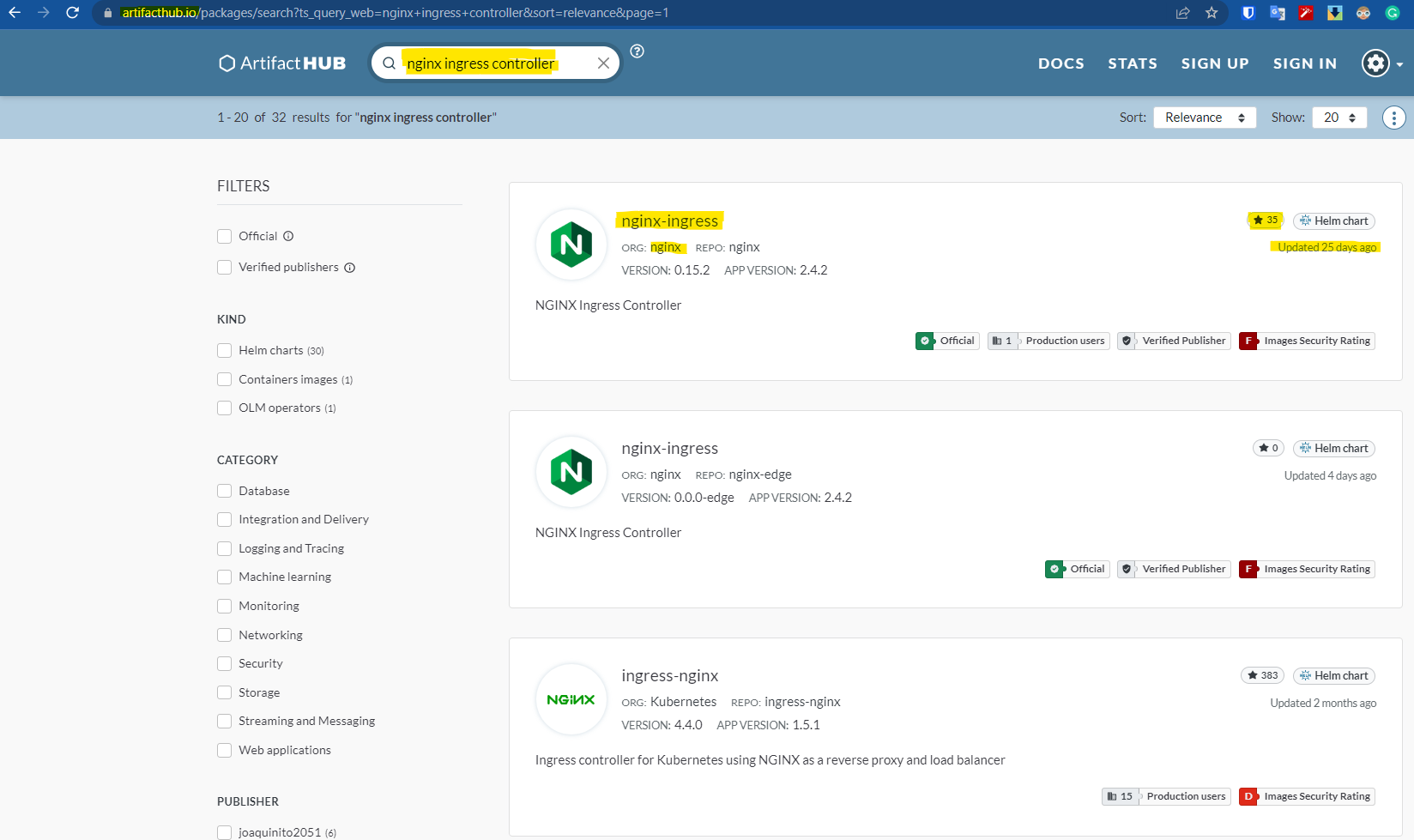
Always check if the repository is official, the number of stars, whether it's a repo that receives updates, etc.
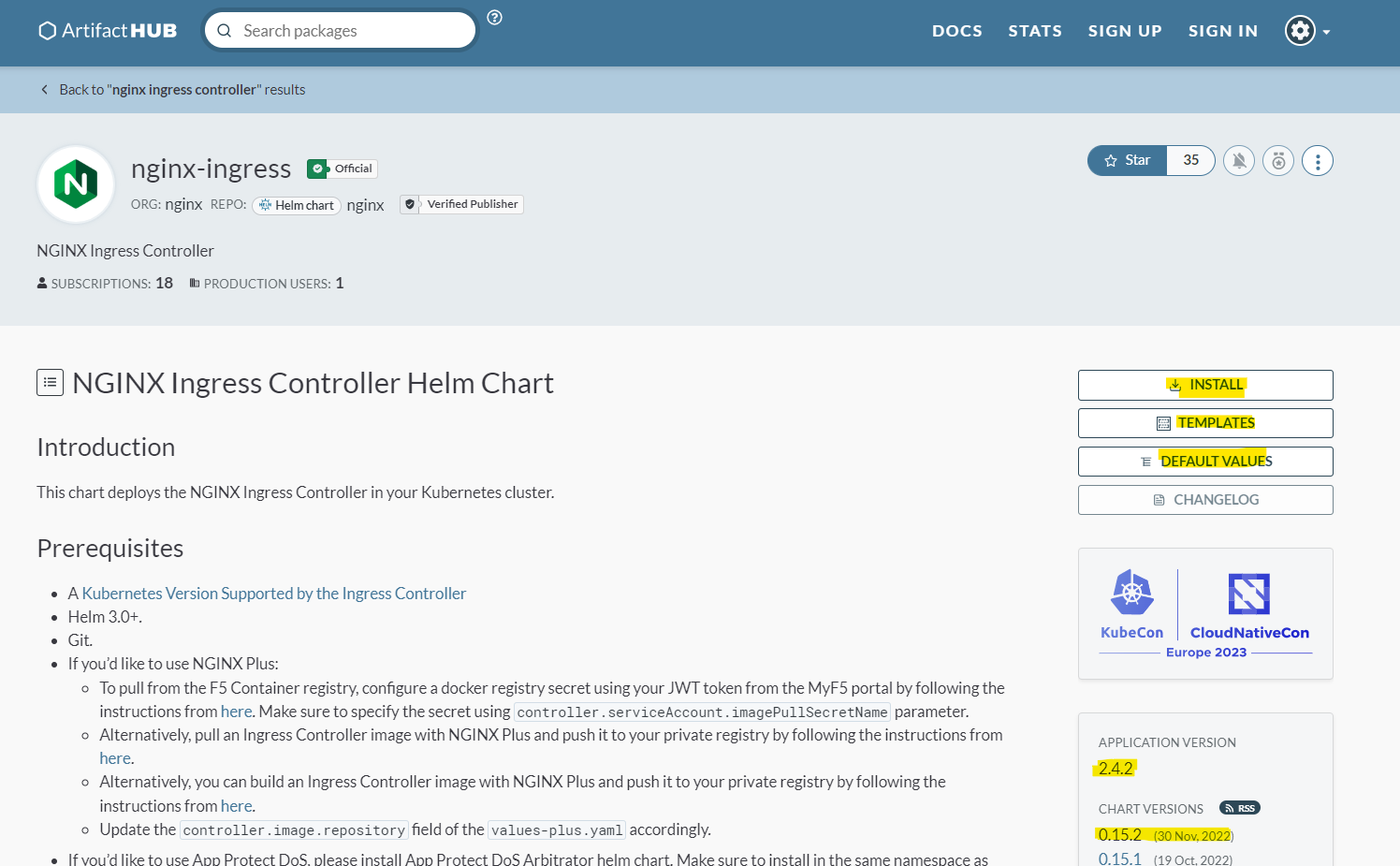
Accessing this chart https://artifacthub.io/packages/helm/nginx/nginx-ingress and reading the documentation, we can see that there are two installation methods. We can clone the project that generated the chart so that we can create a subchart based on it (a chart dependent on another) or we can simply follow the flow and add the repository. Let's just do the basics and add the repository with the commands it showed.
# nginx-stable is the name we'll give to the repository, but it could be any other
helm repo add nginx-stable https://helm.nginx.com/stable
# It's necessary to update so Helm becomes aware of the available charts including the new repository
helm repo update
Before installing, we can observe that this repository has several published charts.
❯ helm search repo nginx
NAME                                            CHART VERSION   APP VERSION     DESCRIPTION
nginx-stable/nginx-appprotect-dos-arbitrator    0.1.0           1.1.0           NGINX App Protect Dos arbitrator
nginx-stable/nginx-devportal                    1.3.1           1.3.1           A Helm chart for Kubernetes
# There it is
nginx-stable/nginx-ingress                      0.15.2          2.4.2           NGINX Ingress Controller
nginx-stable/nginx-service-mesh                 0.6.0           1.6.0           NGINX Service Mesh
nginx-stable/nms                                1.0.0           1.0.0           A chart for installing the NGINX Management Suite
nginx-stable/nms-acm                            1.3.1           1.3.1           A Helm chart for Kubernetes
nginx-stable/nms-hybrid                         2.6.0           2.6.0           A Helm chart for Kubernetes
If we look at the chart documentation, we'll see that the installation references this same chart. The repository name is nginx-stable and the chart is nginx-ingress within this repository.
If we execute the installation with the method below, we'll be using the values already available in the chart's own Values.yaml file.
helm install my-release nginx-stable/nginx-ingress
You can analyze the Values.yaml on the project's own page. Every project has a Values.yaml that can be modified for finer adjustments according to your interests.
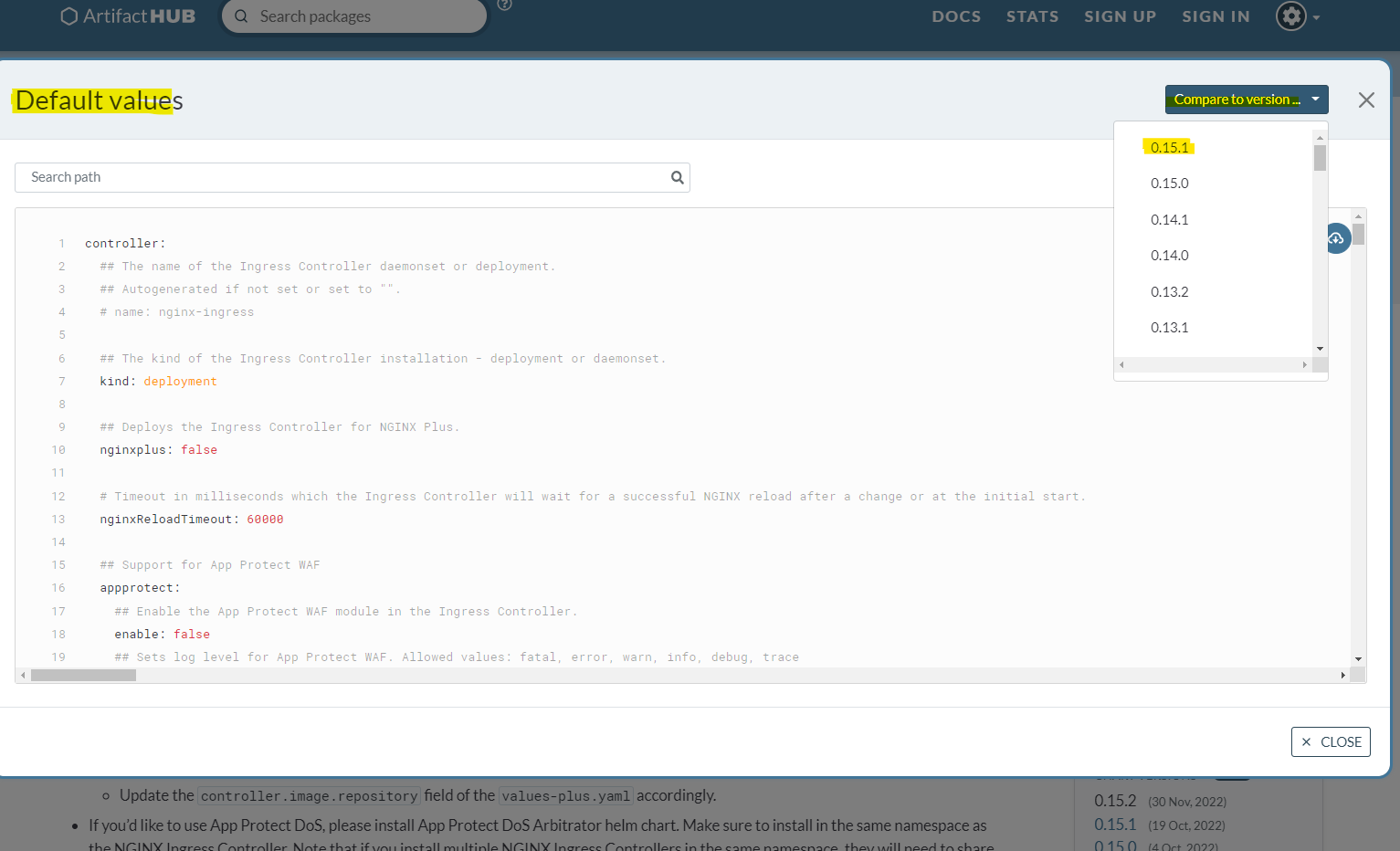
In some projects it's enabled and in others it's not, but with the
helm showcommand we can see these default values.
helm show values nginx-stable/nginx-ingress > /docs/kubernetes/helm/resources/Values.yaml
Take a look at this file and see what we could adjust.
To install the chart pointing to a custom Values.yaml file, we can use -f.
helm install nginx-ingress nginx-stable/nginx-ingress -f /docs/kubernetes/helm/resources/Values.yaml
#NAME: nginx-ingress
#LAST DEPLOYED: Mon Dec 26 01:20:59 2022
#NAMESPACE: default
#STATUS: deployed
#REVISION: 1
#TEST SUITE: None
#NOTES:
#The NGINX Ingress Controller has been installed.
We could also change only one parameter in the default values file by just referencing the key and value using --set.
For example, let's change from deployment to daemonset. The part below is a snippet from Values.yaml, showing what we could change.
  ## The kind of the Ingress Controller installation - deployment or daemonset.
  kind: deployment
Since we're not installing, we can just do an upgrade. Note that the revision will increment, as this is the second time we're applying. It does this to be able to rollback if necessary.
helm upgrade nginx-ingress --set kind=daemonset nginx-stable/nginx-ingress
#Release "nginx-ingress" has been upgraded. Happy Helming!
#NAME: nginx-ingress
#LAST DEPLOYED: Mon Dec 26 01:25:48 2022
#NAMESPACE: default
#STATUS: deployed
#REVISION: 2
#TEST SUITE: None
#NOTES:
#The NGINX Ingress Controller has been installed.
Deleting is also very simple.
helm uninstall nginx-ingress
#release "nginx-ingress" uninstalled
Since we didn't define a namespace previously in the installation, it ended up being installed in the default namespace. Let's apply it again passing the desired namespace.
# --create-namespace will create the namespace if the --namespace passed doesn't exist
helm install nginx-ingress nginx-stable/nginx-ingress --values /docs/kubernetes/helm/resources/Values.yaml --create-namespace --namespace nginx-ingress
#NAME: nginx-ingress
#LAST DEPLOYED: Mon Dec 26 01:54:55 2022
#NAMESPACE: nginx-ingress
#STATUS: deployed
#REVISION: 1
#TEST SUITE: None
#NOTES:
#The NGINX Ingress Controller has been installed.
It's always good to have the Values.yaml defined for what was applied and to use gitops for control in the future.
To check what we have created with helm.
helm list
NAME            NAMESPACE       REVISION        UPDATED                                 STATUS          CHART                   APP VERSION
nginx-ingress   nginx-ingress   1               2022-12-26 02:06:02.518055414 -0300 -03 deployed        nginx-ingress-0.15.2    2.4.2