Automatic Pipelines
PipelineRuns can be automatically activated by a stimulus, for example a push, merge, pull request, comment, etc in a repository.
Events can come from anywhere, not only from repositories. We talk about repositories but it could be anything. In the case of a repository it's necessary to configure the webhook to send the event payload to Tekton.
We can create what we call a listener in Tekton to receive the payloads.
Through a webhook Tekton receives the event and triggers something that is already configured if this happens.
Listeners and Triggers
Let's initially pay attention to the concepts
- EventListener is the guy who stays in front of everything listening to events.
- TriggerTemplate is our trigger declaration like pipeline or task.
- TriggerBinding are the parameters we pass to TriggerTemplate we could compare with pipelineRun or taskRun.
These controllers need to be installed in the cluster they don't come by default, but if you did the installation with the all profile it should already be installed otherwise it's necessary to apply these manifests. Check the official documentation.
kubectl apply --filename \
https://storage.googleapis.com/tekton-releases/triggers/latest/release.yaml
kubectl apply --filename \
https://storage.googleapis.com/tekton-releases/triggers/latest/interceptors.yaml
Let's start by declaring a trigger template. If you observe well practically what we're going to do here is add a layer above the pipelineRun. It could be a taskRun. We are declaring the pipelineRun inside the trigger template and using the trigger template parameters in the pipelineRun.
Making a comparison with what we have native in kubernetes. We can declare a pod alone and we can declare a pod inside the replicaset, just as we can declare a replicaset with the pod inside the deployment. Trigger template is a controller for the pipelineRun in this case. Usually in kubernetes we create deployments that have replicaset that have pod.
In Tekton we create trigger templates that have our pipeline runs. Abort the mission of creating pipeline runs without trigger template. What we did before was to get here.
apiVersion: triggers.tekton.dev/v1beta1 # ApiVersion is different
kind: TriggerTemplate
metadata:
  name: gitlab-pr-trigger-template
spec:
  params:
  - name: repo-url
  - name: revision
    default: main
  resourcetemplates:
  ### Normal PipelineRun Block
  - apiVersion: tekton.dev/v1
    kind: PipelineRun
    metadata:
      generateName: getrepo-run-
      # If you don't put the namespace it will be applied to the current namespace
      namespace: default
    spec:
      params:
      ## Getting the template variables instead of putting it directly as we did before
        - name: repo-url
          value: $(tt.params.repo-url)
        - name: revision
          value: $(tt.params.revision) ## tt is triggertemplate
      pipelineRef:
        name: getrepo # This will be the pipeline that the PipelineRun will use
      taskRunTemplate:
        serviceAccountName: default
      timeouts:
        pipeline: 1h0m0s
      workspaces:
        - name: shared-workspace
          volumeClaimTemplate:
            metadata:
              creationTimestamp: null
              name: shared-data-pvc
            spec:
              accessModes:
                - ReadWriteOnce
              resources:
                requests:
                  storage: 1Gi
kubectl apply -f tt.yaml
triggertemplate.triggers.tekton.dev/gitlab-pr-trigger-template created

k get triggertemplate
NAME                         AGE
gitlab-pr-trigger-template   30s

tkn triggertemplate list
NAME                         AGE
gitlab-pr-trigger-template   42 seconds ago
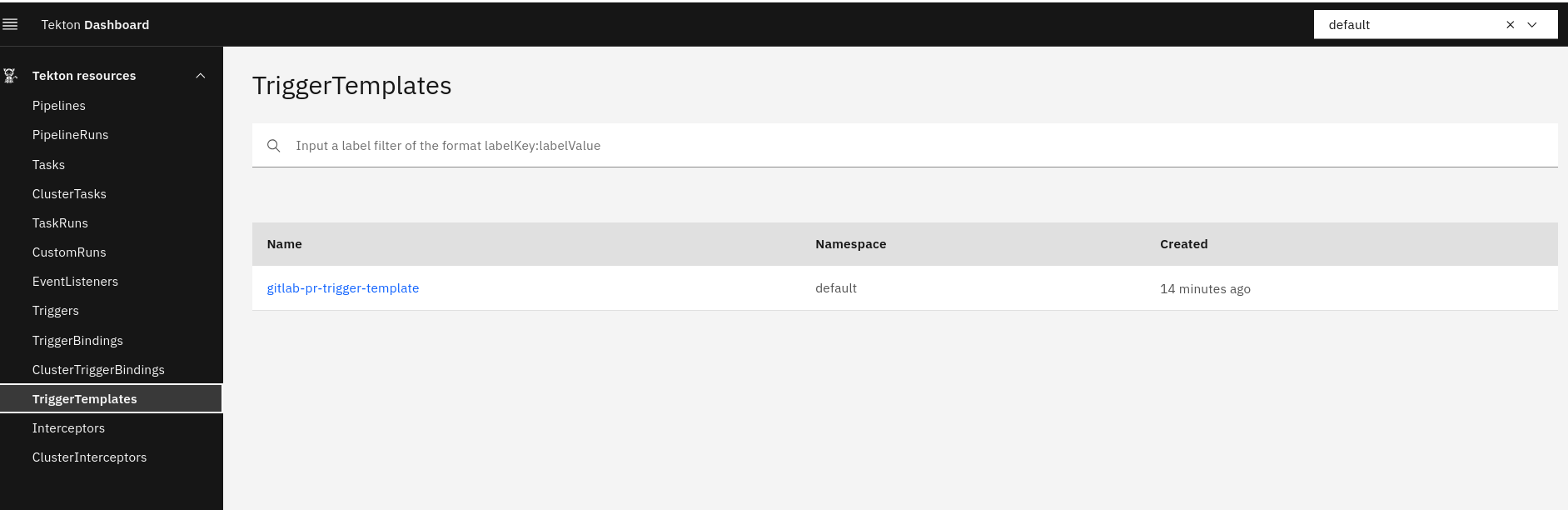
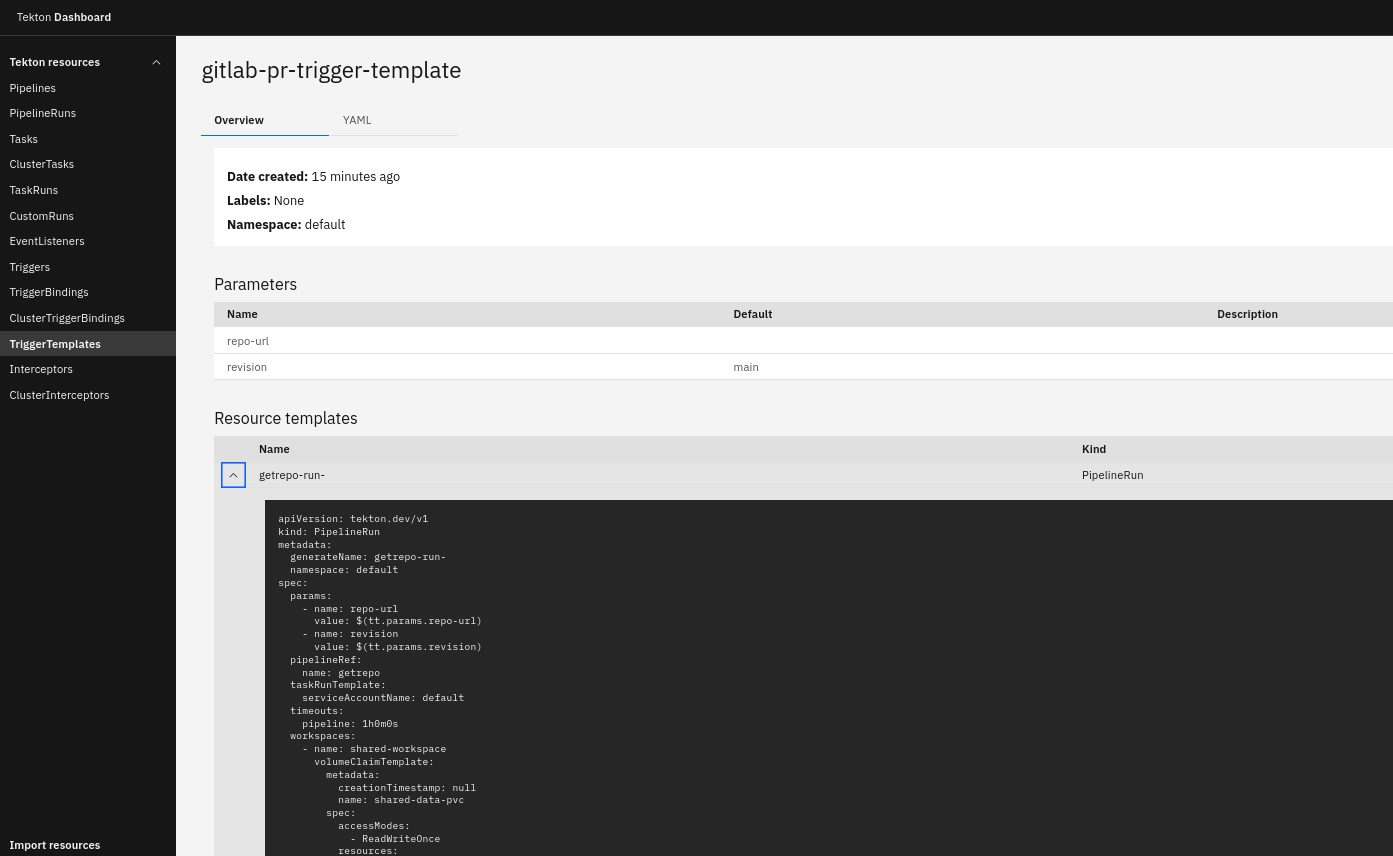
We can see in the dashboard, but we can't edit there.