Azure CLI
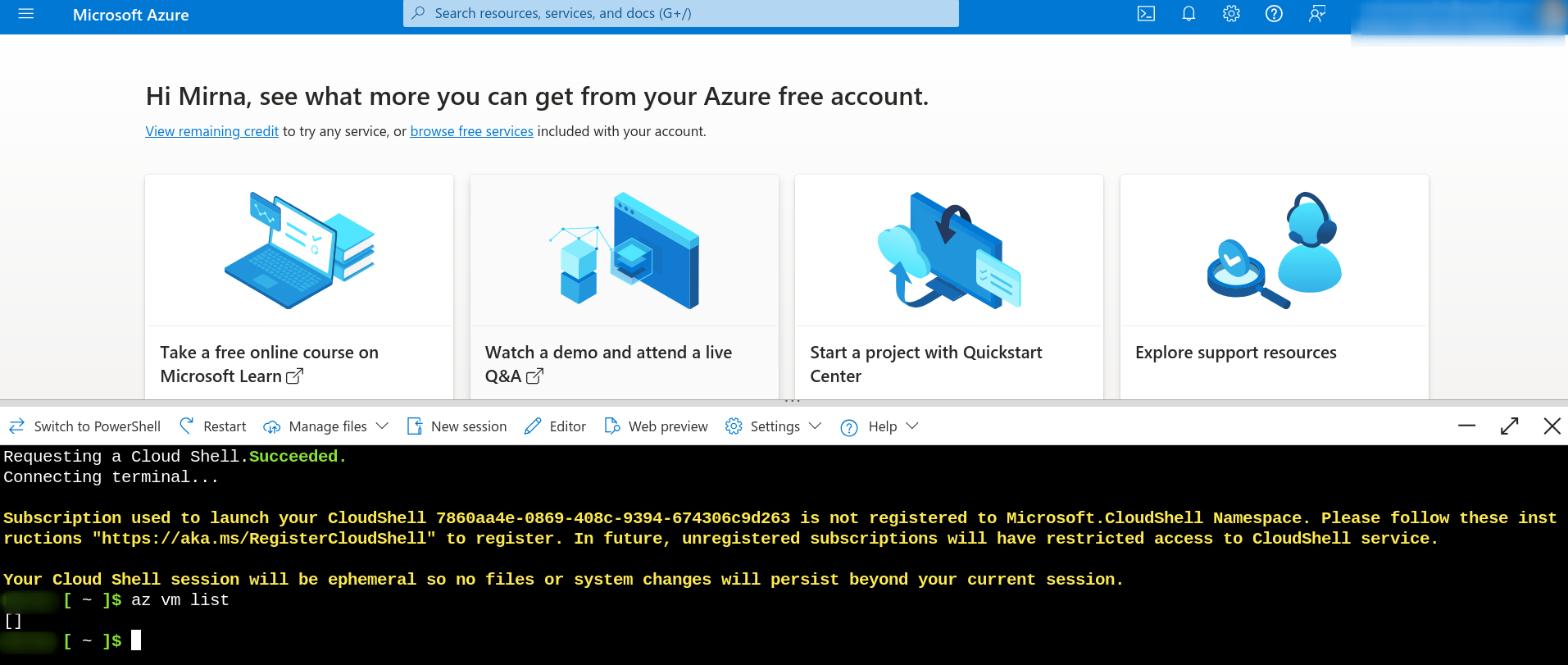
We can use the Azure CLI within the portal itself as we saw in the image above and choose between bash or PowerShell. Just choose the subscription and it will automatically load your credentials in the terminal.

But we can also install it directly on our local machine following this documentation.
curl -sL https://aka.ms/InstallAzureCLIDeb | sudo bash

az --version
Once installed, you need to log in to your account. The browser will automatically open and the command will perform the login. If you want to change accounts, it's the same process: log in again.
az login
If you have logged into multiple accounts, just changing the subscription changes the account along with it.
az account list --all --output table
# You can pass the name or subscription id
az account set --subscription Production
Just out of curiosity, Azure CLI generates the ~/.azure folder.
/home/david/.azure
├── az.json
├── az.sess
├── az_survey.json
├── azureProfile.json
├── clouds.config
├── commandIndex.json
├── commands
├── config
├── extensionCommandTree.json
├── logs
├── msal_http_cache.bin
├── msal_token_cache.json
├── telemetry
├── telemetry.txt
└── versionCheck.json
We can also point to the following environment variables. The case below is more used in scripts.
export AZURE_SUBSCRIPTION_ID="<Your_Subscription_ID>"
export AZURE_TENANT_ID="<Your_Tenant_ID>"
export AZURE_CLIENT_ID="<Your_Client_ID>"
export AZURE_CLIENT_SECRET="<Your_Client_Secret>"
- Tenant ID: It's a unique identifier for an Azure Active Directory instance. Each AAD instance has an associated tenant ID. This ID is used to identify and manage resources, users, and permissions within that specific AAD instance.
In the sidebar we have Microsoft Entra ID which is the Active Directory manager. To create a client_id we can go to App Registrations. App Registration in Azure Active Directory (Azure AD) is a resource that allows you to register and configure applications that need to authenticate with Azure AD. The main purpose of App Registration is to allow an application, service, or process to authenticate and interact with Azure AD and other resources in Azure. We'll see more about this later.