Portal
Obviously, to access the portal you need to create an account and add a credit card. A minimal charge will be made to the credit card to validate it. When an account is created and a payment method is added, $200 is given as an initial benefit that must be spent within 30 days.
In Azure, a subscription is a logical grouping unit of resources that allows you to manage and organize your cloud resources. It's actually an account that has its own costs and permission management, completely independent. We can have as many subscriptions as we want. All resources need to belong to a subscription. Within it, we have resource groups that group resources for the same purpose.
It's not possible to create anything without an initial subscription.
-
Billing and Charging: Each subscription has its own billing model, with a specific billing cycle. You can associate a subscription with a payment method and receive separate invoices for each subscription, but you can also combine everything into a single invoice. -
Multiple Subscriptions: It's common for an organization to have multiple subscriptions for different departments, projects, or environments (development, testing, production). This helps maintain clear separation and control over resources and costs. It's possible to transfer resources between subscriptions. -
Access Control and Permissions: The subscription is the basis for defining access control and permissions. You can assign different access levels to users and groups to manage resources within a subscription. -
Types of Subscriptions:
- Free Trial: Offers an initial credit and access to free services for a limited time.
- Pay-As-You-Go: Pay only for the resources you use, with no long-term commitment.
- Enterprise Agreement (EA): A corporate contract with negotiated prices and conditions for large organizations.
Well, once the card is registered, let's spend the $200 to study and start by creating our subscription in the portal.
Portal Overview
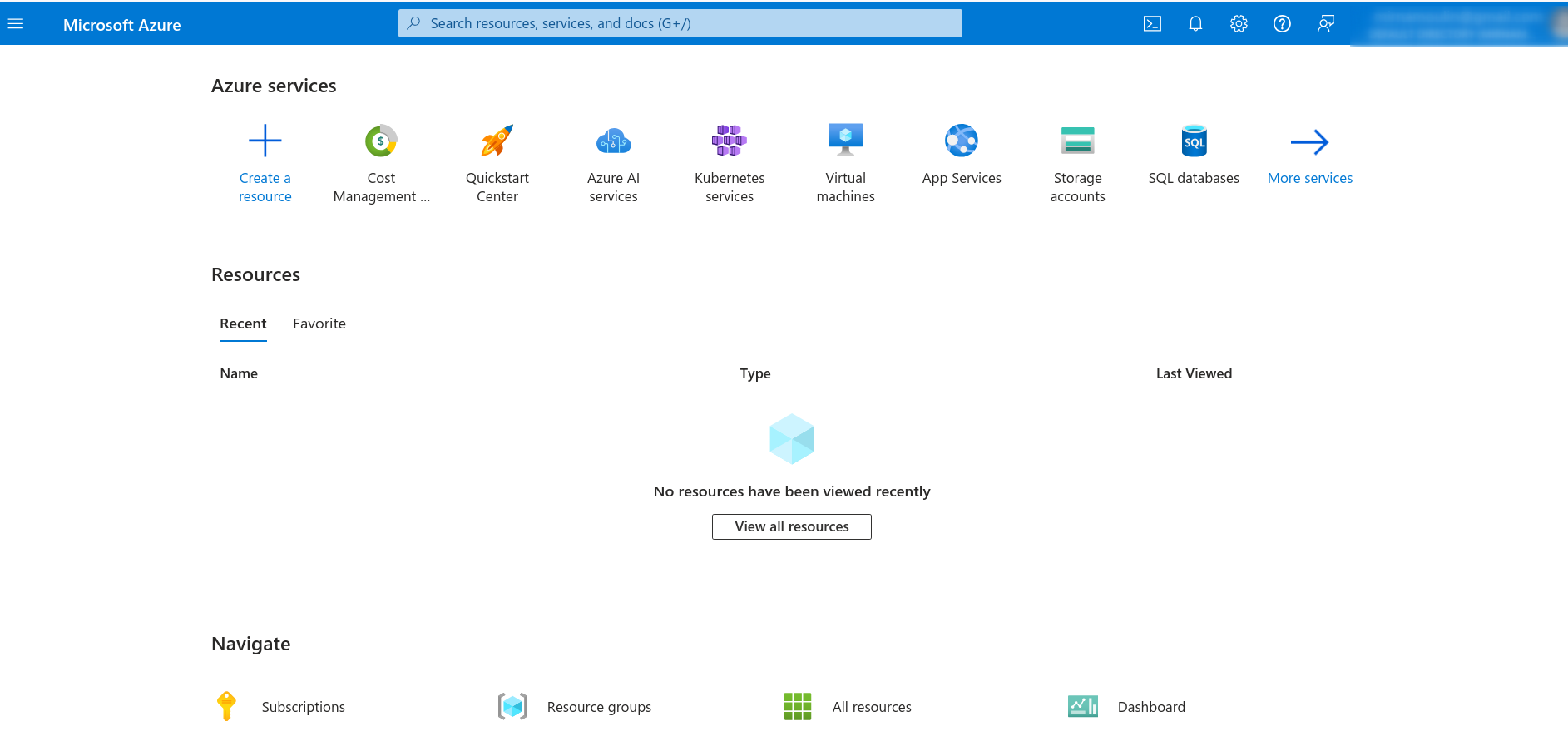
Right away we have this front page with the main services, recent ones, favorites.
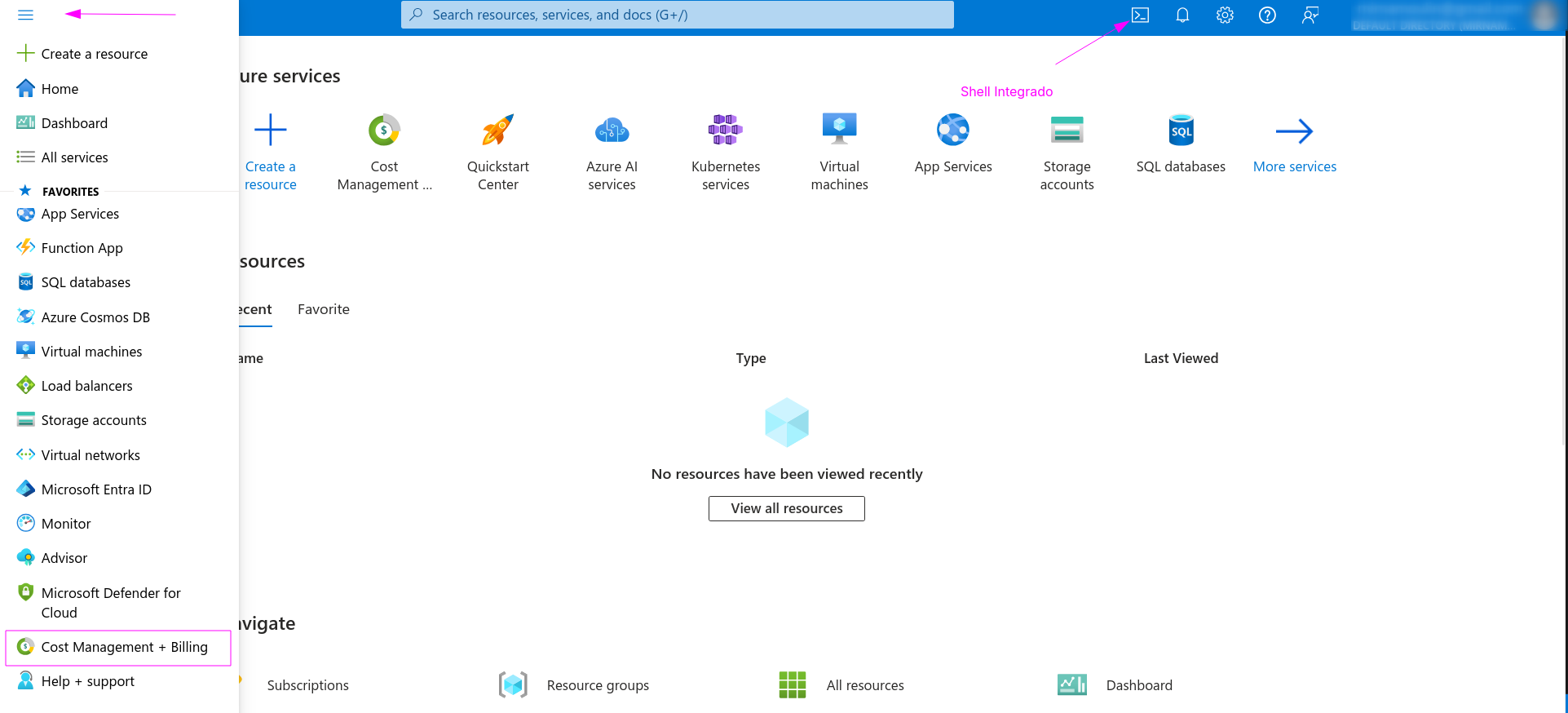
On the side we have our sidebar. Let's check our account and what we have available.
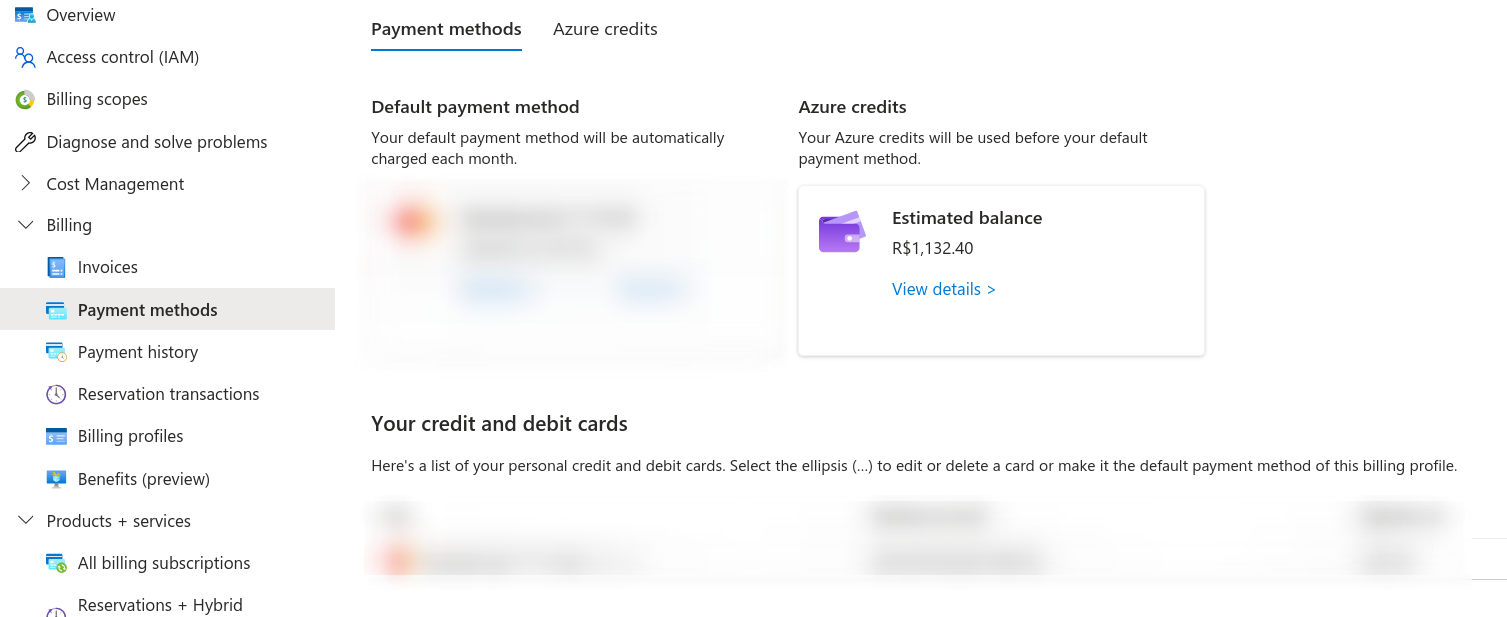
Now let's go to our subscription. Usually, a subscription already appears. At the end of the course, we can try moving resources from one account to another by creating a new one, as it will be necessary to upgrade the account.
Who provides the authentication and user management service in Azure is AD. We can have multiple subscriptions that are part of the same organization using the same AD, but nothing prevents us from having subscriptions that use a different AD. It's not usual to have an AD for each subscription within the same organization due to management complexity; this would make everything more complicated and costly.