Tips and Tricks for Productivity
Some tips on how to help with day-to-day productivity.
Explain Shell
We always use commands in the terminal with many parameters and flags. To better understand we need to investigate what each thing does, but for those who are starting or even to increase productivity the website https://explainshell.com/ gives a little help.
For example let's take this command here sudo usermod -aG docker $USER and see how it explains.
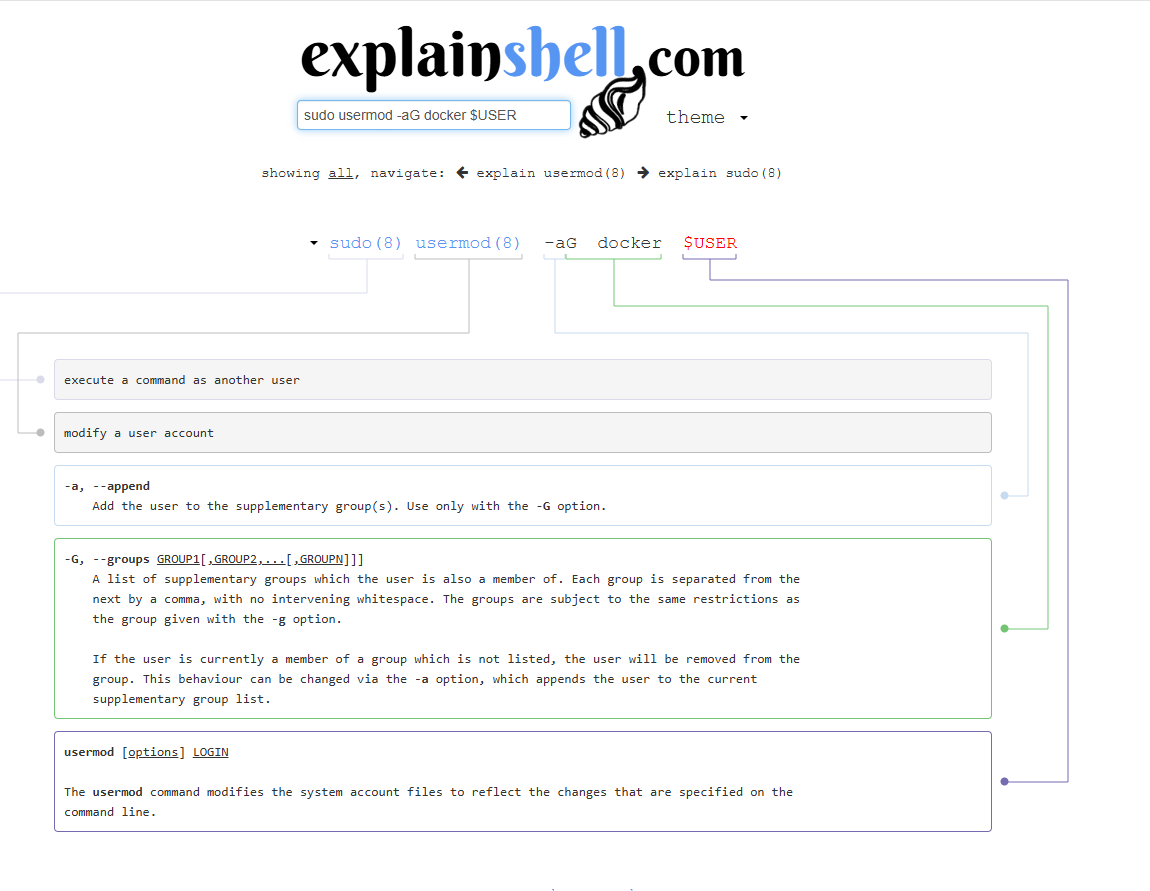
See that each part of the command is explained below quickly and easily to understand and the page can be translated for those less familiar with English.
If the command is too long and it's not possible to explain completely, try dividing it into smaller commands.
CheatSheets
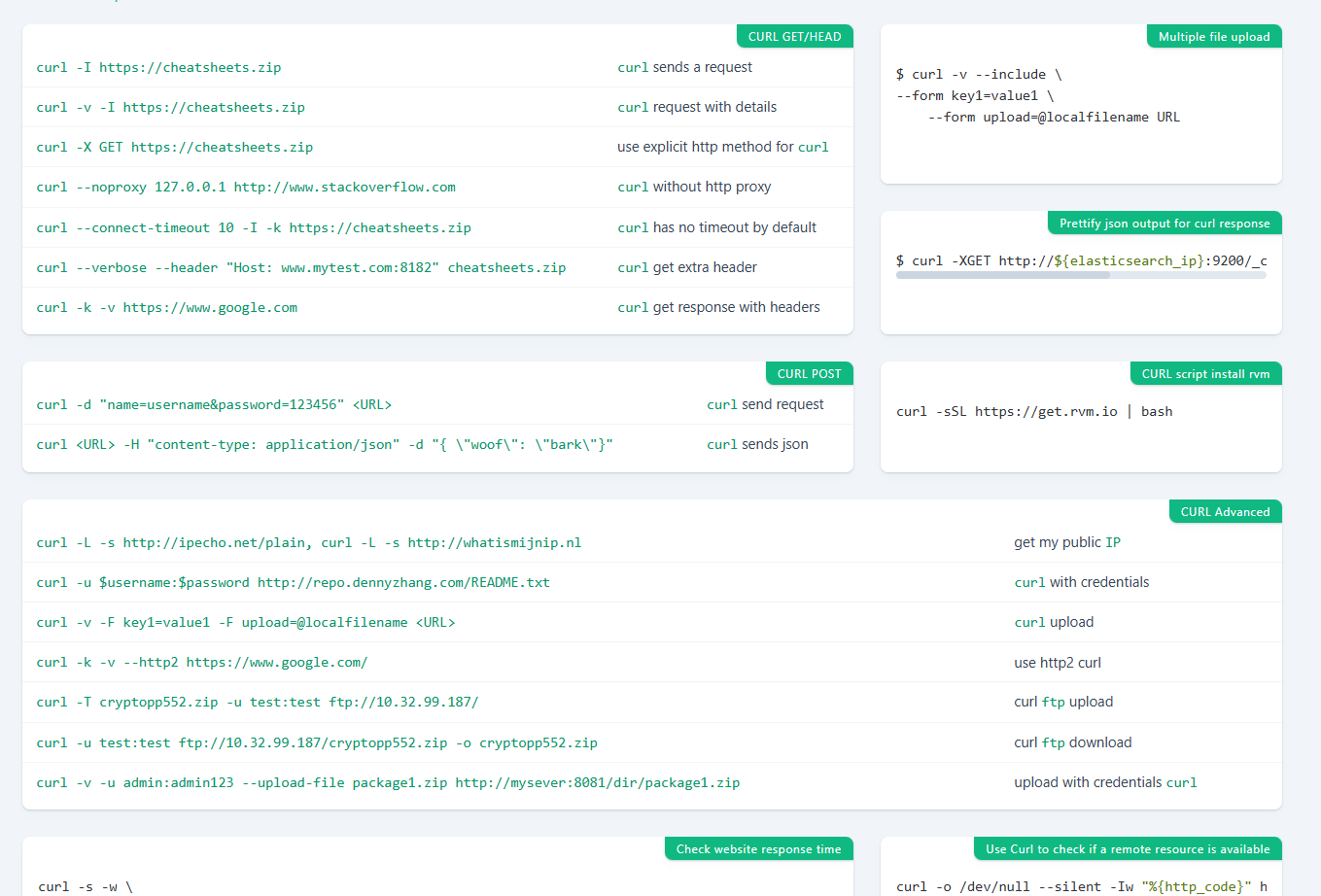
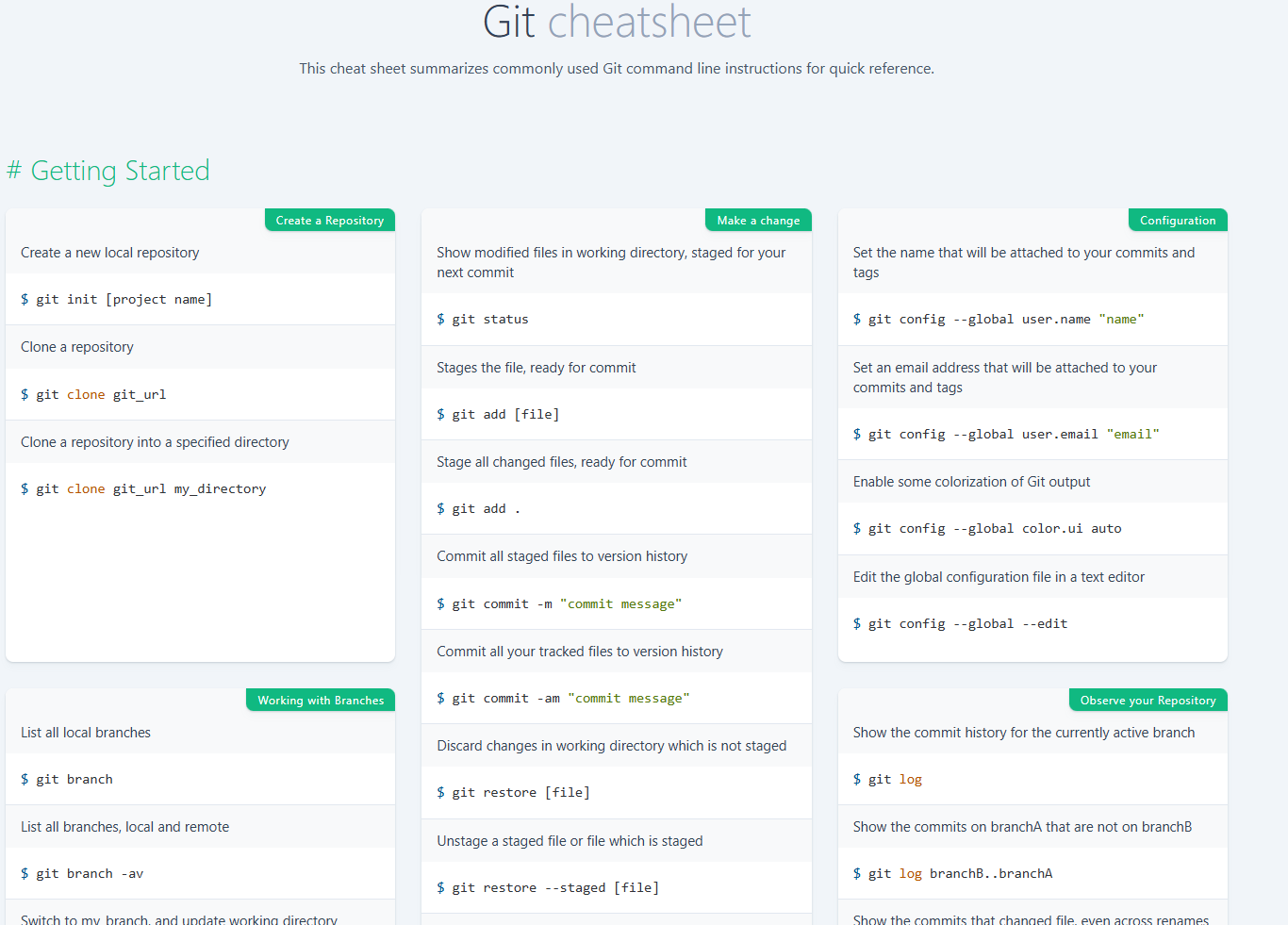
When we're learning a certain tool, language, cli, whatever it may be, we almost always write down the main commands we use somewhere so we don't forget. The Reference project shares these quick tip notes for various tools, languages, Linux operating systems, databases and a collection of keyboard shortcuts for various things. It's definitely worth checking out.
They have a website https://cheatsheets.zip/ to facilitate consultation.
It's worth remembering that it doesn't replace official documentation for learning how it works to recall.
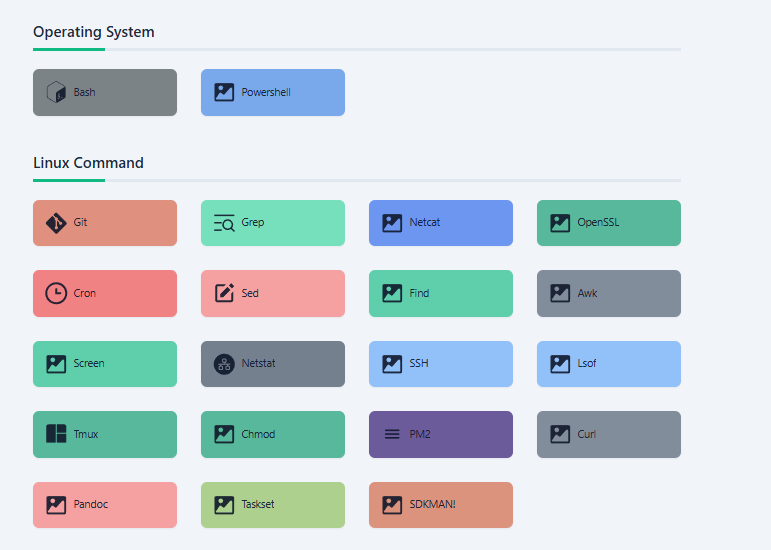
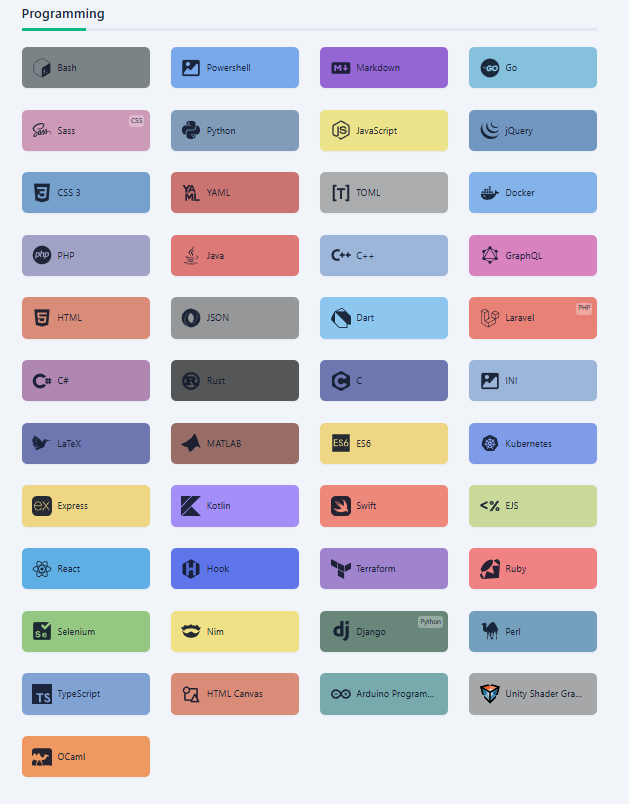
And there's much more...
Quick examples of git commands.
Of curl commands.