Design Kubernetes Cluster
We can install Kubernetes in several ways. Which one is ideal for what you want to do?
Let's put some questions on the table.
Cluster Purpose
What is the purpose of this cluster? WHY?
- Learning?
- If you're just starting and it's your first time, you can use minikube which simulates a single node master cluster and we can deploy pods within the master itself.
- A great option is kind which creates nodes as containers on your local machine. It avoids creating VMs and we can simulate more master and worker nodes.
- Development?
- In a development environment, 1 master and several workers is a typical scenario.
- A bare metal cluster can be a great choice to reduce costs.
- Setup with kubeadm or kubespray would be an easy way to do it.
- Production?
- Multiple masters, at least 3.
- Can be provisioned with kubespray, kops, kubeadm, or using cloud-managed solutions which I actually consider the best option when possible.
https://kubernetes.io/docs/setup/best-practices/cluster-large/
Kubernetes supports up to 5000 nodes 150000 pods in the cluster 300000 total containers 100 pods per node.
Cluster Sizing
There is an optimal balance between CPU and memory to avoid bottlenecks. Of course, each type of application can vary in resources. An application with heavy CPU usage and little memory or vice versa deviates from the standard and needs to be analyzed.
If you have too much CPU and too little memory, the system may sit idle waiting for data to be fetched from memory. Similarly, if you have too much memory and too little CPU, the system may not be able to process data quickly enough.
For general purposes, if you don't yet know what will be built, think of at least 1 CPU for every 4GB RAM.
Another important point is how many worker nodes you plan to have. Is it better to have many nodes with fewer resources or fewer nodes with more resources?
Every time we have a daemonset that runs a pod on each node mandatorily, if you have many nodes, you'll also lose a lot of resources. Every time a node comes up, if it's very small, it has already lost part of its RAM to run the operating system. We need to find an ideal point where the application runs in high availability.
I believe that at least 2 worker nodes is ideal to start with high availability. Some resources in Kubernetes would ideally have at least 3 worker nodes which would be the best scenario.
To understand which sizing option to select, consider the pros and cons.
Instance pricing: Generally, you can assume that the instance cost per CPU/RAM is linear across major cloud platforms.
When determining your cluster capacity, there are many ways to approach node sizing. For example, if you calculated a cluster size of 16 CPU and 64 GB of RAM, you could divide the node size into these options:
2 nodes: 8 CPU / 32 GB RAM 4 nodes: 4 CPU / 16 GB RAM 8 nodes: 2 CPU / 8 GB RAM 16 nodes: 1 CPU / 4 GB RAM
Fewer Larger Nodes
Pros
If you have applications that use a lot of CPU or RAM, having larger nodes can ensure your application has sufficient resources.
Cons High availability is difficult to achieve with a minimum set of nodes. If your application has 50 pods on two nodes (25 pods per node) and one node goes down, you'll lose 50% of your service.
Scaling: when autoscaling the cluster, the increment size becomes larger, which can result in provisioning more hardware than necessary.
More Smaller Nodes
Pros
- High availability is easier to maintain. If you have 50 instances with two pods per node (25 nodes) and one node goes down, you'll reduce your service capacity by only 4%.
Cons
- More system overhead to manage all the nodes.
- Possible underutilization, as nodes may be too small to add additional services.
- A simple daemonset like Prometheus node exporter would have 50 pods in this case.
Balance
This scenario would be quite interesting:
- 4 nodes with 16GB if applications are larger
- 8 nodes with 8GB for smaller applications
Where will it be created? WHERE?
Will it be a cloud cluster? If it's in the cloud, make everything easier so you can focus on applications and let the cloud handle the control plane. On AWS we have EKS which can be launched with Kops or terraform modules. On GCP we have GKE On Azure we have AKS.
Will it be on-premises? kubespray and kubeadm are great tools to help deploy the cluster
Tips:
- Whenever possible, use SSD storage for higher performance.
- For multiple pods accessing the same storage, prefer Network storage
- Define labels on storage types to facilitate deployment using the correct storage
- Create node selectors to place pods on nodes with better performance for that pod
- Best practice recommends reserving masters to not deploy anything, only Kubernetes components. Ensure a taint is applied to these masters.
- Define dedicated resources for kubelet on each worker node.
What will we have in the cluster? WHAT? How many applications will be in the cluster? What type of applications will be used in the cluster? Resources can vary if it's web applications, ephemeral applications, big data, etc. Type of resources used by these applications? Intensive CPU or memory usage. Will they be network-intensive applications?
One detail that should be evaluated is having a dedicated ETCD cluster separate from the masters in very large clusters. Only consider this in extremely large clusters. While you can keep etcd with the masters, maintain it.
Kubernetes Infrastructure
We can deploy Kubernetes on our local machine, on dedicated physical machines, in the cloud, on virtualized machines, etc.
Local and Development
On Windows, it's not possible to run Kubernetes components directly because there are no binaries available. It's necessary to virtualize a Linux machine for this purpose, whether using Hyper-V, VMware, VirtualBox, etc. On Linux, we could simply run all components directly as a service if we wanted.
Another widely used scenario is using these components as containers. Similarly, Windows doesn't run Docker natively; under the hood it creates a VM and runs on Linux.
But one way or another, you'll need to be on Linux, whether virtualized or not. Containers are from the Linux world.
Minikube creates a virtual machine with a single-node cluster. It can use various virtualizers like VirtualBox, VMware, Hyper-V, etc.
I really like the tools kind and K3D which use Docker in Docker. Containers act "like an operating system with Docker installed" that spins up more containers inside it. Container within container. Creating an idea of NODE. You need to have Docker installed or some container runtime.
kubeadm expects the machine to already be provisioned. A good scenario is having virtual machines ready to form a cluster with the kubeadm tool, as this binary expects the VMs to be provisioned. It can create single or multiple nodes. Vagrant is a great option to automate the process locally.
Production
There are two types of solutions
Turnkey Solutions
These are tools or scripts that work to create the cluster. You can provide the necessary VMs and these tools help configure the cluster. You are responsible for maintaining the VMs, applying patches, updates, etc.
- You provision the VMs
- You configure the VMs
- Use tools to deploy the cluster
- You maintain the VMs
Kubespray and kops would be great examples.
OpenShift would be an example Cloud Foundry Container Runtime VMware Cloud PKS Vagrant
Hosted Solutions or Managed Solutions
These are like Kubernetes as a Service. Usually ready-made solutions from some cloud.
- The provider provisions the VMs
- The provider installs Kubernetes and maintains the VMs
OpenShift Online AKS GKE EKS
High Availability
What happens to the rest of the cluster when we lose the master if we only have one?
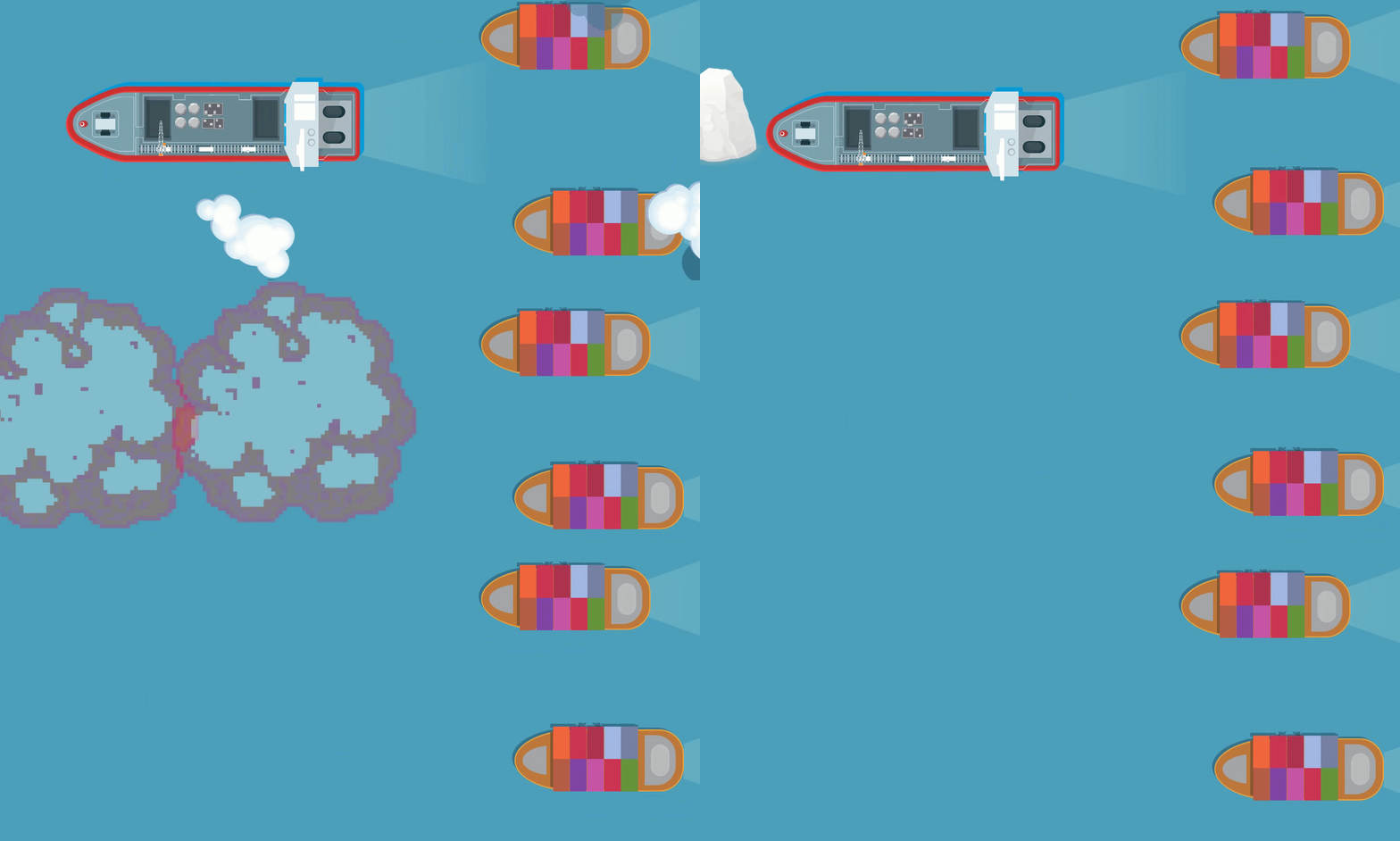
As long as the workers are working and containers are running, and applications are responding, everything will continue normally until something starts to fail.
If a container fails, it won't come up anymore because we don't have the controllers to monitor them and ensure and notify the worker that it needs to load a new pod.
Access to the cluster through APIs or kubectl will not be possible.
That's why you should consider more master nodes.
On all master nodes, the same Kubernetes components must run to avoid a single point of failure.
Similarly, worker nodes with applications. If a worker node running the application stops, all pods will not be available on that node and it will start moving pods to another node, but there will be a downtime until everything is recognized. That's why it's good to have more workers and define criteria so that replicas of the same pod avoid being on the same node as much as possible.
Let's focus on the master, knowing that we need to have the same components inside them.
The kube-apiserver works in active-active mode. This means that if we point kubeconfig to any of the master nodes, we'll get a response. Ideally, have a load balancer in front of the cluster that will send requests in a balanced way to define which kube-apiserver should respond.
The other master components (kube-controller-manager, kube-scheduler, etcd) work in active-passive mode. This means that the leader is the one who defines things and the others stay in passive mode checking if the leader is running. If it stops, the passives will take action to become the new leader.
How does this work?
Every time active-passive components start, they try to grab the endpoint for the component in question to become the leader.
apiVersion: v1
kind: Pod
metadata:
  creationTimestamp: null
  labels:
    component: kube-controller-manager
    tier: control-plane
  name: kube-controller-manager
  namespace: kube-system
spec:
  containers:
  - command:
    - kube-controller-manager
    - --allocate-node-cidrs=true
    - --authentication-kubeconfig=/etc/kubernetes/controller-manager.conf
    - --authorization-kubeconfig=/etc/kubernetes/controller-manager.conf
    - --bind-address=127.0.0.1
    - --client-ca-file=/etc/kubernetes/pki/ca.crt
    - --cluster-cidr=10.244.0.0/16
    - --cluster-name=kind-cluster
    - --cluster-signing-cert-file=/etc/kubernetes/pki/ca.crt
    - --cluster-signing-key-file=/etc/kubernetes/pki/ca.key
    - --controllers=*,bootstrapsigner,tokencleaner
    - --enable-hostpath-provisioner=true
    - --kubeconfig=/etc/kubernetes/controller-manager.conf
    - --leader-elect=true # Leader election enabled
    - --requestheader-client-ca-file=/etc/kubernetes/pki/front-proxy-ca.crt
    - --root-ca-file=/etc/kubernetes/pki/ca.crt
    - --service-account-private-key-file=/etc/kubernetes/pki/sa.key
    - --service-cluster-ip-range=10.96.0.0/16
    - --use-service-account-credentials=true
    image: registry.k8s.io/kube-controller-manager:v1.29.1
Other parameters are default and not specified here
- --leader-elect-lease-duration 15s: defines the duration that it will be the leader
- --leader-elect-renew-deadline 10s: notifies that it will try to renew to be the leader every 10 seconds. In other words, before the lease ends, it already updates to 10 seconds later for another 15s
- --leader-elect-retry-period 2s: Is the time that whoever is not the leader will check if they can be the new leader.
In the case of ETCD, we have the option to remove them from the masters and create an ETCD cluster (not another Kubernetes cluster) called external ETCD.
Deploying ETCD on masters and managing it is certainly easier, in addition to saving resources. This topology with ETCD inside the masters is called Stacked Topology.
When a master node stops responding, redundancy is compromised, but why?