Expressing Ideas: Tools for Visualization and Collaboration

Hello readers,
Communicating ideas clearly and effectively is essential in any field, especially in the world of technology and development. Who hasn't had that little sketch notebook to try to present a more complex solution? It's through sketching that solutions take shape and new ideas emerge.
Fortunately, there are several tools available to help with this process, from more technical diagrams to quick sketches.
Excalidraw
This is an online collaborative drawing tool, designed to sketch ideas and diagrams in a simple, fast, and efficient way. With real-time collaboration features, multiple people can edit the same document simultaneously, facilitating teamwork and visual communication. It's open source and has a cool "hand-drawn" feel, giving that notebook idea.
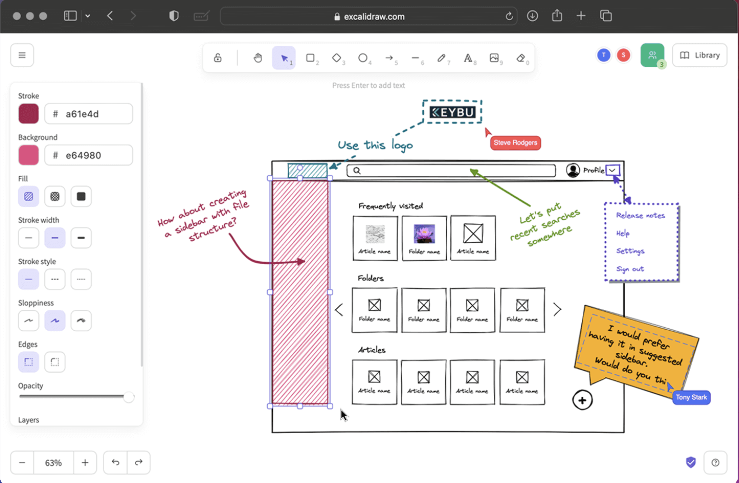
There's a VS Code extension that automatically opens an editor inside VS Code itself when we create a .excalidraw file. Easy to export to an image with or without background, in PNG and SVG. Great for keeping the sketch within the code to be referenced in documentation.
We can add several libraries developed by the community to leverage components from different areas.
I love this tool and use it every day. It's simple and effective with a very quick learning curve.
The free version is already quite interesting and focused on being your notebook.
The paid version has those team collaboration features with user access limitations, better organization, saving everything on their server, which for a normal user doesn't make much difference.
If you don't want to pay for the version with more features, just set up your own Excalidraw server for the whole company.
If thinking about paid software, this wouldn't be my option.
Draw.io
Another open source tool, it offers a variety of more advanced features and options compared to Excalidraw. Its interface may seem more complex for beginners, but it offers more flexibility and customization.
It has a wide range of more advanced features and integration with other platforms. It's more suitable for creating detailed technical diagrams, complex flowcharts, and other types of more elaborate diagramming.
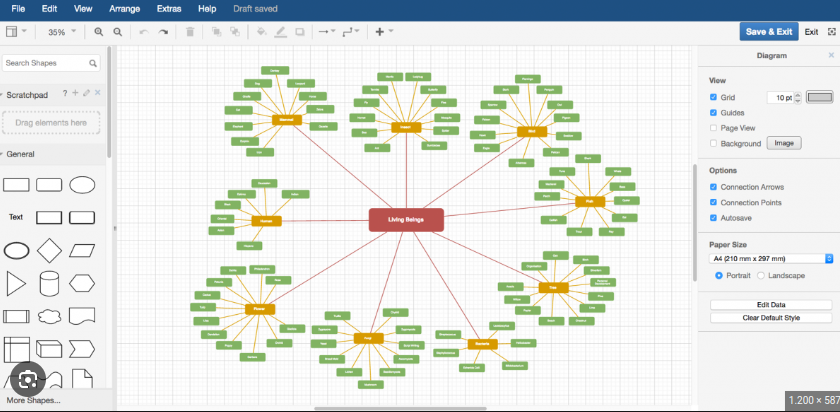
When Excalidraw isn't enough, this is the right tool. It's not very focused on real-time collaboration, but on features.
Miro
This one is not open source and has a more corporate proposal with many features and an extensive integration list.
It has plenty of ready-made templates that help speed things up.
It even has Draw.io embedded in it.
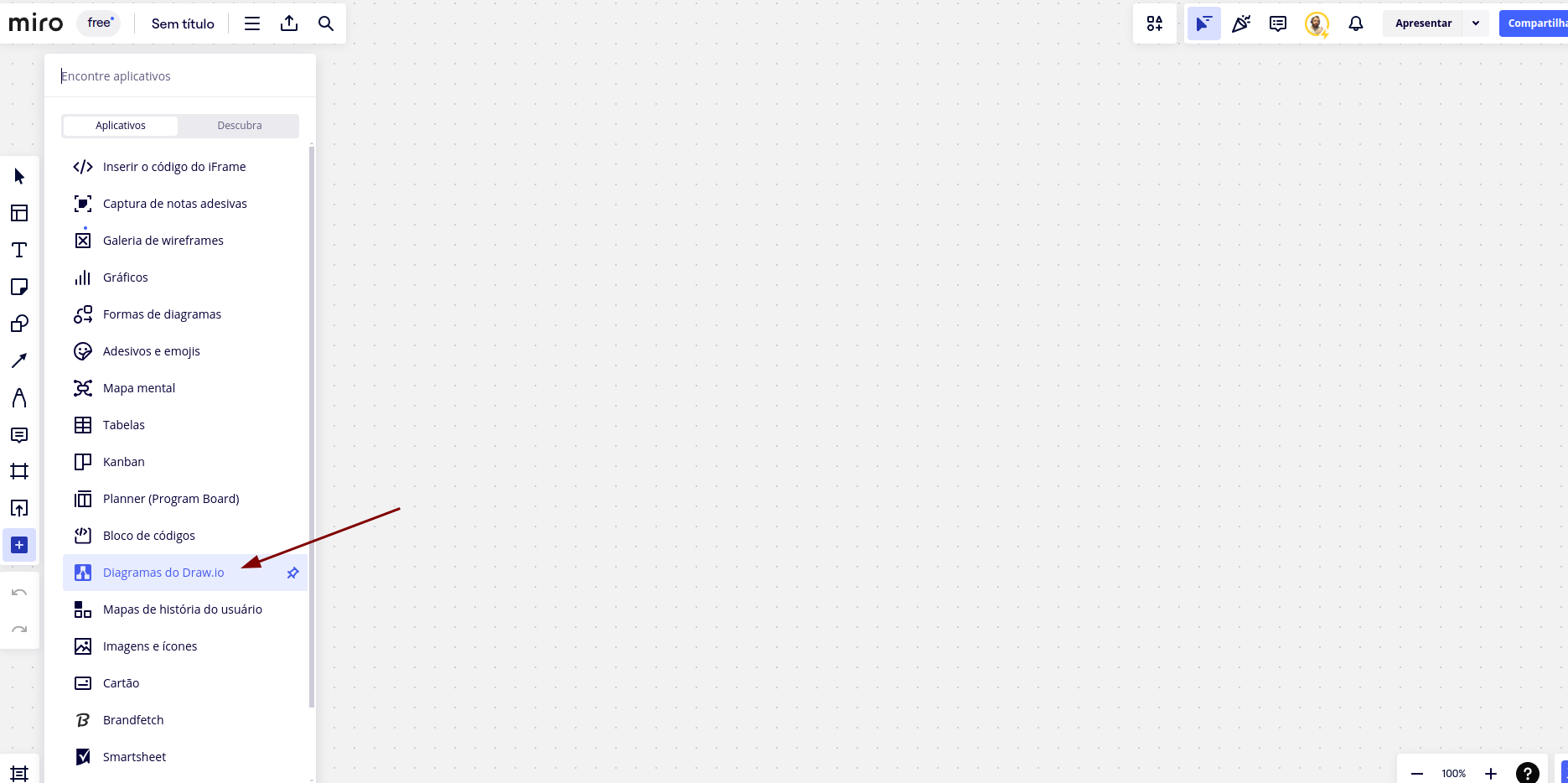
Among paid tools, it's definitely a great option.
The free version has basic features and can contain up to 3 boards. For more advanced features, you need to move to the Starter version.
Worth checking out!
Conclusion
Expressing ideas clearly and effectively is fundamental to the success of any project and professional.
The tools mentioned in this article offer an easy and intuitive way to create diagrams, sketches, and flowcharts, facilitating communication and collaboration between teams.
Try some of them and find out which works best for you and your team!