Labels and Selectors
Labels and Selectors are ways to group resources in Kubernetes.
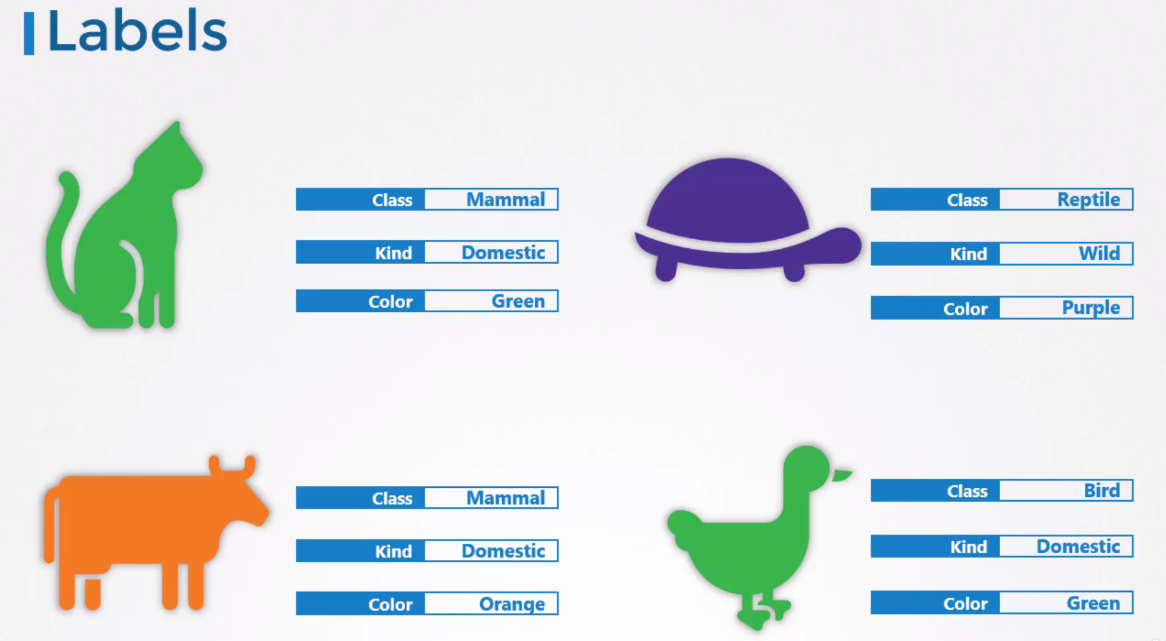
Let's imagine we have this group of animals.
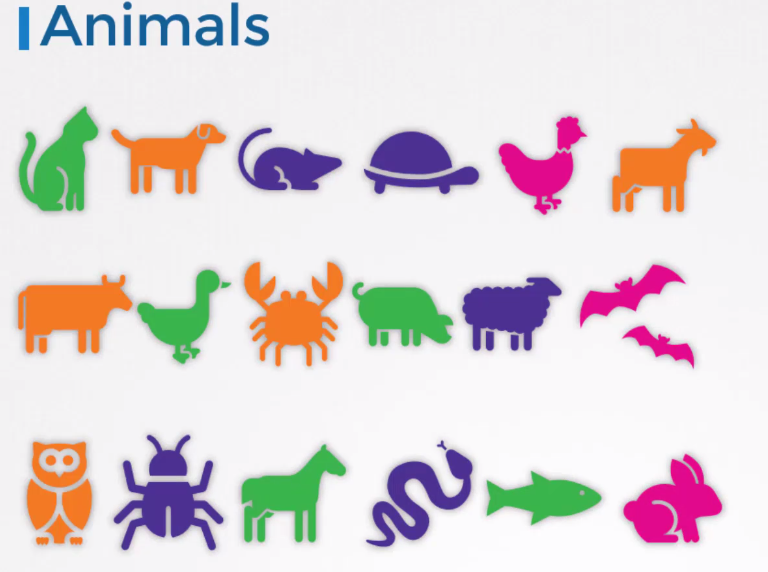
We could group them by different criteria, for example:
-
By classes.
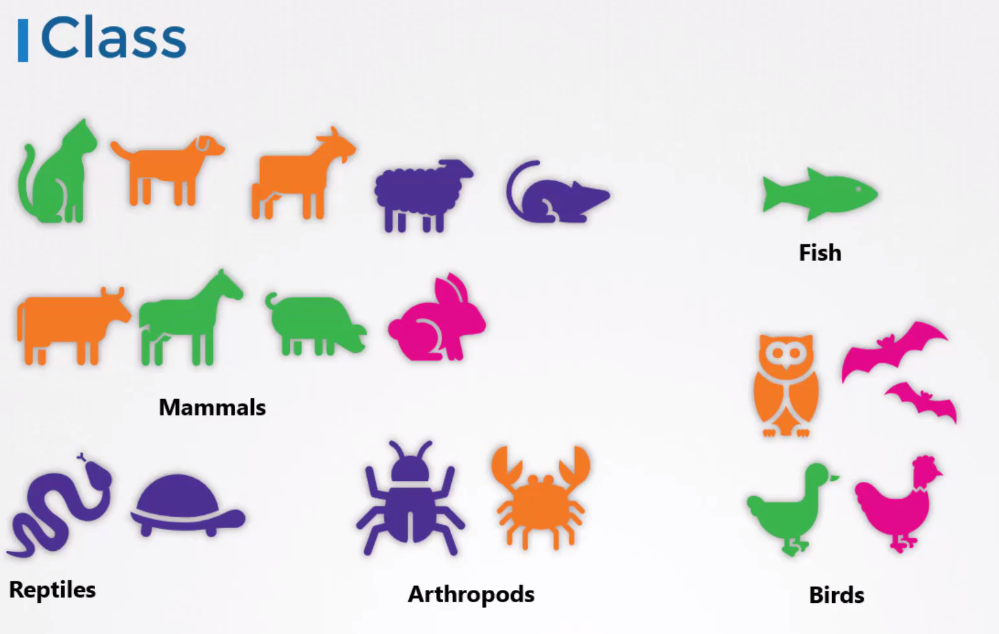
-
By types if they are wild or domestic.
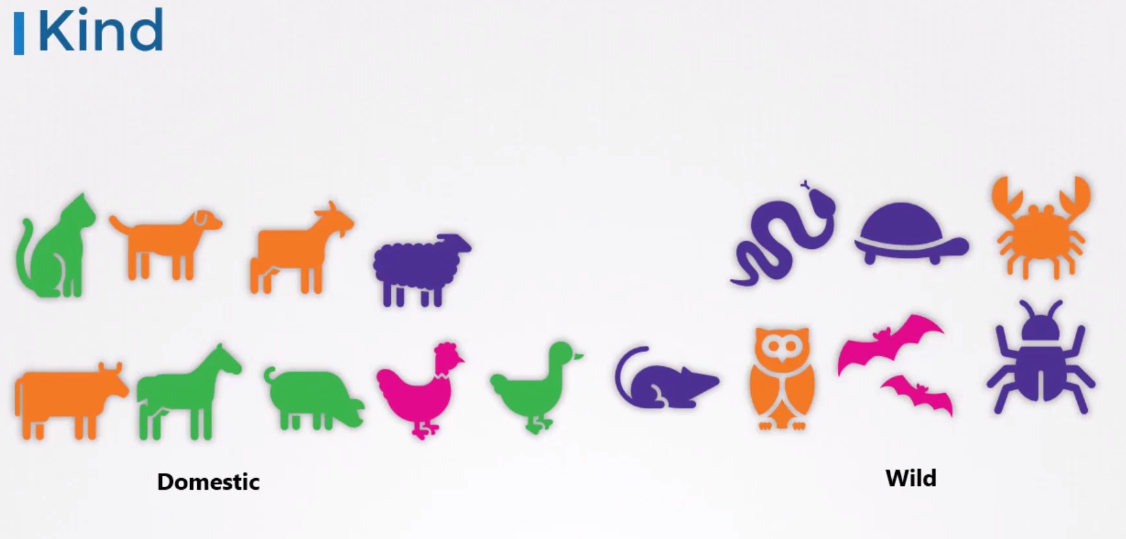
-
By color.
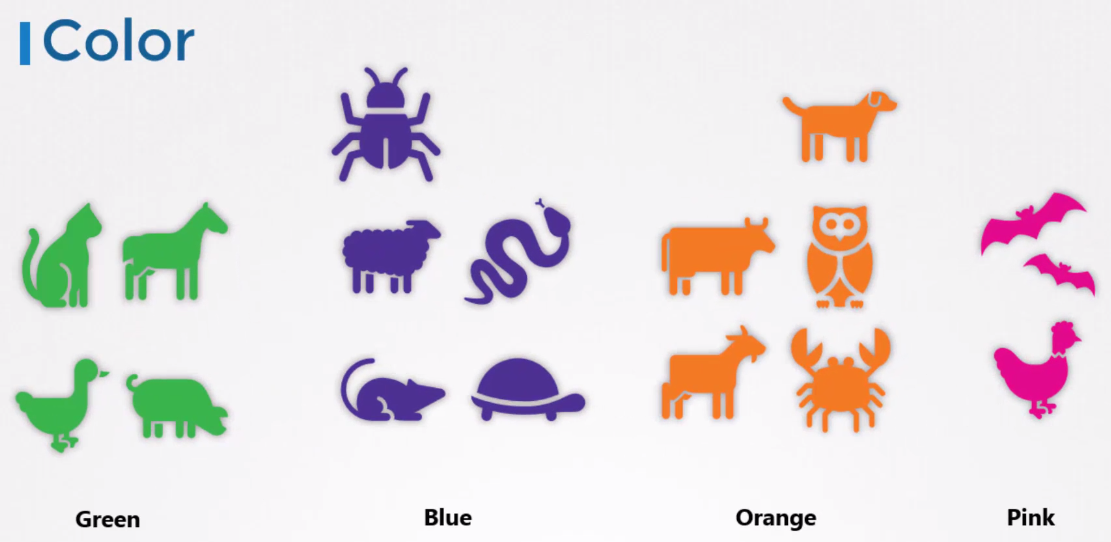
-
Or even by multiple criteria.
Any resource in Kubernetes can have multiple Labels. It's a good practice to always use Labels to be able to filter resources.
To specify what we're looking for, we use Selectors. They are fundamental for linking components in Kubernetes. We always use labels (Labels) within the metadata of objects, being able to define as many labels as needed. This way, labels form a flexible key-value list.
apiVersion: v1
kind: Pod
metadata:
  name: simple-webapp
  labels:
    app: webapp
    function: frontend
    ...
As mentioned earlier, we can select the specific Pods we want when searching for a Pod.
kubectl get pods --selector app=webapp
Labels are used to group elements, while Annotations are used to provide additional information, such as versions and feature integration details.
To print Pods without the first header line.
kubectl get pods --selector app=webapp --no-headers
And to count the lines to know the number of Pods
kubectl get pods --selector app=webapp --no-headers | wc -l