Workflows and Events
Let's dive deeper into the events that can trigger a workflow. It's possible to filter push events instead of keeping them generic and triggering on any push.
- Event filtering
- Event types
We have several types of events that trigger workflows, most of them related to the repository.
Documentation for trigger types
Let's explore some of the main ones and learn how they can be used in workflows and when these events are triggered.
One of the most important events is push.
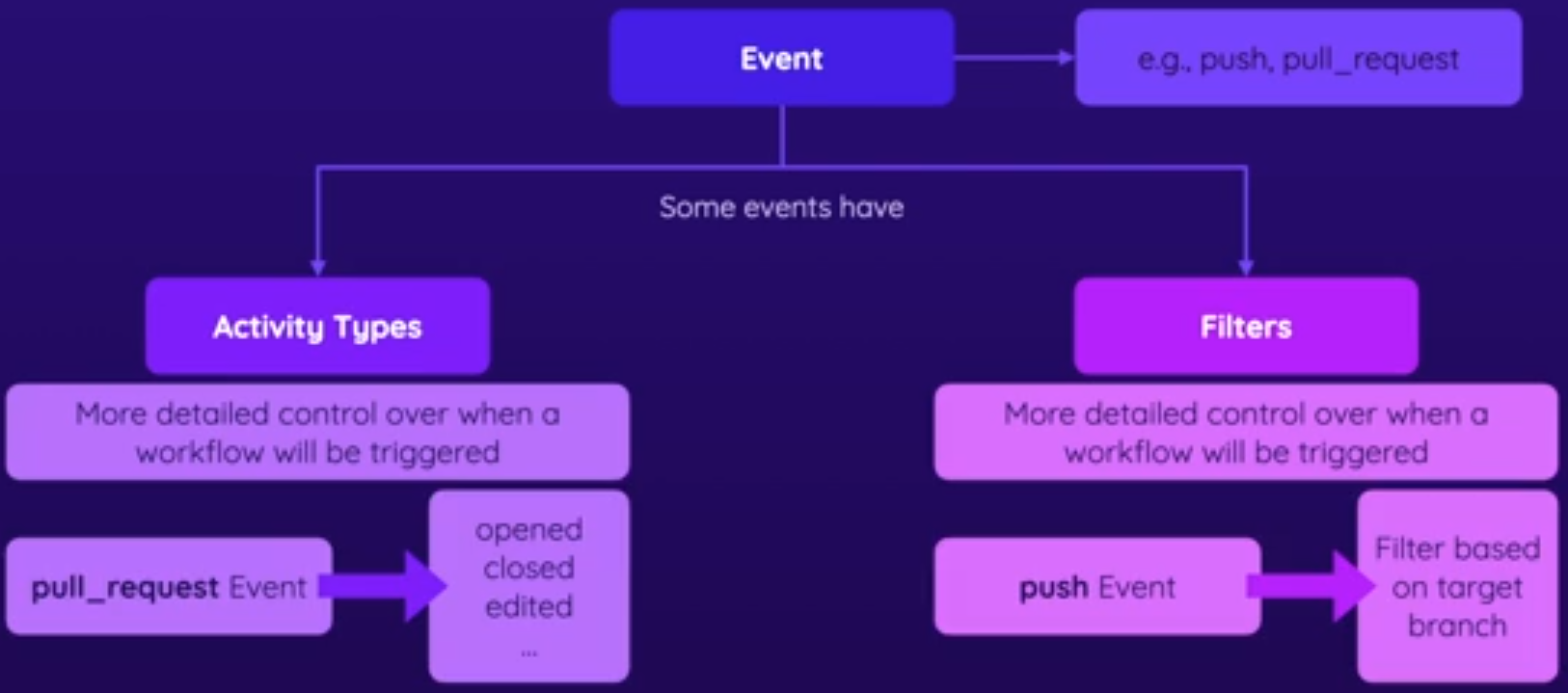
We can filter the push event to only execute the workflow in a specific situation, not on any push event in the repository. Each event type has specifications for granular control. Always consult the documentation when needed.
There are events that have activity types within the event that we can use, but they are not present in all event types, only in some. The pull_request event has several activity types, for example opened, closed, edited, etc. In the case of push, we don't have this type of activity, we only use filters.
| push | pull_request |
|---|---|
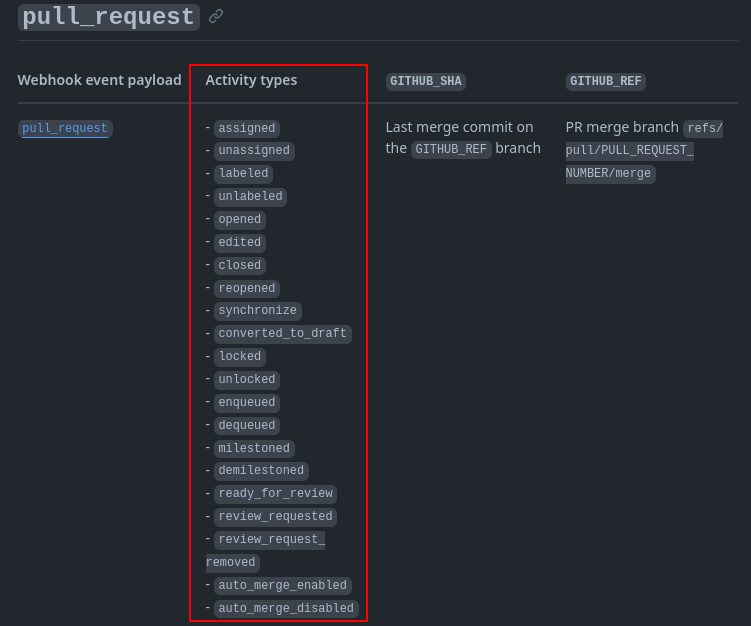 |  |
If you read the pull_request documentation, you'll see that if we don't specify the types, the default used are opened, synchronize, and reopened.
name: Events Demo 1
on:
  # Executes every time a pull request is opened
  pull_request:
    types:
      - opened
  workflow_dispatch:

jobs:
  deploy:
    runs-on: ubuntu-latest
    steps:
      - name: Output event data
        run: echo "${{ toJSON(github.event) }}"
      - name: Get code
        uses: actions/checkout@v3
      - name: Install dependencies
        run: npm ci
      - name: Test code
        run: npm run test
      - name: Build code
        run: npm run build
      - name: Deploy project
        run: echo "Deploying..."
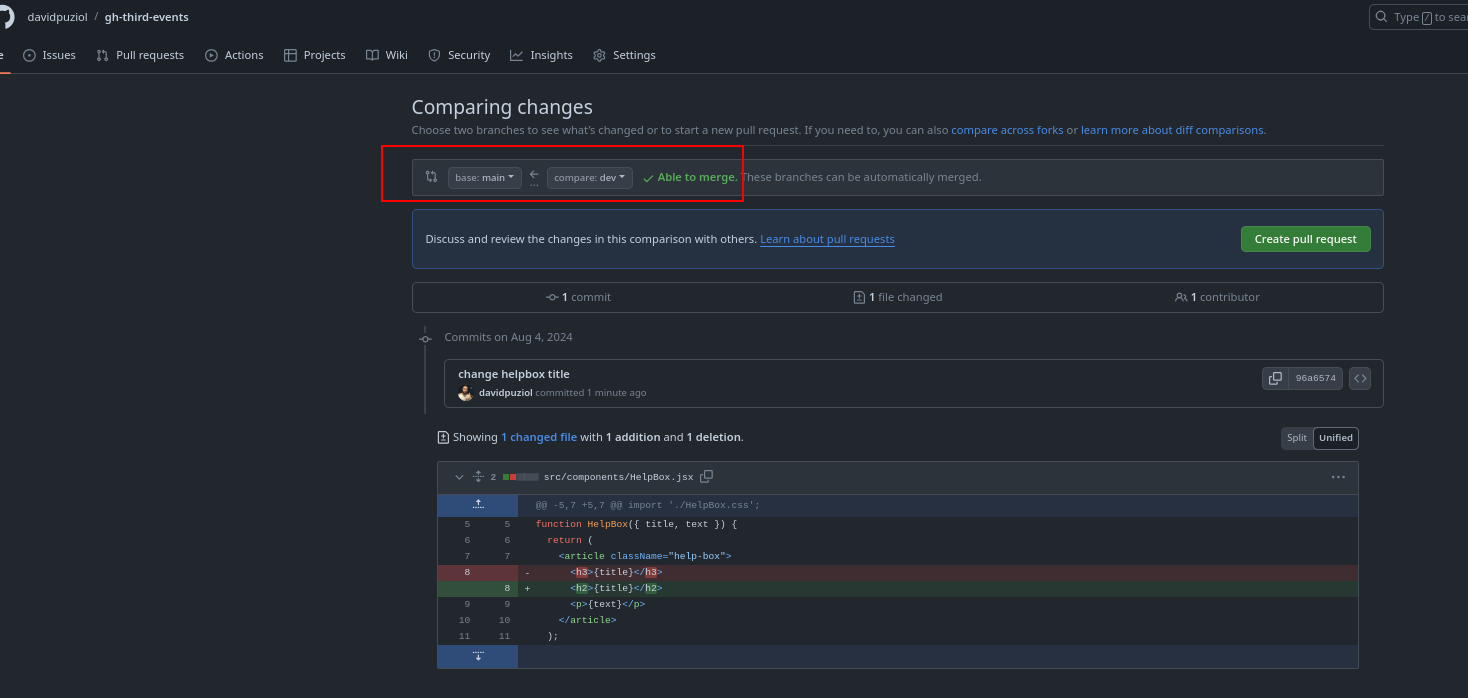
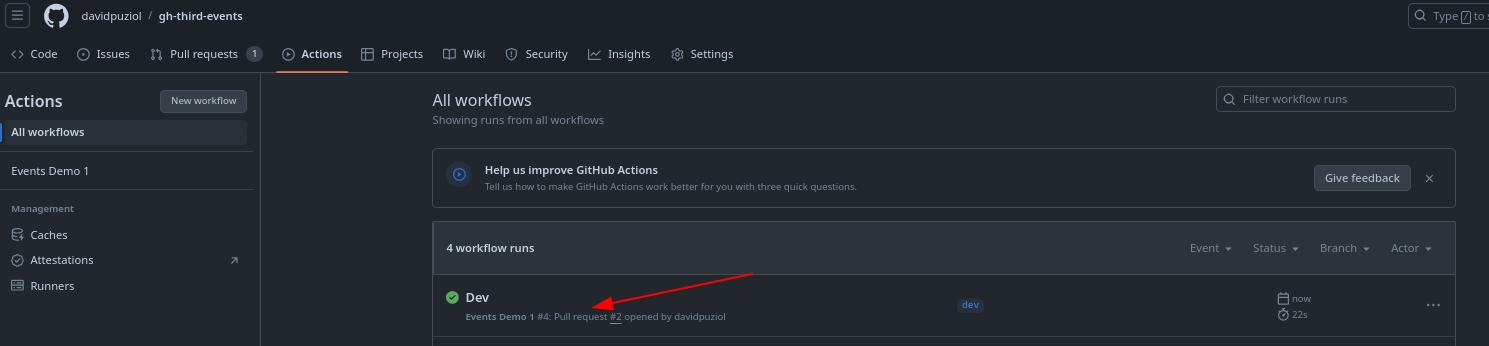
Since we declared the pull_request event types for only opened, if we edit it won't trigger the workflow again.
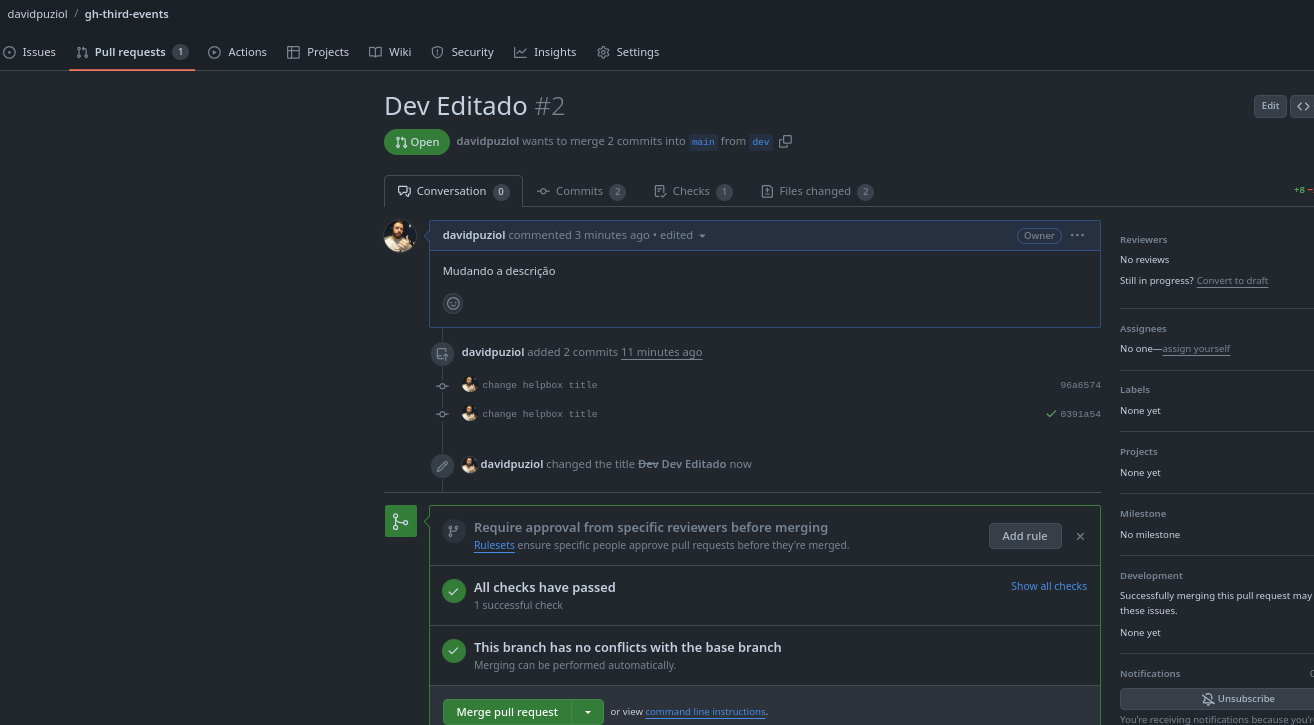
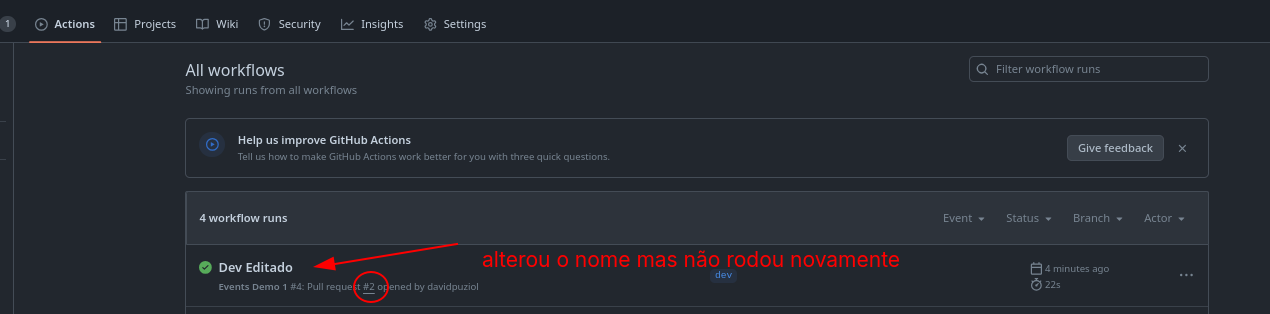
Now let's add push to run only on some branches.
on:
  push:
    branches:
      - main
      # Use * to allow variations in names
      # Allows any name with the dev- prefix and doesn't use /
      - 'dev-*' # no /
      # Two ** allow / to be valid characters, example: feat/new / feat/new/button
      - 'feat/**'
We also don't want it to be for any pull request, they need to be on the branches above, so let's change it.
on:
  push:
    branches:
      - main
      # Use * to allow variations in names
      # Allows any name with the dev- prefix and doesn't use /
      - 'dev-*'
      # Two ** allow / to be valid characters, example: feat/new / feat/new/button
      - 'feat/**'
  pull_request:
    types:
      - opened
    branches:
      - main
      - 'dev-*'
      - 'feat/**'
  workflow_dispatch:
You can also filter based on file paths with the path filter present in push and pull_request. This allows you to basically say you want to run a workflow if a push or pull_request changes files in a specific path or with paths-ignore if it changes anything except files in a specific folder.
We don't want to execute when we add more workflows or change documentation or .gitignore for example.
on:
  push:
    branches:
      - main
      - 'dev-*'
      - 'feat/**'
    # Ignores changes in the paths below
    paths-ignore:
      - '.github/workflows/*'
      - '.gitignore'
      - docs # A documentation folder for example
  pull_request:
    types:
      - opened
    branches:
      - main
      - 'dev-*'
      - 'feat/**'
  workflow_dispatch:
Let's imagine someone forked your public project, made some changes to the code, and requested a pull request to the project. It would fall into the pull_request event of type opened for the main branch and should execute a workflow. However, since it's coming from a third party, it will have the exclamation mark.
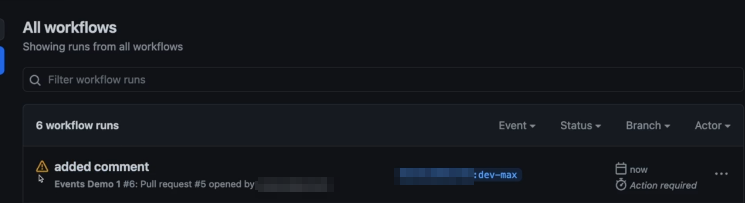
Entering the workflow we see that it needs approval from the project maintainer.

If anyone could keep making pull requests to your repository, it would generate an absurdly high bill to pay, have you thought about that?
Pull requests based on forks don't trigger a workflow even though technically they should. When we approve someone's pull request for the first time, the next ones will be accepted and run as expected. If it's someone who really collaborates with the main repository, it might be interesting to add them as a collaborator within the repository and avoid external forks.
Skipping Workflows
Let's imagine we're creating the README.md of a repository, some documentation, or commenting on someone's code. If we push the changes and generate a workflow, we can simply ignore them by putting a message in the commit. It doesn't make sense to run a huge workflow if we're not changing what we should or uploading extra files that are not part of the system.
git commit -m "Your message [skip actions]"
Any of the items below in your commit message will have no effect on actions.
[skip ci][no ci][ci skip][skip actions][actions skip]