Resource Documentation
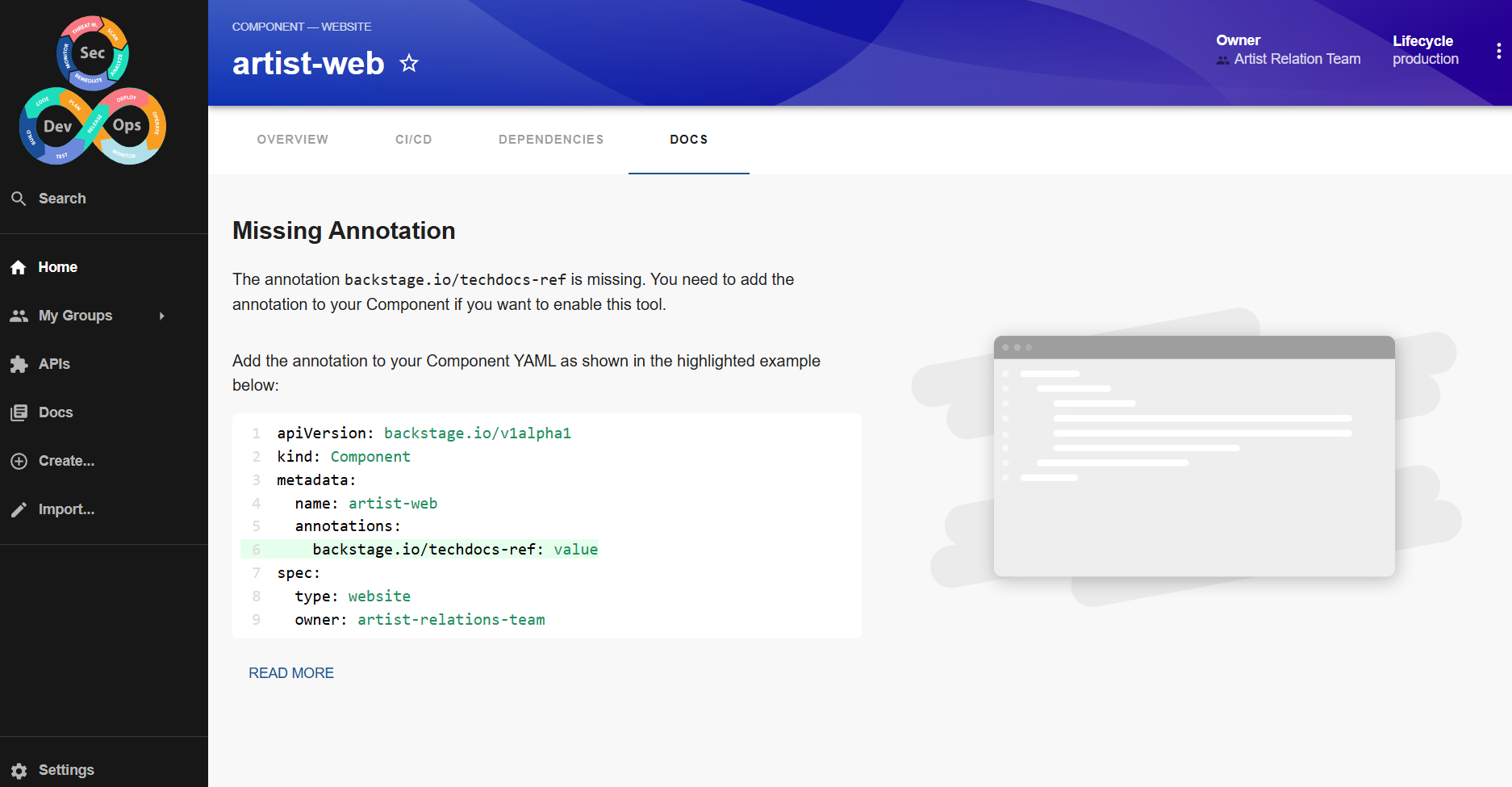
Within an entity, we saw that we have a docs section that is missing an annotation.
And right in the overview we can also observe that View Source redirects directly to the repository, but View TechDocs is disabled.
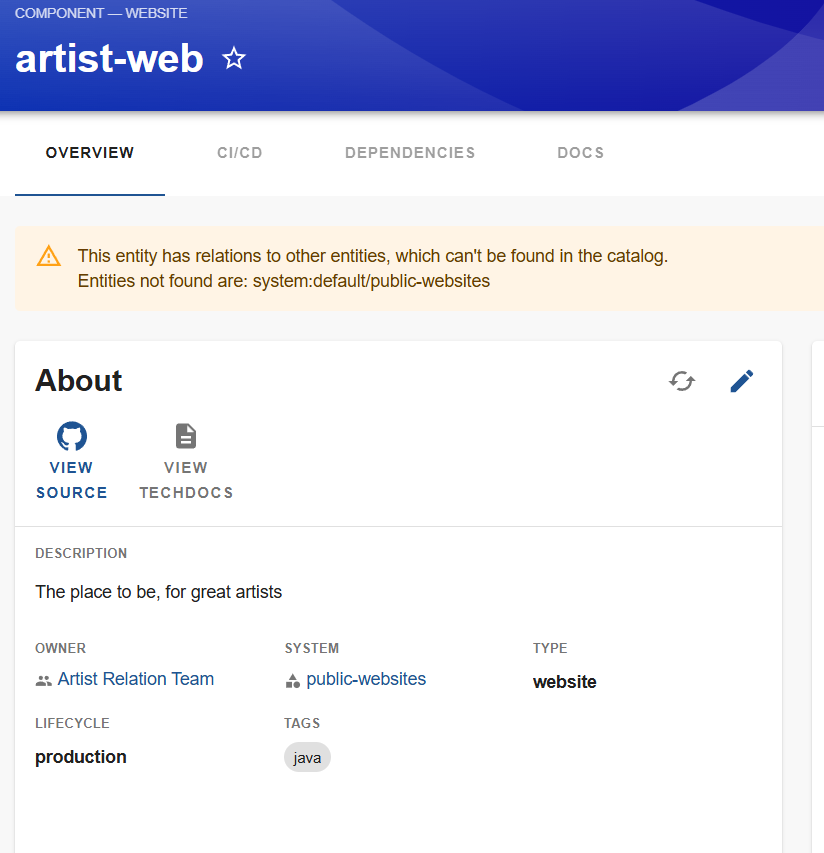
It is necessary to inform in the definition of this component where its documentation is located through an annotation.
Let's make it happen and then explain. Let's add the following annotation.
apiVersion: backstage.io/v1alpha1
kind: Component
metadata:
  name: artist-web
  description: The place to be, for great artists
  labels:
    example.com/custom: custom_label_value
  annotations:
    example.com/service-discovery: artistweb
    circleci.com/project-slug: github/example-org/artist-website
    backstage.io/techdocs-ref: dir:. # We add this annotation
## ...
spec:
## ...
TechDocs will look for where the docs folder is located. Let's create it in the root of the project's backstage folder and place some markdown documentation there. Let's name it documentation.md.
❯ tree
.
├── README.md
├── backstage
│   ├── api-external.yaml
│   ├── api.yaml
│   ├── component-website.yaml
│   ├── docs
│   │   └── documentation.md
│   ├── group.yaml
│   └── system.yaml
└── openapi
    └── swagger.json
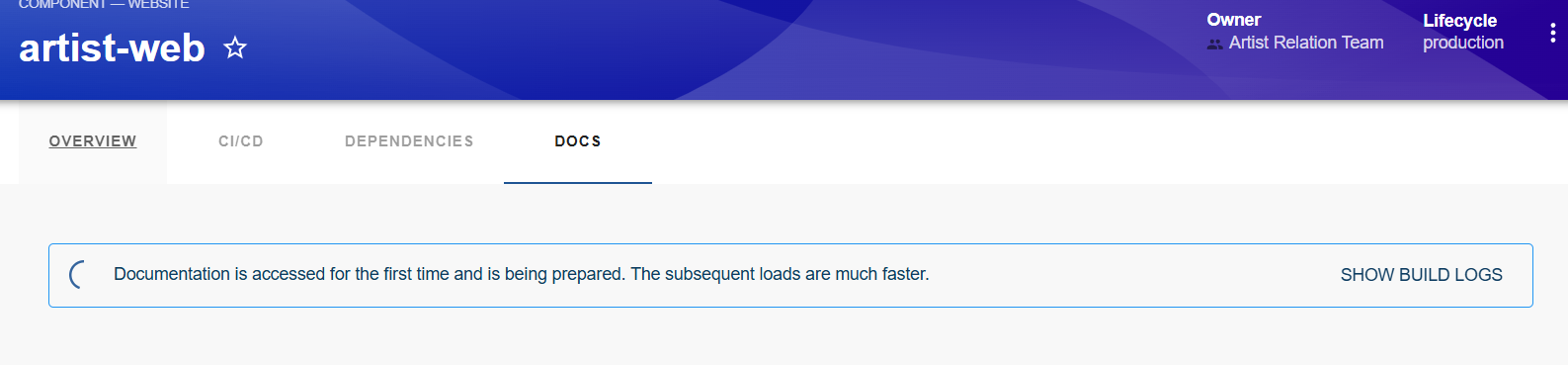
It's building, but an error will occur. Actually, it looks for index.md, so by renaming the file from documentation.md to index.md we will get our result in the docs tab.
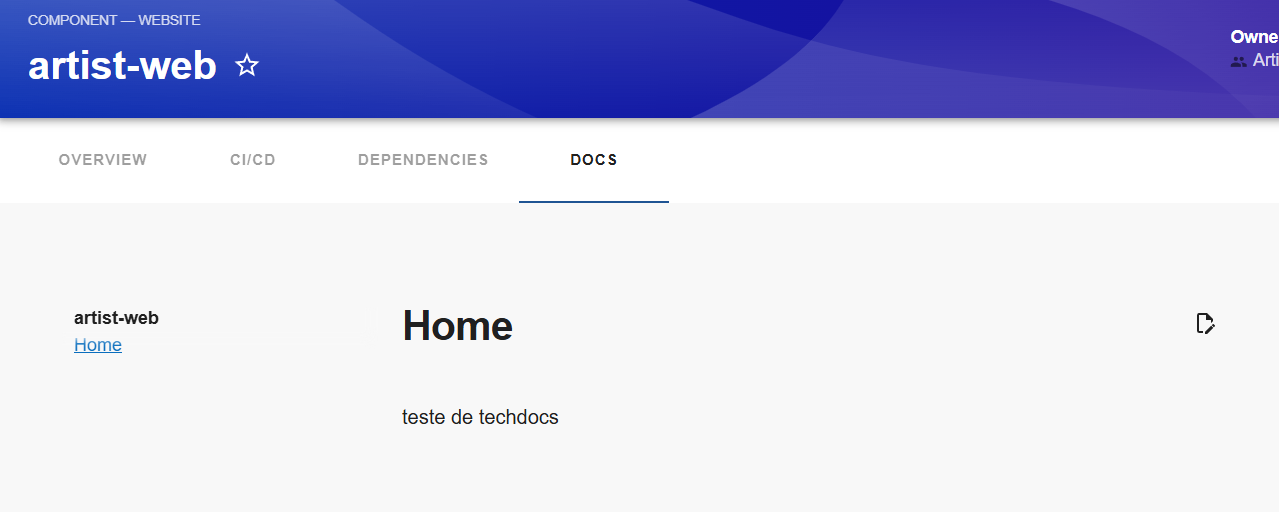
Also, we can navigate through the documentation using the sidebar and we see that it generated the documentation for the component.
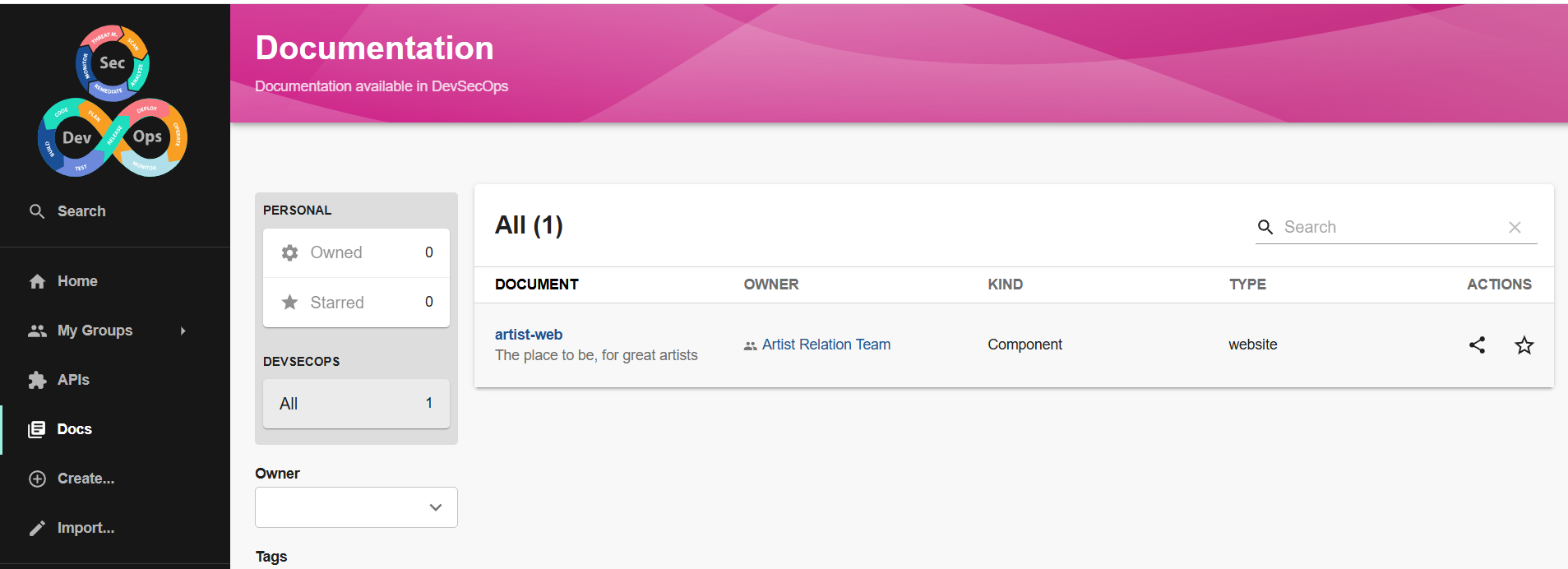
But how did this actually happen?
Techdocs Configuration
The TechDocs configuration is in the app-config.yaml file.
# Reference documentation http://backstage.io/docs/features/techdocs/configuration
# Note: After experimenting with basic setup, use CI/CD to generate docs
# and an external cloud storage when deploying TechDocs for production use-case.
# https://backstage.io/docs/features/techdocs/how-to-guides#how-to-migrate-from-techdocs-basic-to-recommended-deployment-approach
techdocs:
  builder: 'local' # Alternatives - 'external'
  generator:
    runIn: 'docker' # Alternatives - 'local'
  publisher:
    type: 'local' # Alternatives - 'googleGcs' or 'awsS3'. Read documentation for using alternatives.
What is MkDocs?
We need to understand what it is because TechDocs uses MkDocs to generate documentation from markdown files.
MkDocs is a static documentation generation tool, designed to create documentation sites based on Markdown files.
It transforms the content from a Markdown documents folder into HTML pages that can be easily hosted on servers or static site hosting services, such as GitHub Pages.
Knowing this, if MkDocs needs to process an input to generate an output, we need to define how it will do this and where the generated files will go.
We don't necessarily need to generate this locally, we could have a completely external runner to do this processing. Even the generated files could be stored completely external to Backstage, such as an S3 bucket on AWS.
Instead of using Docker, we could simply use a container as a service.
In the default configuration as we saw above, it's using Docker locally to process the files. This spotify/techdocs image was never directly downloaded by me; it was executed during the process.
docker images
REPOSITORY         TAG       IMAGE ID       CREATED        SIZE
kindest/node       <none>    6f8c6c736970   2 weeks ago    1.04GB
spotify/techdocs   v1.2.4    55addc1021da   5 months ago   663MB
If we were running Backstage as a container, would it need to spin up a container inside another container if done this way? So to maintain this, keep in mind that the image must be capable of doing this.
Python is required for the TechDocs plugin. If we have the packages installed on the same machine or container running Backstage, we wouldn't need to do this.
- python3
- python3-pip
- python3-venv
And run pip3 install mkdocs-techdocs-core.
If we were to add this to the Backstage container itself in the future, we would need this.
RUN apt-get update && apt-get install -y python3 python3-pip python3-venv

ENV VIRTUAL_ENV=/opt/venv
RUN python3 -m venv $VIRTUAL_ENV
ENV PATH="$VIRTUAL_ENV/bin:$PATH"

RUN pip3 install mkdocs-techdocs-core
Using locally and keeping Docker, we need to define where the generated files will go. Let's add and configure the directory and see what happens.
techdocs:
  builder: 'local' # Alternatives - 'external'
  generator:
    runIn: 'docker' # Alternatives - 'local'
  publisher:
    type: 'local' # Alternatives - 'googleGcs' or 'awsS3'. Read
    local:
      publishDirectory: '/home/david/labs/backstage-site'
When we go to the component page again, it will be processed again and the container will place the files in this folder.
 ~/labs/backstage-site
tree
.
└── default
    └── component
        └── artist-web
            ├── 404.html
            ├── assets
            │   ├── images
            │   │   └── favicon.png
            │   ├── javascripts
            │   │   ├── bundle.c8d2eff1.min.js
            │   │   ├── bundle.c8d2eff1.min.js.map
            │   │   ├── lunr
            │   │   │   ├── min
            │   │   │   │   ├── lunr.ar.min.js
            │   │   │   │   ├── lunr.da.min.js
            │   │   │   │   ├── lunr.de.min.js
            │   │   │   │   ├── lunr.du.min.js
            │   │   │   │   ├── lunr.el.min.js
            │   │   │   │   ├── lunr.es.min.js
            │   │   │   │   ├── lunr.fi.min.js
            │   │   │   │   ├── lunr.fr.min.js
            │   │   │   │   ├── lunr.he.min.js
            │   │   │   │   ├── lunr.hi.min.js
            │   │   │   │   ├── lunr.hu.min.js
            │   │   │   │   ├── lunr.hy.min.js
            │   │   │   │   ├── lunr.it.min.js
            │   │   │   │   ├── lunr.ja.min.js
            │   │   │   │   ├── lunr.jp.min.js
            │   │   │   │   ├── lunr.kn.min.js
            │   │   │   │   ├── lunr.ko.min.js
            │   │   │   │   ├── lunr.multi.min.js
            │   │   │   │   ├── lunr.nl.min.js
            │   │   │   │   ├── lunr.no.min.js
            │   │   │   │   ├── lunr.pt.min.js
            │   │   │   │   ├── lunr.ro.min.js
            │   │   │   │   ├── lunr.ru.min.js
            │   │   │   │   ├── lunr.sa.min.js
            │   │   │   │   ├── lunr.stemmer.support.min.js
            │   │   │   │   ├── lunr.sv.min.js
            │   │   │   │   ├── lunr.ta.min.js
            │   │   │   │   ├── lunr.te.min.js
            │   │   │   │   ├── lunr.th.min.js
            │   │   │   │   ├── lunr.tr.min.js
            │   │   │   │   ├── lunr.vi.min.js
            │   │   │   │   └── lunr.zh.min.js
            │   │   │   ├── tinyseg.js
            │   │   │   └── wordcut.js
            │   │   └── workers
            │   │       ├── search.b8dbb3d2.min.js
            │   │       └── search.b8dbb3d2.min.js.map
            │   └── stylesheets
            │       ├── main.7e359304.min.css
            │       ├── main.7e359304.min.css.map
            │       ├── palette.06af60db.min.css
            │       └── palette.06af60db.min.css.map
            ├── documentation
            │   └── index.html
            ├── index.html
            ├── search
            │   ├── lunr.js
            │   ├── main.js
            │   ├── search_index.json
            │   └── worker.js
            ├── sitemap.xml
            ├── sitemap.xml.gz
            └── techdocs_metadata.json

13 directories, 53 files
If we put the annotation on an API for example like this, we are using the same previous documentation.
apiVersion: backstage.io/v1alpha1
kind: API
metadata:
  name: petstore-api
  description: Petstore API Swagger
  annotations:
    backstage.io/techdocs-ref: dir:.
###...
It is highly recommended that the docs folder be alongside the yaml file, so let's completely change our structure from this point forward.
I tried to make references using the annotation backstage.io/techdocs-ref: dir:./docs/newdocs and other attempts to indicate the path, but I couldn't, so let's change it. That's why I made the comment about structure error in catalog.
Another proposal is to keep the folders with the names of the things and all files should be called catalog-info.yaml, which is the standard used by Backstage.
Understanding these limitations, the correct approach to work with, considering that we may have monorepo (worst case), is:
- Not having the backstage folder as we previously defined.
- Having a catalog-info.yaml in the root of the project, because if it actually is a monorepo then it will probably be a system.
- In each folder of the different projects in the monorepo, we will have the catalog-info.yaml and its docs.
For this, we need to modify the definition of the providers that we have looking for files.
  providers:
    github:
      providerId:
        organization: davidpuziol
        schedule:
          frequency: { minutes: 3 }
          timeout: { minutes: 3 }
        filters:
          branch: 'main' # string
          repository: '.*' # Regex
        #catalogPath: '/backstage/**/*.{yaml,yml}'  # Search recursively
        catalogPath: '/**/catalog-info.{yaml,yml}'
The approach above ensures that even if you have a backend folder it will work, because it won't require the folder, but we'll fix the name as catalog-info.yaml. Within this same file, if necessary, we can define more than one object inside it.
We're like this for now.
❯ tree
.
├── README.md
├── backstage
│   ├── api
│   │   ├── catalog-info.yaml
│   │   └── docs
│   │       └── index.md
│   ├── api-external
│   │   ├── catalog-info.yaml
│   │   └── docs
│   │       └── index.md
│   ├── docs
│   │   └── index.md
│   ├── group
│   │   └── catalog-info.yaml
│   ├── system
│   │   └── catalog-info.yaml
│   └── website
│       ├── catalog-info.yaml
│       └── docs
│           └── index.md
└── openapi
    └── swagger.json
And everything will work accordingly. Remember that each of the catalog-info.yaml files have completely different definitions.
If you've made it this far, it's necessary to make these changes also in backstage-base which defines some initial groups that we will use in the future. This repository will work as the structure of the fake company we're building. We create domain, groups, subgroups, user to simulate a company.