Sidebar Customization
Let's customize our sidebar a bit and start changing the look of our Backstage.
The Backstage home screen code is located in packages/app/src/components/Root.
 ~/backstage/packages/app/src/components/Root  master
tree
.
├── LogoFull.tsx # Used to change the logo
├── LogoIcon.tsx # Used to change the logo
├── Root.tsx # The file we're interested in for sidebar modifications
└── index.ts
Starting with the logo, here are some tips:
- The logo needs to be in svg format.
- Replace the default svg between the
<svg></svg>tags. - Depending on your logo size, adjust the width and viewBox. Sometimes the logo is more square and goes out of the reserved space, but first use the space multiplier for it in Root.tsx and then come back to adjust the logo.
Example:
const useSidebarLogoStyles = makeStyles({
  root: {
    width: sidebarConfig.drawerWidthClosed,
    // height: 3 * sidebarConfig.logoHeight,  // This was the default expecting a more rectangular logo
    height: 6 * sidebarConfig.logoHeight, // My logo is more square and needs more space
    display: 'flex',
    flexFlow: 'row nowrap',
    alignItems: 'center',
    marginBottom: -14,
  },
  link: {
    width: sidebarConfig.drawerWidthClosed,
    //marginLeft: 24,
    marginLeft: 34,
  },
});
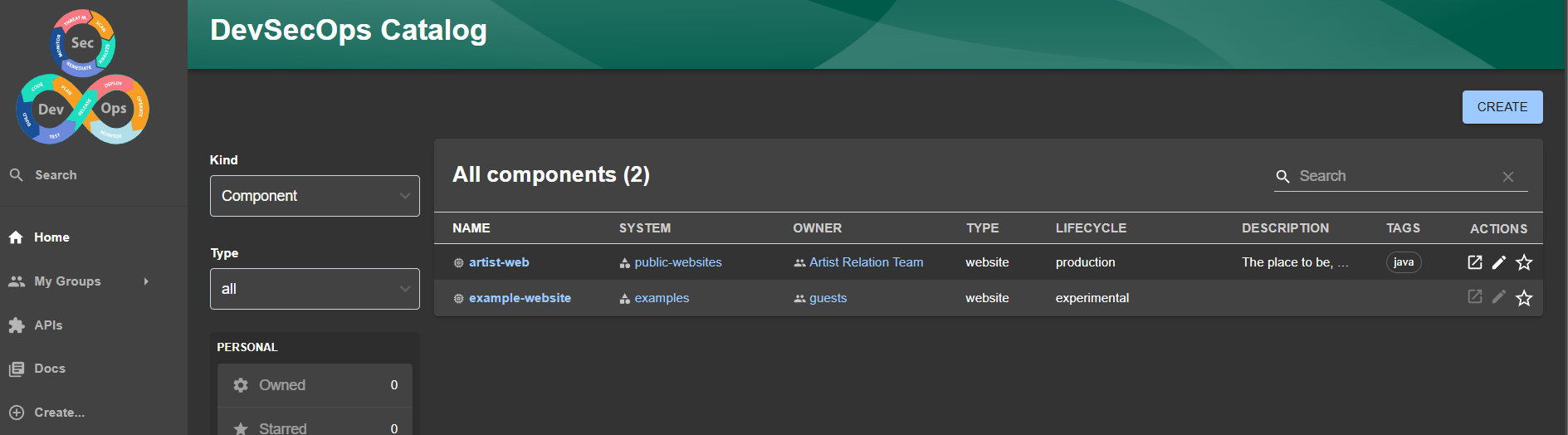
With just a few changes, we already have this.
Now let's populate our sidebar. For this, we'll use Material UI Icon to add icons to things.
If you look closely, you'll see these imports using these libs in Root.tsx
import React, { PropsWithChildren } from 'react';
import { makeStyles } from '@material-ui/core'; // This one
import HomeIcon from '@material-ui/icons/Home'; // This one
Inside app, if you look at packages.json you'll see that at this moment we're using the version below.
  "dependencies": {
    ////
    "@material-ui/core": "^4.12.2",
    "@material-ui/icons": "^4.9.1",
    //...
  },
So when you're on the page searching for icons, switch to version v4.
 .
.
Nothing prevents you from using icons from a higher version, but you'll need to install more packages. I personally like to make minimal changes in environments where I can't yet change the wheel while driving.
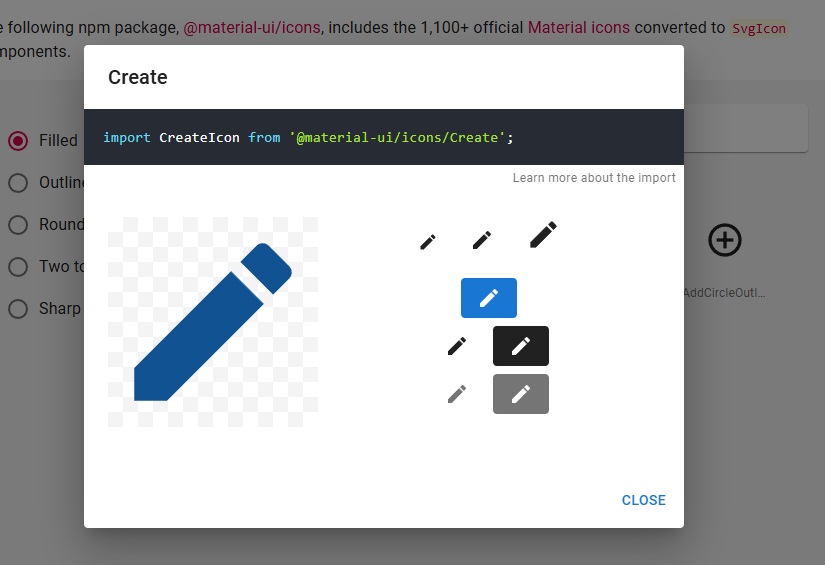
To do this, we'll just add this import and create an extra sidebar with a path.
When we're going to register a new repository manually, we'll go to the page http://localhost:3000/catalog-import, let's create a sidebar to go directly and make life easier.
Root.tsx
//...
import CreateIcon from '@material-ui/icons/Create';
//...

// Create a new sidebarItem here.
// to will navigate to the page we want

export const Root = ({ children }: PropsWithChildren<{}>) => (
        <SidebarItem icon={CreateIcon} to="catalog-import" text="Import..." />
);
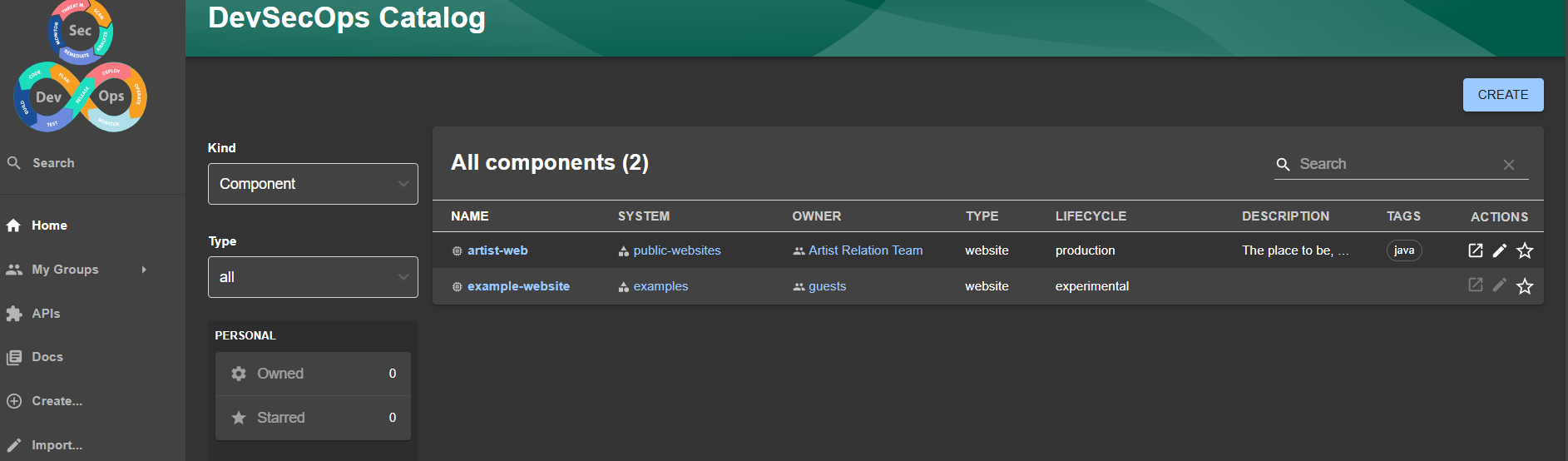
And the import is there.
In a second moment when we have more things available, we'll populate the sidebar according to our needs.